12 C1900 | CIRCULAR CHART RECORDER | CI/C1900/REC-EN REV. B
6 Faceplate keys and displays
Front panel keys
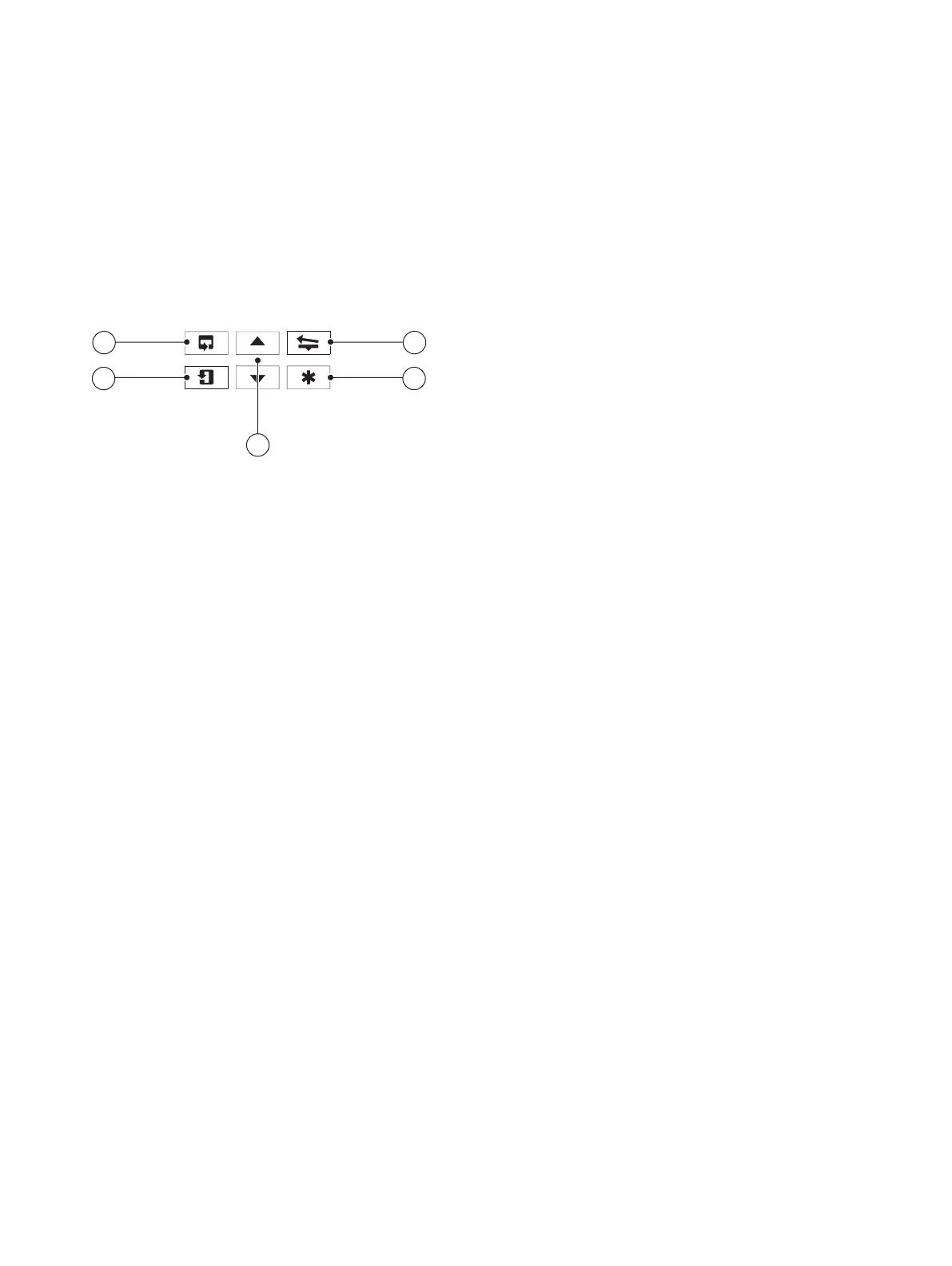
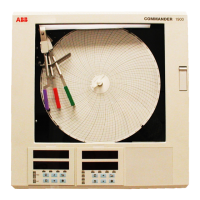
Operation is performed using the keypad below the display on
the faceplate(s) fitted to the front panel. There is a dedicated
faceplate for each control loop but main programming of
recorder is performed using the keypad on the left-hand
faceplate.
The function of each of the keypad keys is described below:
A
B
C
D
E
A
Side scroll key
Enables the operator to advance to the next menu page
B
Down scroll key
Enables the operator to move between parameters in any
page
C
Up/Down keys
Enables adjustment of any parameter value
D
Programmable soft key
By default, configured as home key but can be configured
to perform other functions (for example, alarm
acknowledge, etc.)
E
Pen lift key
Enables the operator to lift/lower the pen(s)
Displays
A display is located on the faceplate(s) fitted to the recorder's
front panel. The displayed character set is as follows:
A
A
L
L
B
b
M
M
C
C
or
c
N
N
or
n
D
d
O
O
or
o
E
E
P
P
F
F
Q
Q
G
G
R
r
H
H
or
h
S
S
I
I
T
t
J
J
U
U
K
K
V
V
Y
Y


 To Next Page