2012981-001 rev. AB
1
1.0 LIQUID ORIFICE OVERVIEW
The Liquid Orifice measurement application is designed to operate in conjunction with
a flow computer and measure liquid volumes for a given material. This application is
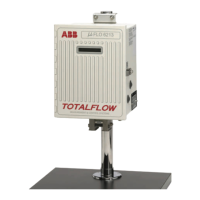
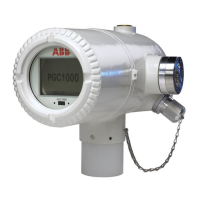
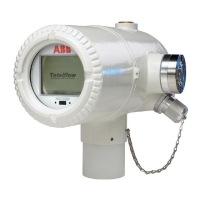
available for both Totalflow XSeries and microFLO devices.
This application is designed to perform calculations based on the standards
determined in the API Manual of Petroleum Measurement Standards, Liquefied
Petroleum Gas Measurement.
A liquid orifice measurement application is not available for
XSeries G4 devices at this time.
2.0 ENABLING THE APPLICATION
It should be noted that the application might already be enabled,
based on the device’s setup. If this is the case, skip the following
procedure and move to Application Defaults.
The following steps will instruct the user on how to enable the Liquid Orifice
application within PCCU.
1) Start PCCU. Once connected, move into Entry mode.
2) Move to the top of the tree-view, and click on the Station ID caption. This will
bring up the main station setup tabs.
3) Click on the Applications tab (see Figure 1).
4) Within the Application tab, the user will instantiate the Liquid Measurement
application. Locate an available slot (measurement applications need to be
turned on within slots 11-18).
5) Upon location, click in the Type field. From the drop-down list, select Liquid
Measurement. Once selected, click the Send button.
6) The user can then look at the tree-view. They will notice a Flow Measurement
application has been added.







 To Next Page