11
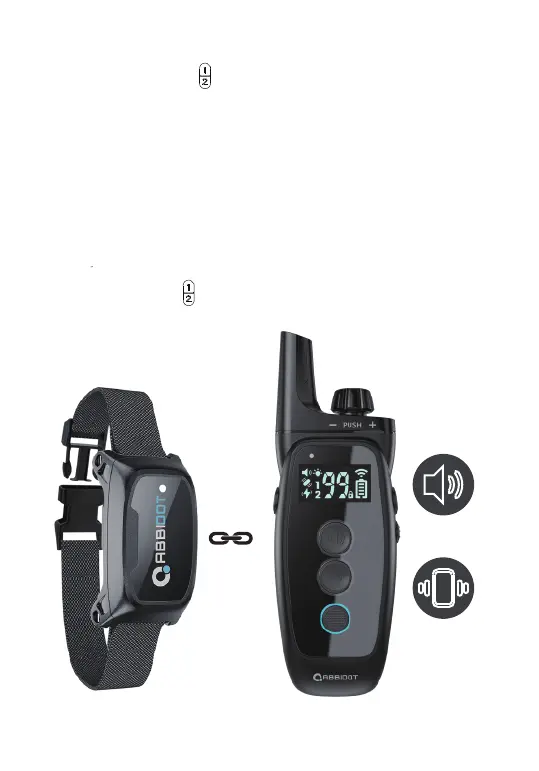
1. On the remote, use the channel switch to select Dog 1.
2. With the remote turned on and the collar turned off, press and hold
the ON/OFF buon on the collar for 4-5 seconds.
3. The LED alternately flashes the red and green lights, indicang that it is
ready to pair.
4. Press and hold the tone and vibrang buons at the same me, then
you will hear 3 beeps, indicang successful pairing.
On the remote, use the channel switch to select Dog 2. Next, follow the
above steps (2-4) to complete the pairing process.
HOW TO PAIR REMOTE WITH THE COLLAR?
HOW TO PAIR THE SECOND COLLAR WITH THE REMOTE?
+



 To Next Page