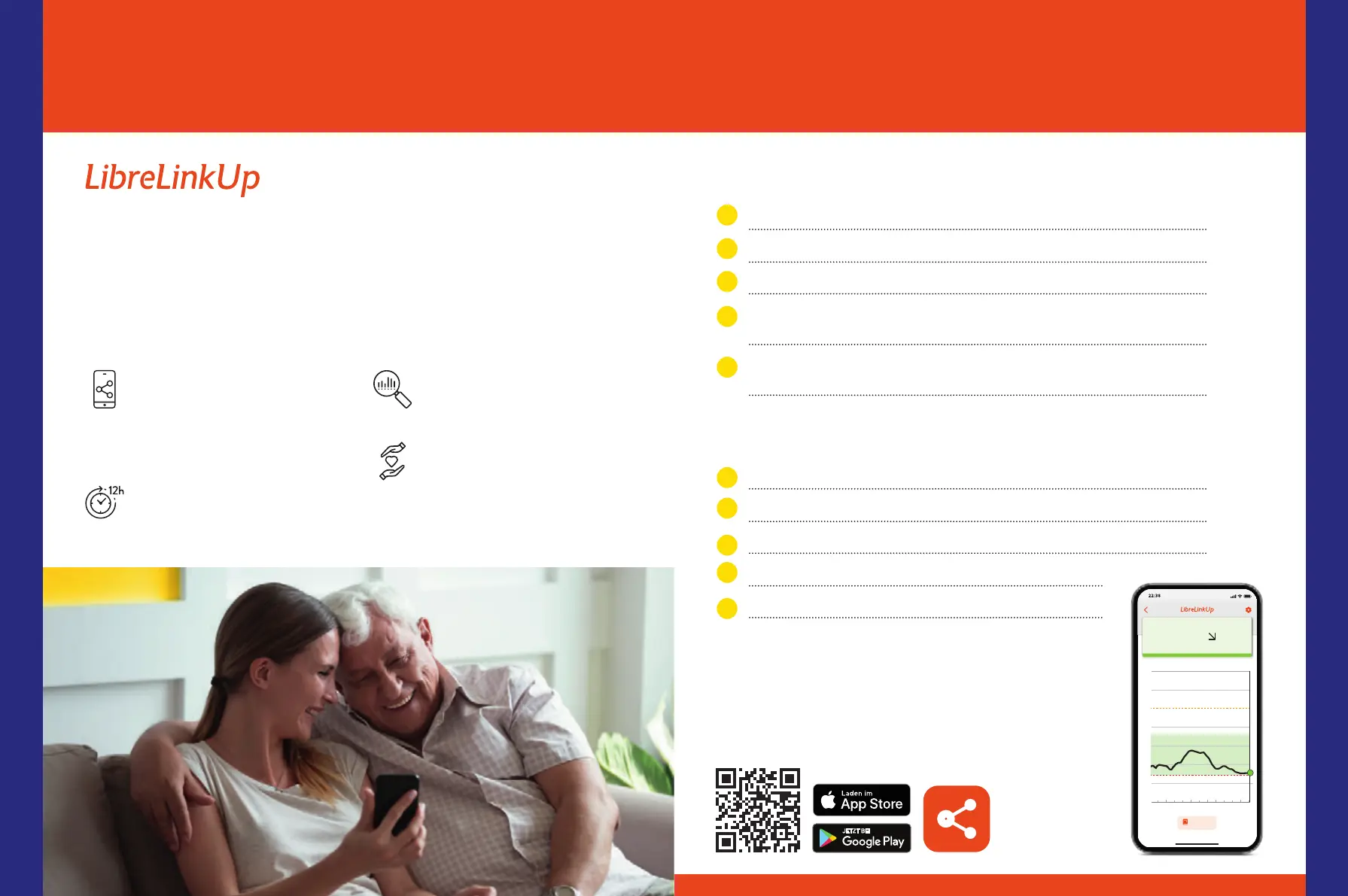
Involve Your Loved Ones in Your Diabetes Care –
for More Security When You Are Away
3,4,15-17
LibreLinkUp
13
Can Only Be Used With the
FreeStyle Libre 3 App
4
How you can benefit from the LibreLinkUp app
Your glucose readings, trend
arrows, and alarms are auto-
matically forwarded from the
FreeStyle Libre 3 App
5
after a
one-time authorization
15,17
.
Your glucose history for the last
12 hours can be seen – without
data gaps.
Your loved ones can swipe across
the progression curve to see
individual values.
More peace of mind during day
and night with individually cus-
tomizable alarms
12,33
– enabling
faster responses in emergencies.
!"#$!%
21
!"
!#
$$%&'(
!)
*
+
,
-
!,.-- !+.-- !*.-- )).--
&'()*+,
/0121
$$%&'(
-./
Using the LibreLinkUp app
14
, your loved ones can remotely track your
glucose levels and alarms
12,15,17
, giving you greater peace of mind
3,4
and
additional support in managing your diabetes.
16
You need to:
1
Open the FreeStyle Libre 3 app.
2
Select „Connected Apps“ in the app menu.
3
Select „Connect“ in the LibreLinkUp section.
4
Add the first and last name and email address of the person you want to
share your glucose readings with
15,16
.
5
Confirm with „Done“. The invited person must accept your invitation
before your glucose readings are made available.
16
Your loved ones need to:
1
Download the LibreLinkUp app.
2
Select „Get started“ from the app menu, then „Create account“.
3
Follow the steps shown in the app and create a LibreView
13
account.
4
Accept the displayed invitation.
16
5
From now on, they will receive your glucose readings.
15,17
Download LibreLinkUp now for free from the
Apple App Store or Google Play Store:
Digital Tools
5352














 To Next Page