3
OVER
3 Set the Time and Date
Purpose To ensure the correct time and date are associated with your data.
Start Do this procedure:
•ersttimeyouuseyourFreeStyleNavigatorsystem.
•Whenyouinstallnewbatteries.
Materials Yo ur FreeStyle Navigator Receiver.
Helpful Information
Important: Be sure to set the date and time correctly. e correctness of the line graph and statistical
reports depends upon the date and the time being correct.
e re• ceiver is on whenever batteries with sucient charge are in the receiver.
If the batteries are discharged or removed for 5 minutes or more, you must reset the date and time.•
If you make a mi• stake or want to exit from the Set Date/Time screen, simply leave the receiver alone
for 12 seconds. It will automatically turn o, and any changes you made will be cancelled or cleared.
If you change the time and/or d• ate in the receiver, the line graphs and statistical reports will be
aected. For example, if you travel from one time zone to another and change the time to match the
local time zone, the appearance of your graph will be aected.
Steps Do This
1.
Go to the Main screen.
Note: When setting the time and date aer inserting the
batteries, start from Step 4.
a. Turn the display on.
b. Press the RIGHT Option button a second time to
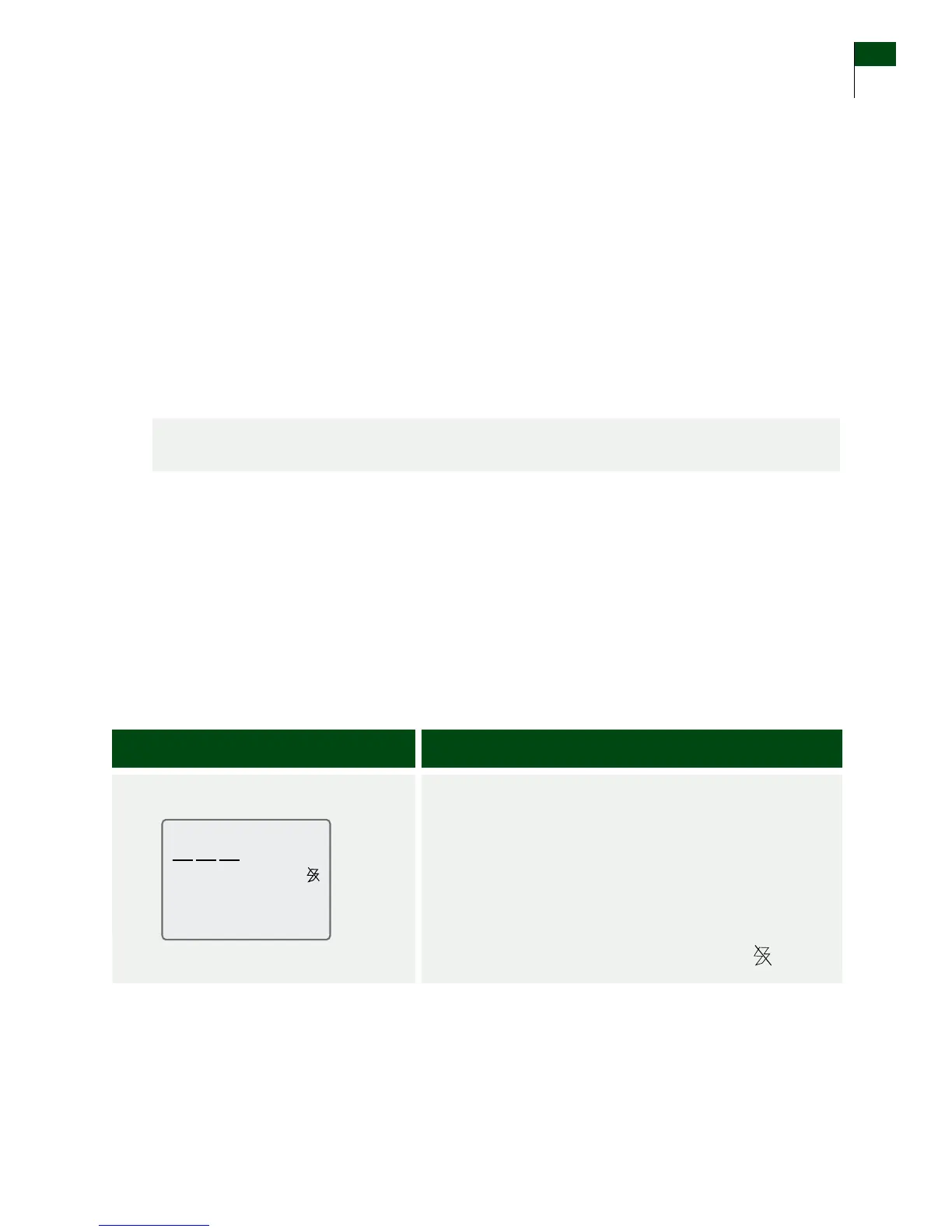
display the Main screen. If your transmitter and
receiver are connected, you will not see the
icon.
Section 3 21
Set the Time and Date















 To Next Page