Steps Do This
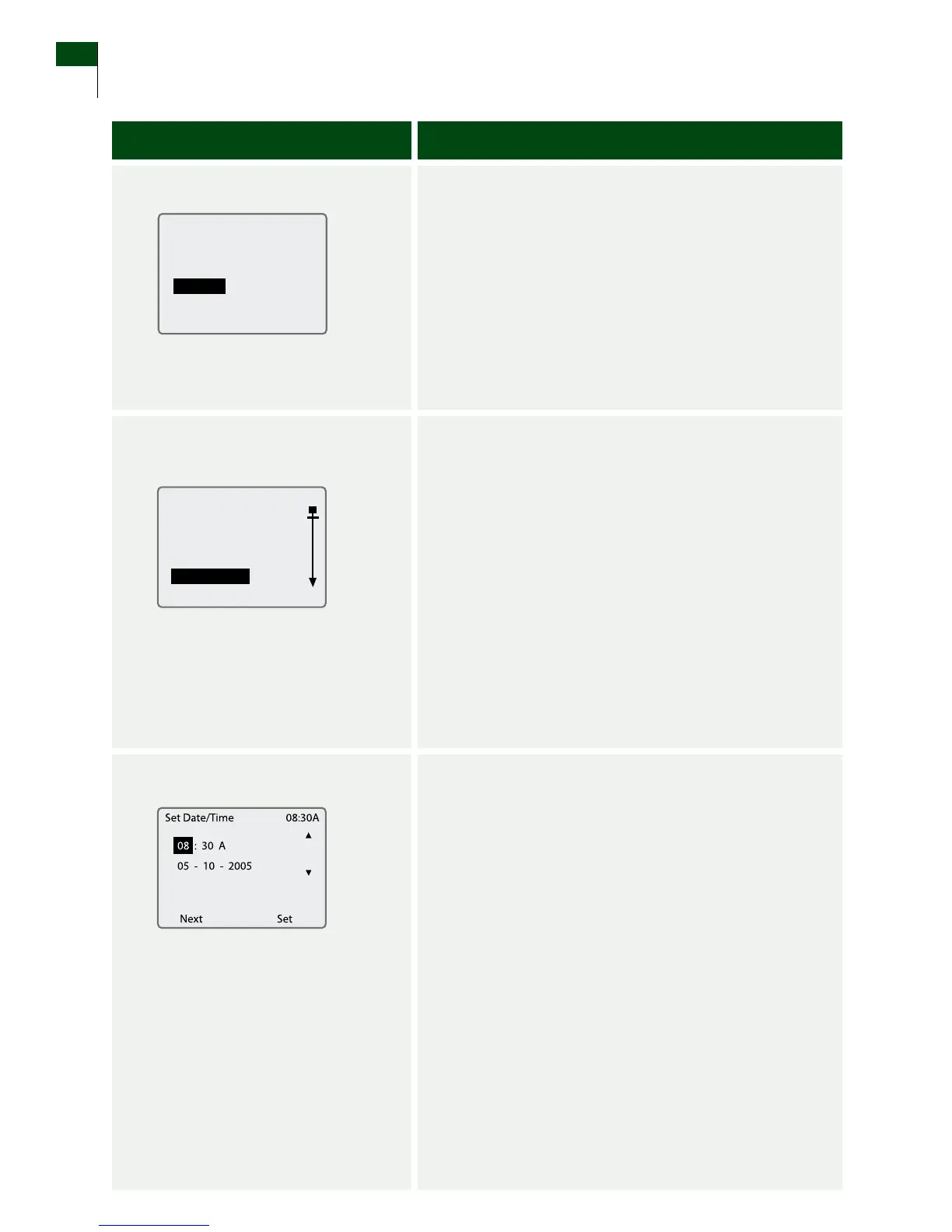
2. Go to the System screen.
a. Press the DOWN Arrow button to highlight System.
b. Press the RIGHT Option button (Select) to go to the
System Menu screen.
3. Select Set Date/Time from
the System Menu screen.
a. Use the UP/DOWN Arrow buttons to highlight Set
Date/Time on the System Menu screen.
b. Press the RIGHT Option button (Select) to display the
Set Date/Time screen.
4. Set the time.
a. Use the UP/DOWN Arrow buttons to set the
current hour.
b. Press the LEFT Option button (Next) to move to
the minutes digits.
c. Use the UP/DOWN Arrow buttons to set the
current minutes.
d. Press the LEFT Option button (Next) to move to
the AM or PM eld.
e. Use the UP/DOWN Arrow buttons to select A
(AM) or P (PM).
f. To set the date, go to Step 5.
Customer Care: 1-866-597-5520
22 Section 3
Set the Time and Date















 To Next Page