Steps Do This
8. Set System Alarms.
Important: If you turn o the System Alarms, the receiver
will NOT prompt you to do the calibration tests aer you
insert a new sensor.
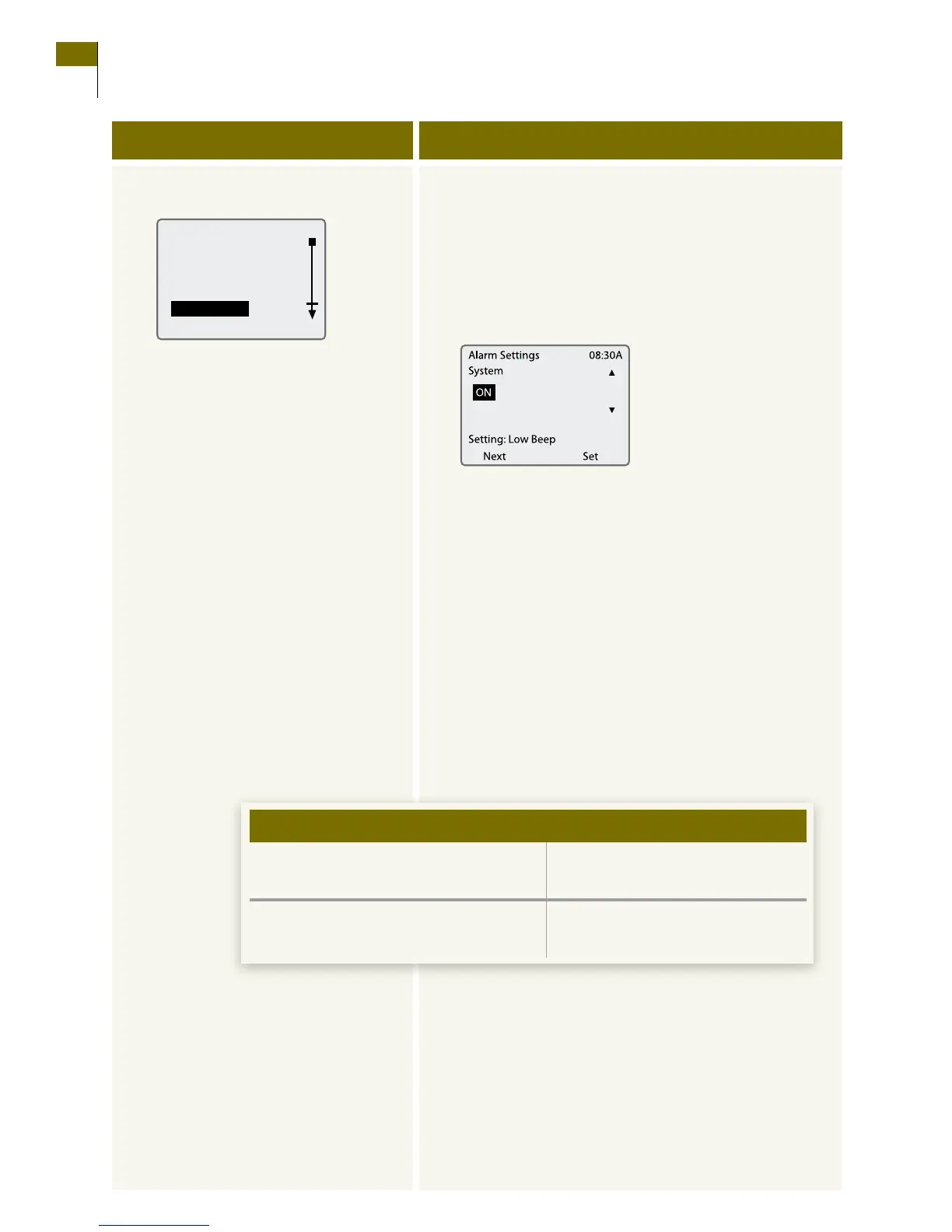
a. Select System Alarms from the Alarms menu.
b. Review or change your settings.
•PresstheLEFT Option button (Next) to move
from one eld to the next.
•Use the UP/DOWN Arrow buttons to change
the setting in any eld.
•PresstheRIGHT Option button (Set) to accept the
settings and return to the Alarms menu.
Note: e receiver will respond with a brief sample
of the alarm you selected.
c. Decide what to do next.
Decide what settings you want:
• Alarmonoro.
• Alarmtype(Setting).
– Low, medium, or high beep.
– Short, medium, or long
vibration.
•Youaresetting,reviewing,orchanging
all alarms.
Continue to the next step.
•Youarenishedsetting,reviewing,and
changing alarms.
Go to Step 11.
If en
Customer Care: 1-866-597-5520
76 Section 8
Set, Review, or Change the Alarm Settings















 To Next Page