9
1
2
3
4
5
6
7
8
32
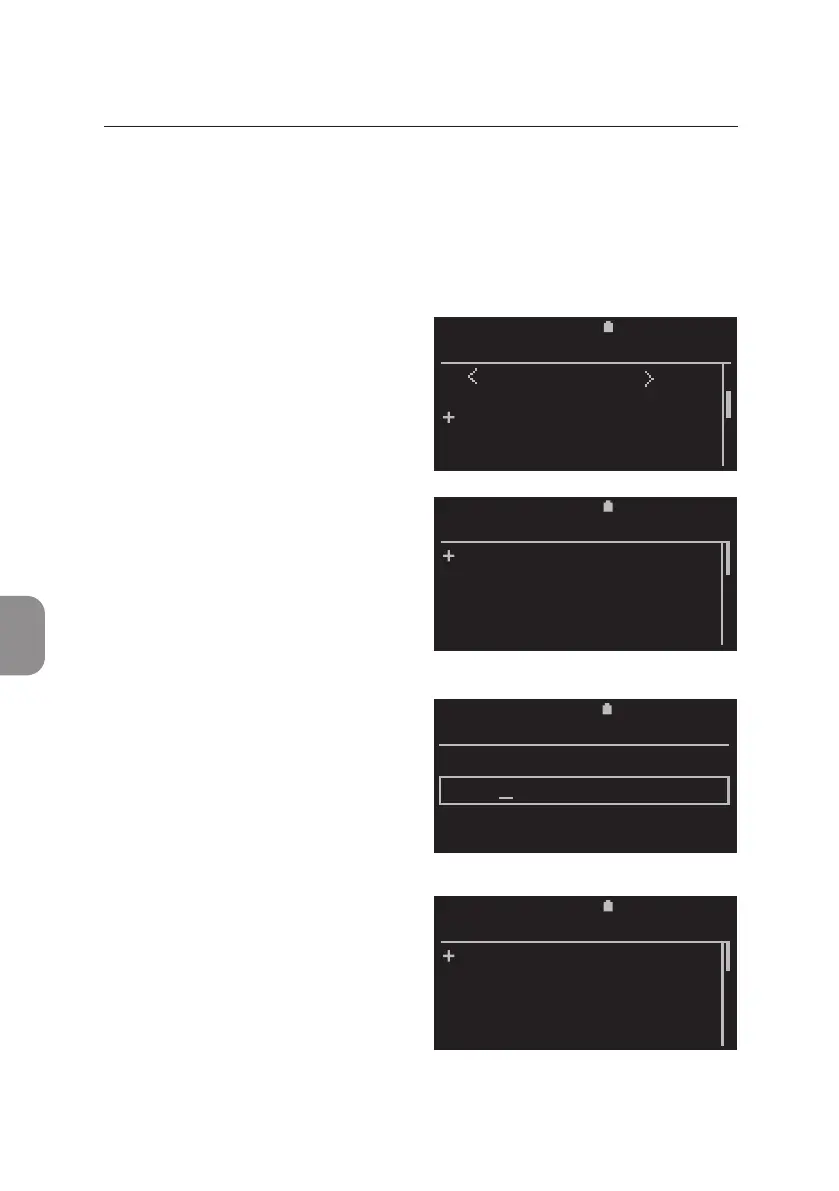
Edit an Operator ID
Eding of exisng operators is only possible when no analysis is running.
Select «Operator» from the «Sengs List » and conrm with 〈 to enter the
«Operator List».
• Select the operator that needs to
be edited. Conrm with 〈.
• The «Operator ID» window opens.
Select «Edit Operator» and conrm
with
〈.
• The «Edit Operator» window
opens and the entry can be edited.
Conrm with
〈 when nished
and the «Edit Operator» Menu is
displayed.
Press 〈 to save edited operator.
Selecng «Cancel» and conrm
with 〈 re-opens the unchanged
«Operator List».
6 MAIN MENU: SETTINGS
2020-11-01 11:05
OPERATOR ID
Edit
Delete
11:052020-11-01
EDIT OPERATOR
Save
Cancel
11:052020-11-01
EDIT OPERATOR
ANTO
11:052020-11-01
OPERATOR LIST
New Operator
Karin
Anton
Chris



 To Next Page