9
1
2
3
4
5
6
7
8
38
8 ERROR CODES & TECHNICAL SUPPORT
8 ERROR CODES & TECHNICAL SUPPORT
Note: If the Pima Analyser does not react to any input from the keypad,
press and hold the Power On buon on the back of the analyzer unl the
screen turns black and you hear a long single "beep", conrming that the
analyzer is now switched o. Restart the Pima Analyser.
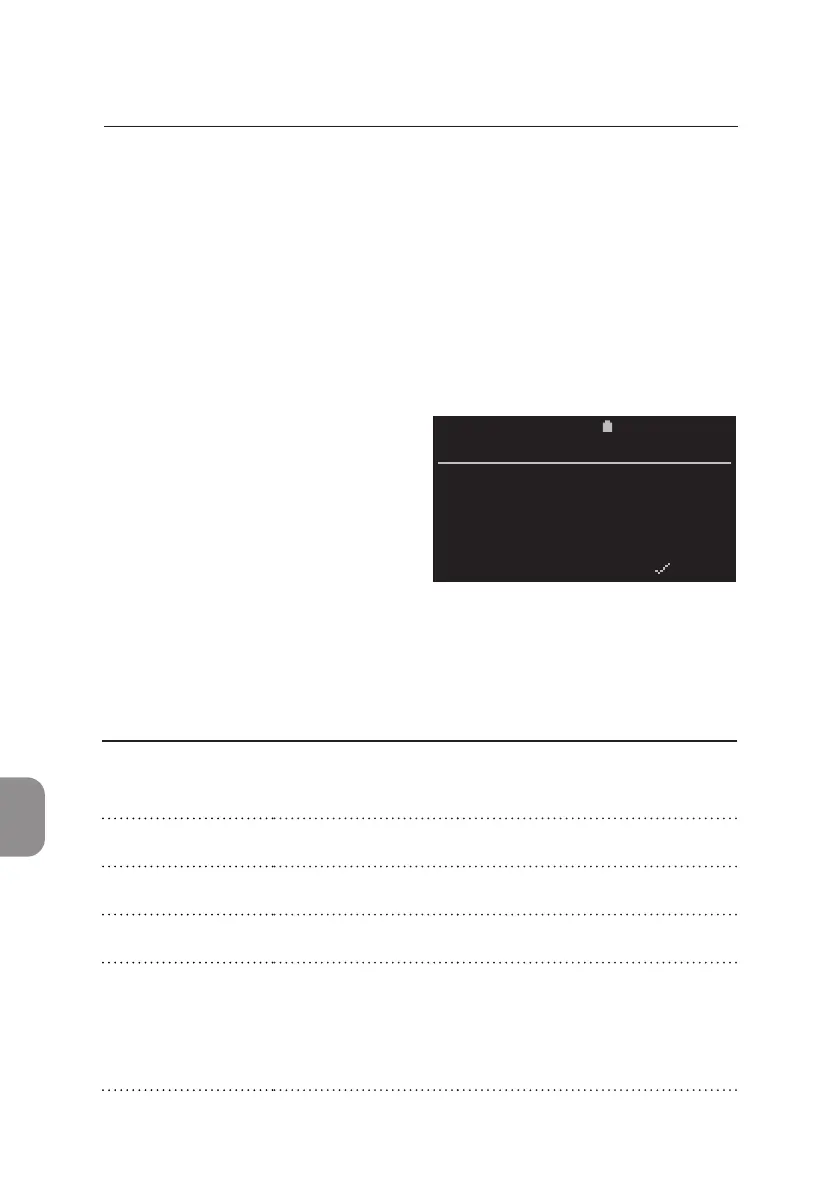
Error Code Window
The Pima Analyser performs a series of checks to ensure that all steps of the
analysis process are completed successfully.
Should one of these checks discover
an error, the test will be aborted
automacally, the cartridge ejected
and an error code displayed on the
screen (an example is shown to the
right).
11:052020-11-01
Sample: 67352
Invalid Test
Error 810
_________________________________________
BACK X PRINT
PIMA CD4
Technical Support
For Technical Support please contact your local distributor or call the
respecve number for your region:
Europe &
Middle East
+44 161 483 9032 EME.TechSupport@abbo.com
Africa +27 10 500 9700 arcis.techsupport@abbo.com
Asia Pacic +61 7 3363 7100 AP.TechSupport@abbo.com
Lan America +57 1 482 4033 LA.TechSupport@Abbo.com
Russia, and the
Commonwealth
of Independant
States (RCIS)
+44 161 483 9032 arcis.techsupport@abbo.com



 To Next Page