9
1
2
3
4
5
6
7
8
Pima™ ANALYSER USER GUIDE
37
Remove any storage media from the USB port before shung down
the Pima Analyser.
7 MAIN MENU: POWER OFF
2020-11-01 11:05
Do you want to
turn power off ?
POWER OFF
YES
NO
2020-11-01 11:05
Results
Settings
Power Off
MAIN MENU
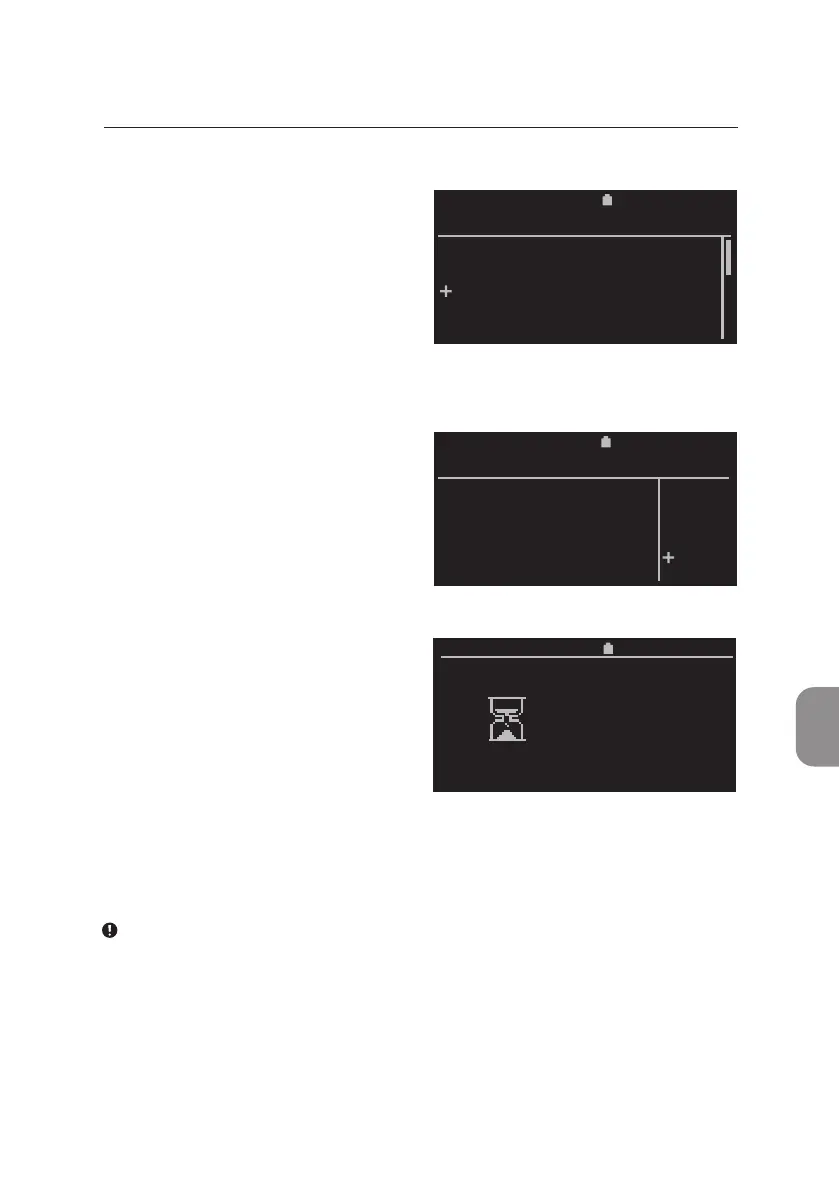
Turning O the Pima Analyser
• To turn o the Pima Analyser
select «Power O» from the
«Main Menu» and conrm
with 〈.
• The «Power O» window appears
and, as a safety measure,
«NO» is selected by default.
• If «YES» was selected and
conrmed with 〈, the screen will
indicate that the Pima Analyser
is shung down. This may take
up to one minute. Aer the
shutdown sequence is completed,
the Pima Analyser will turn itself
off, the screen will turn black and a
"beep" is audible.
11:052020-11-01
Shutdown
Please wait



 To Next Page