9
1
2
3
4
5
6
7
8
34
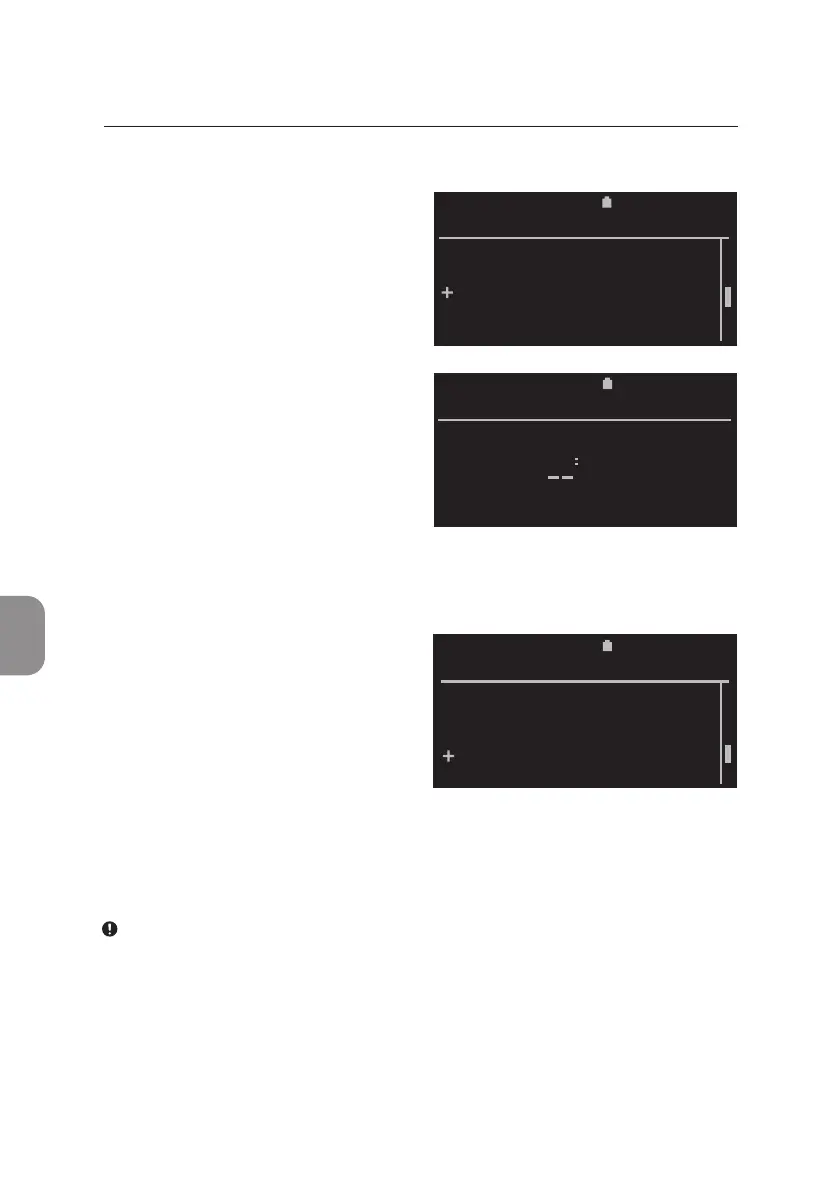
Time
• Select «Time» from the «Sengs
List» and conrm with 〈 to set
the me on the Pima Analyser.
• Use ⌱ and ⌲ to select the
desired number and conrm
with 〈, entering the hours rst,
followed by minutes. Conrm the
correct me with 〈.
13 53
2020-11-01 11:05
SET TIME
2020-11-01 11:05
SETTINGS LIST
Operator
Date
Time
Service Export
Device Info
Service Export
• Select «Service Export» from
the «Sengs List» and conrm
with 〈 to export encrypted
data from the last analysis or
the last 10 analyses. Follow
the on-screen instrucons and
proceed in similar fashion as
described for "Export Results
from Archive".
2020-11-01 11:05
Operator
Date
Time
Service Export
Device Info
SETTINGS LIST
Note: The Service Export tool is meant to assist Technical Support in
trouble shoong the Pima Analyser. Service Export les can only be read
using matching decrypng soware. Service Exports may take up to an
hour, depending on the number of les needed to be exported and the
USB storage medium used.
6 MAIN MENU: SETTINGS



 To Next Page