18
Monitoring
Blood Glucose
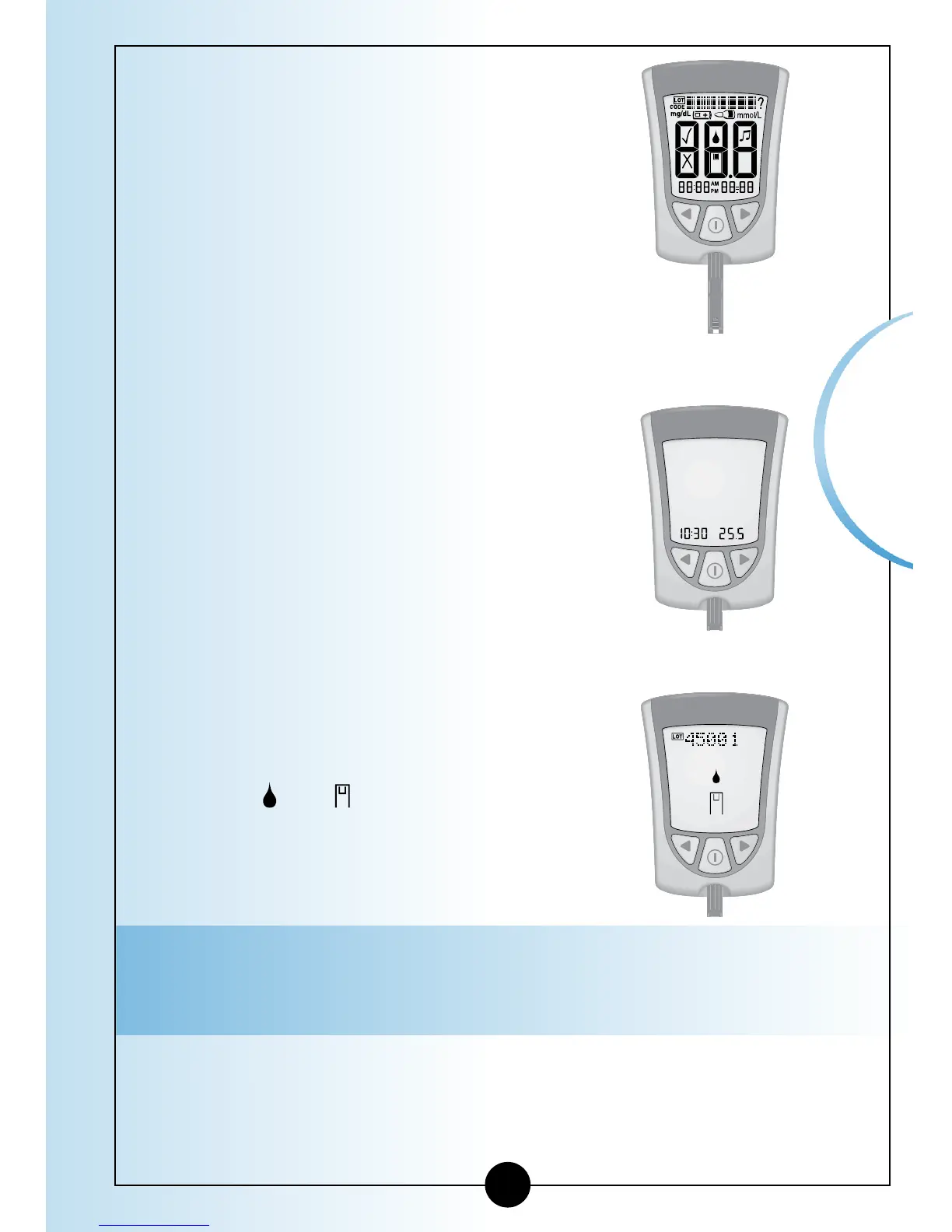
• Display Check – Remember to make
sure that all items in the picture here
show on the display window. (See
Chapter 1 for more information about
the Display Check.)
• Time, month, and day (if set)
If date and time are not set, dashes will
show instead of numbers.
• LOT 45001 and the Apply Sample
symbols
and , indicating that the
meter is ready for you to apply blood
to the blood glucose test strip.
Note: LOT 45001 must match the LOT number for the
box of blood glucose test strips you are using.














 To Next Page