EasyManua.ls Logo

Abbott Precision Xtra - User Manual

Abbott Precision Xtra
61 pages
Print Icon
To Next Page IconTo Next Page
Loading...
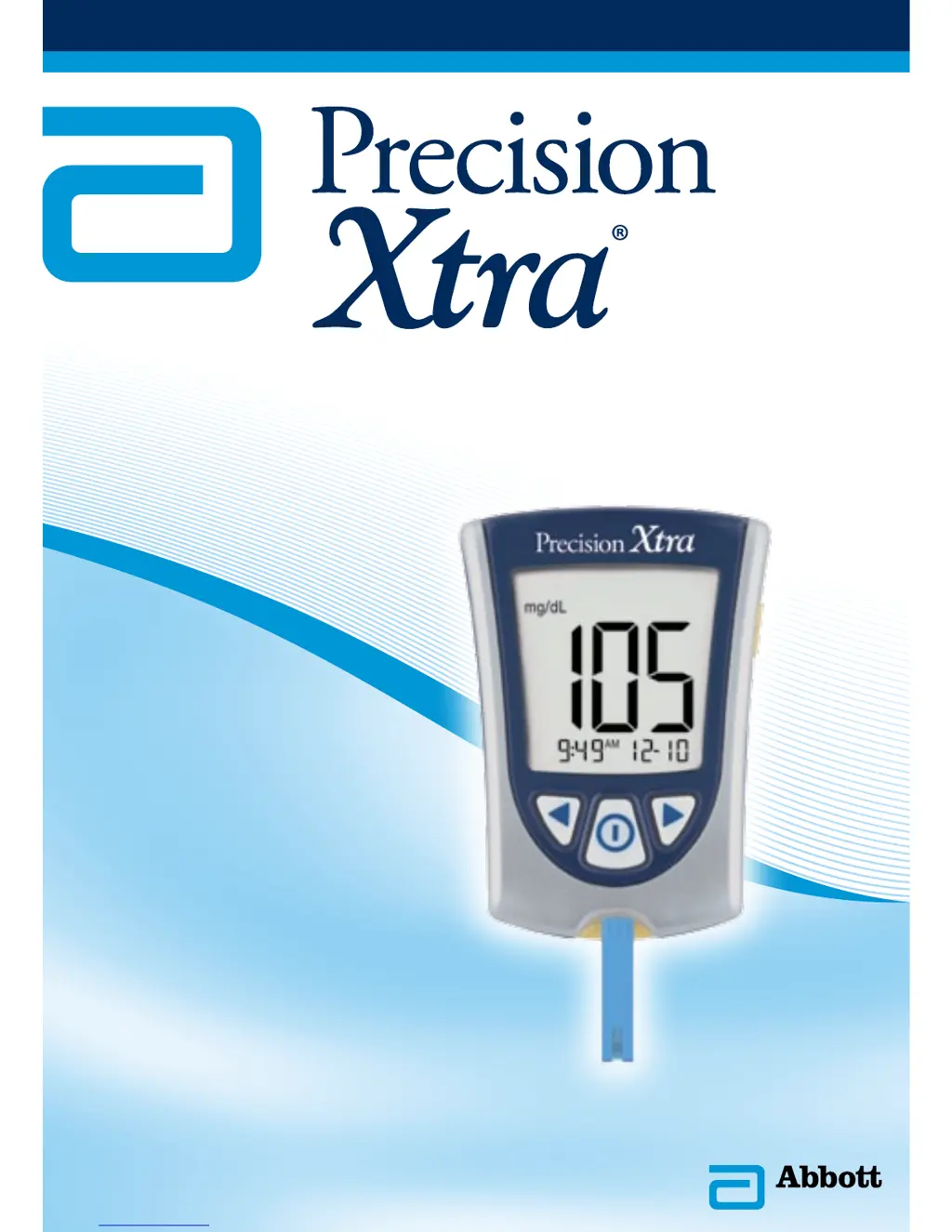
Blood Glucose & Ketone Monitoring System
Users Guide

Table of Contents

Other manuals for Abbott Precision Xtra

Questions and Answers

  • V
    Valerie HermanAug 14, 2025
    What to do if I get a monitor error on my Abbott Precision Xtra?
    • E
      elizabeth28Aug 14, 2025
      If you encounter a monitor error with your Abbott Blood Glucose Meter, try the following: * Turn the monitor off, then repeat the monitoring steps. * Remove the test strip, turn the monitor off, and try monitoring again. * Monitor again with a new test strip. If the error persists, contact Abbott Diabetes Care Customer Support Centre.
  • D
    Dustin FosterAug 17, 2025
    What to do if Abbott Precision Xtra shows error due to high blood glucose?
    • L
      leepatrickAug 17, 2025
      If your Abbott Blood Glucose Meter indicates an error because the blood glucose result may be too high to be read by the system, or if there is a problem with the blood glucose or blood ketone test strip, monitor again using a new test strip. If the error message appears again, immediately contact your healthcare professional.
  • A
    Anna TaylorAug 21, 2025
    What to do if Abbott Precision Xtra Blood Glucose Meter shows error due to low blood glucose?
    • H
      hlucasAug 21, 2025
      If your Abbott Blood Glucose Meter indicates an error because the blood glucose result may be too low to be read by the system, or if there is a problem with the blood glucose or blood ketone test strip, monitor again using a new test strip. If the error message appears again, immediately contact your healthcare professional.
  • H
    hannahvaughnAug 25, 2025
    What to do if Abbott Precision Xtra Blood Glucose Meter shows monitor error?
    • H
      Harold DouglasAug 25, 2025
      If your Abbott Blood Glucose Meter displays a monitor error, remove the test strip, turn the monitor off, and then try monitoring again.
  • G
    Gregory CrosbyAug 28, 2025
    What to do if Abbott Blood Glucose Meter shows monitor error with new test strip?
    • M
      Mr. Shannon ButlerAug 28, 2025
      If you encounter a monitor error when using a new test strip with your Abbott Blood Glucose Meter, it might indicate an issue with the test strip itself. In this case, use another new test strip to monitor again. Note that the blood glucose result may be too high to be read by the system, or there may be a problem with the blood glucose or test strip.
  • M
    meghan25Aug 31, 2025
    What to do if the temperature is too hot or too cold for my Abbott Precision Xtra Blood Glucose Meter?
    • M
      Matthew HallAug 31, 2025
      If the temperature is too hot or too cold for your Abbott Blood Glucose Meter to work properly: * Move your monitor and test strips to a location where the temperature is appropriate and monitor again with a new test strip. * You may have to wait for your monitor to adjust to the new temperature.
  • D
    doughertymichaelSep 3, 2025
    What to do if I applied blood to the test strip too soon on my Abbott Precision Xtra Blood Glucose Meter?
    • M
      Michael AlexanderSep 3, 2025
      If blood was applied to the test strip too soon on your Abbott Blood Glucose Meter: * Review the monitoring instructions. * Monitor again with a new test strip.
  • M
    Megan HallSep 6, 2025
    What to do if Abbott Precision Xtra Blood Glucose Meter says temperature is too hot or cold?
    • R
      Richard AlexanderSep 7, 2025
      If your Abbott Blood Glucose Meter displays a temperature error, move your meter and test strips to a location where the temperature is appropriate and monitor again with a new test strip. You may have to wait for your meter to adjust to the new temperature. Refer to your test strip instructions for use for the appropriate operating temperature range. If the error message appears again, contact Customer Service.
  • J
    jonathanmooreSep 10, 2025
    What to do if Abbott Blood Glucose Meter says blood applied to test strip too soon?
    • J
      Julia EllisSep 12, 2025
      If you receive an error message on your Abbott Blood Glucose Meter indicating that blood was applied to the test strip too soon, review the monitoring instructions and monitor again with a new test strip. If the error message appears again, contact Customer Service.

Summary

Chapter 1: Important Things to Know about Your Precision Xtra Blood Glucose and Ketone Monitoring System

Intended Use

Defines the intended purpose and application of the Precision Xtra monitoring system.

System Operation Overview

Explains how the Precision Xtra Blood Glucose and Ketone Monitoring System operates.

Kit Contents and Features

Lists kit components and describes monitor features.

Chapter 2: Setting Up Your Precision Xtra Monitor

Monitor Buttons and Setup Options

Identifies monitor buttons and outlines initial setup options.

Configuring Beeper, Time, and Date

Guide to setting beeper, time, date, and formats.

Setting Measurement Units

Explains how to select blood glucose measurement units (mg/dL or mmol/L).

Chapter 3: Calibrating Your Precision Xtra Monitor

Purpose and Schedule for Calibration

Explains why calibration is necessary and when to perform it.

Calibration Procedure

Detailed steps for calibrating the monitor using calibrator packages and checking LOT numbers.

Chapter 4: Monitoring Your Blood Glucose

Preparation and Required Items

Lists necessary items and important information before monitoring blood glucose.

Blood Glucose Monitoring Steps

Step-by-step instructions for obtaining and applying blood samples for glucose monitoring.

Understanding Glucose Results

Explains interpretation of 'LO', 'HI', and error code results for glucose monitoring.

Chapter 5: Monitoring Your Blood ẞ-Ketone

When to Check Ketones

Identifies situations requiring blood ẞ-Ketone level checks.

Preparation and Information for Ketone Monitoring

Lists required items and crucial info before monitoring blood ẞ-Ketone.

Blood ẞ-Ketone Monitoring Procedure

Steps for performing blood ẞ-Ketone tests and understanding results.

Chapter 6: Doing A Control Solution Test

Purpose and Recommendations for Control Testing

Explains the reason for control tests and when they are recommended.

Control Solution Testing Procedure

Comprehensive steps for performing control solution tests for glucose and ketones.

Chapter 7: Reviewing & Using Your Results

Monitor Memory and Averages

Accessing stored results, viewing glucose averages, and data transfer.

Chapter 9: Monitor Specifications & Limitations

Monitor Physical and Power Specifications

Details on monitor dimensions, weight, power source, and battery life.

Operating Conditions and Functions

Information on operating temperatures, humidity, and system functions.

Assay Ranges and Data Port

Specifies measurement ranges and data port availability.

Alternative Site Sampling Guidelines

Guidelines for using alternative blood sampling sites and when not to use them.

Chapter 10: Caring For Your Monitor

Cleaning and Battery Replacement

Instructions for cleaning the monitor and replacing its battery.

Abbott Precision Xtra Specifications

General IconGeneral
BrandAbbott
ModelPrecision Xtra
CategoryBlood Glucose Meter
LanguageEnglish

Related product manuals