EasyManua.ls Logo

Abbott Precision Xtra - Replacing Your Monitors Battery

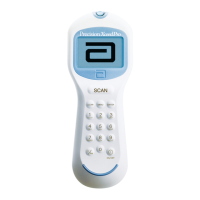
Abbott Precision Xtra
61 pages
Print Icon
To Next Page IconTo Next Page
To Previous Page IconTo Previous Page
Loading...
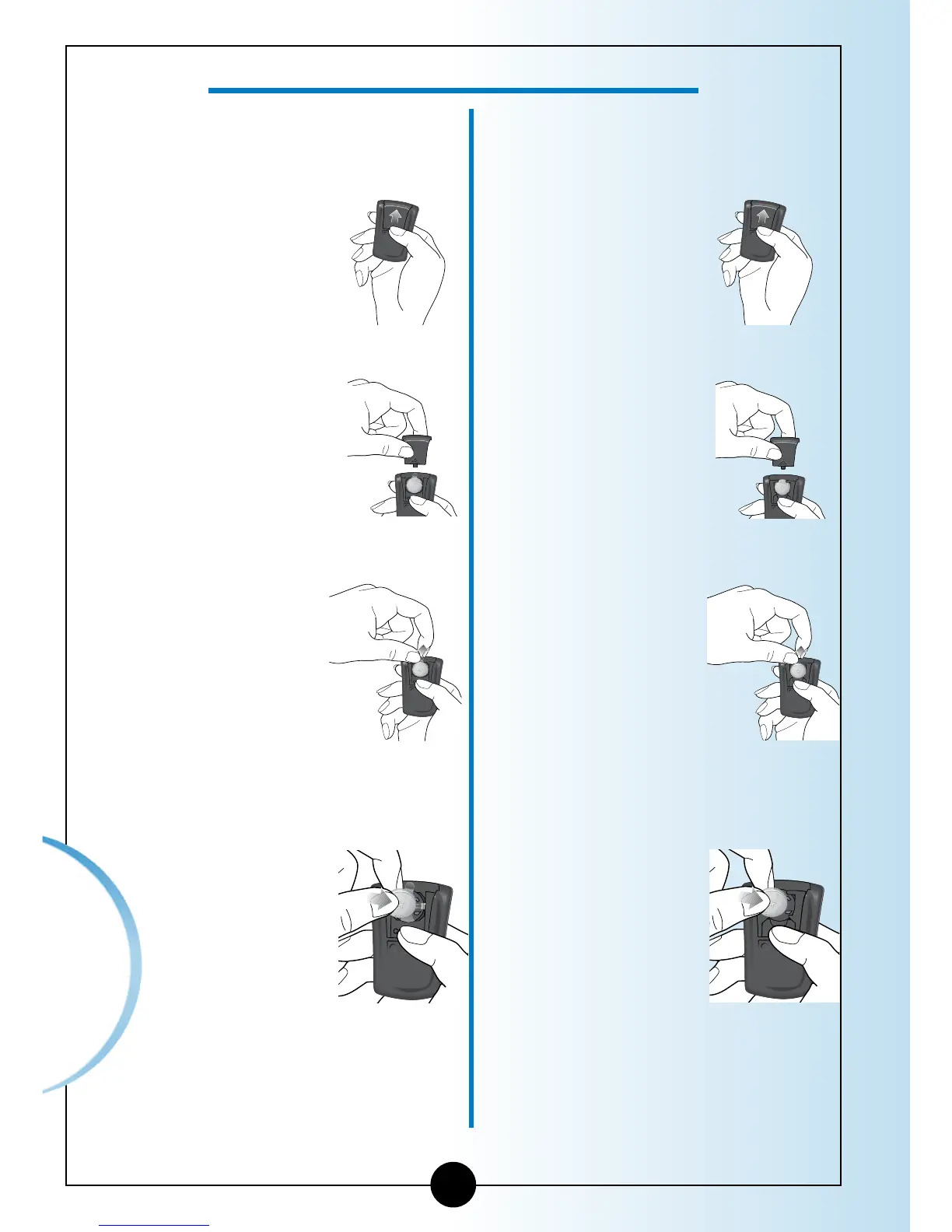
If your monitor has a plastic tab,
use these directions.
If your monitor has no plastic tab
follow these directions.
1
Gently push
the battery
cover in and
up with your
thumb.
1
Gently push
the battery
cover in and
up with your
thumb.
2
Lift the
battery cover
out of the
monitor.
2
Lift the
battery cover
out of the
monitor.
3
Pull on the
plastic tab
sticking out
of the
monitor
to remove
the old
battery.
3
To remove the
battery, push
the battery
upward to
release the
battery.
4
Insert a new
CR 2032
Lithium
(coin cell)
battery with
the plus
sign (+)
facing up.
4
Insert a new
CR 2032
Lithium
(coin cell)
battery with
the plus
sign (+)
facing up.
Caring for Your
Monitor
55
How to Replace Your Monitor's Battery

Table of Contents

Other manuals for Abbott Precision Xtra

Related product manuals