Shutting Off Your Monitor
1
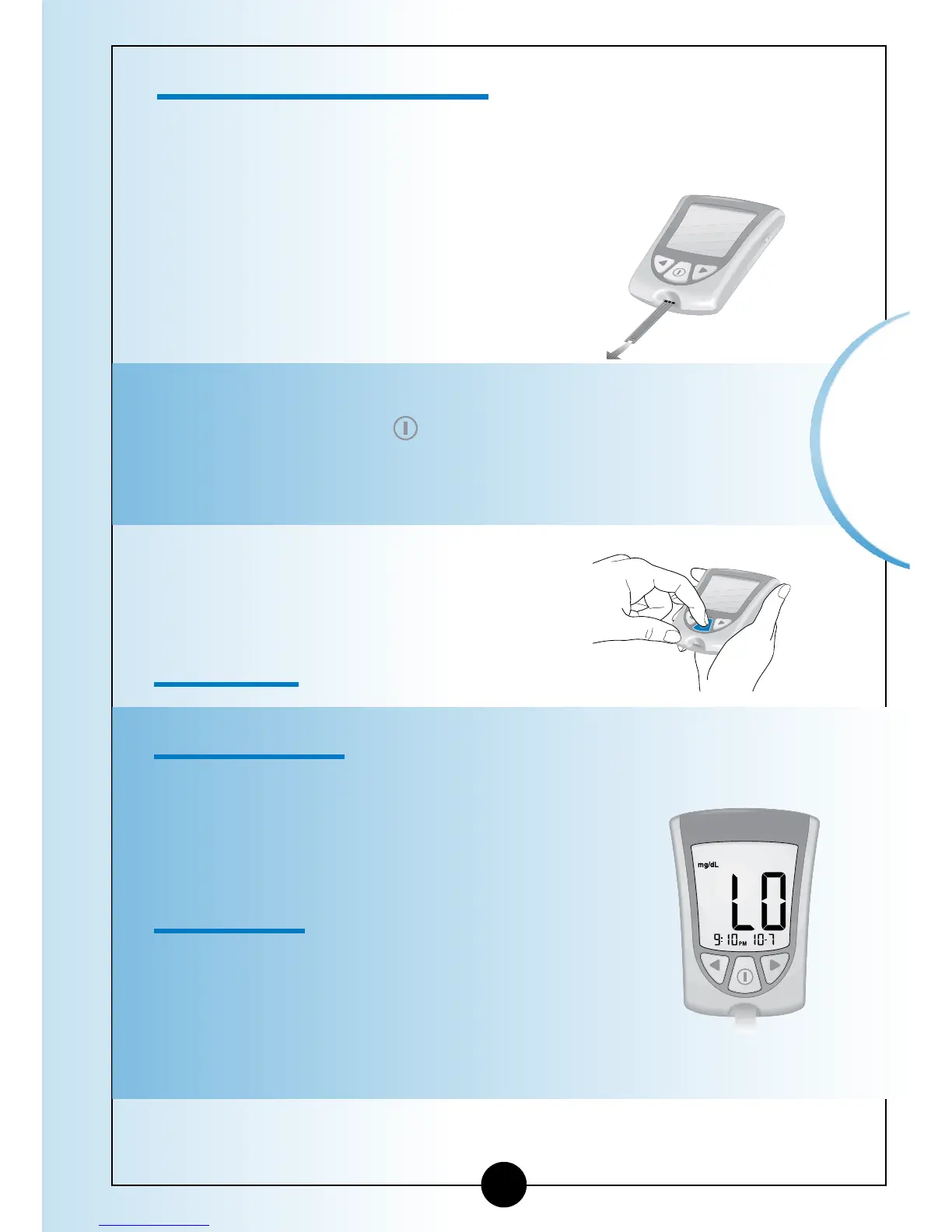
Removing the test strip from the strip port turns off the
monitor. You can use the opened foil packet to remove
and discard your used test strip.
2
Discard the test strip properly.
Note: You may also turn the monitor off by Pressing
and Holding the
button. If you do not turn your
monitor off or pull the test strip out, the monitor
shuts off automatically after 60 seconds.
▼
Understanding Your Result
"LO" Result
What It Means:
Your monitor has determined that your
blood glucose result is lower than 20 mg/dL
(1.1 mmol/L) or there may be a problem
with the test strip.
What to Do:
Monitor your blood glucose again with a
new test strip. If LO shows on the display
window again, contact your healthcare
professional immediately.
24
Monitoring
Blood Glucose














 To Next Page