CHAPTER 10
Caring For
Your Monitor
▼
Cleaning Your Monitor
Store your monitor in its carrying case.
If the surface of your monitor gets dirty, you may clean it.
Use a damp cloth and mild soap.
Healthcare professionals: Acceptable cleaning solutions
include 10% Bleach, 70% Alcohol, or 10% Ammonia.
IMPORTANT:
Do not try to clean the strip port.
Do not pour liquid into the strip port or buttons.
Do not place your monitor in water or any other bath.
Replacing Your Monitor’s Battery
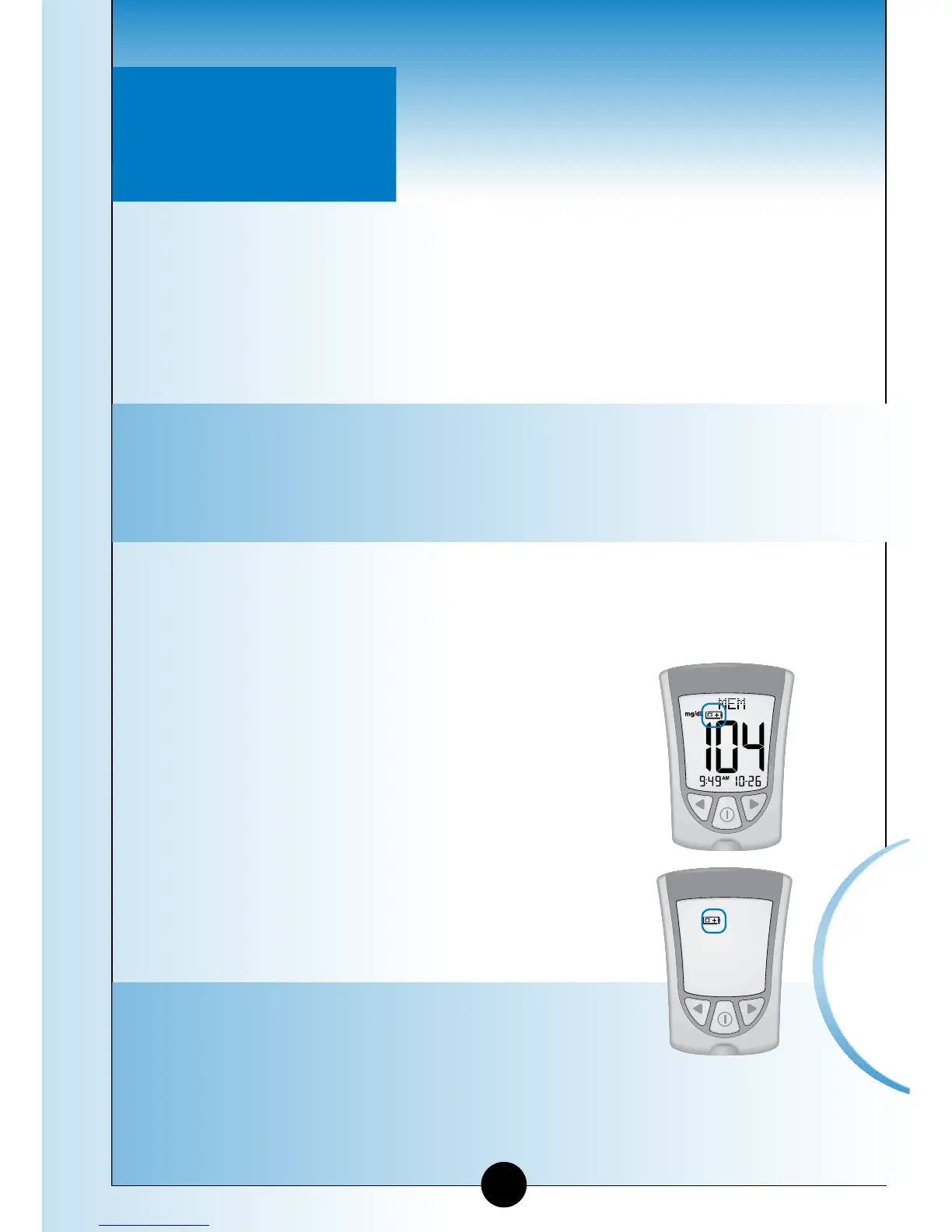
When your monitor needs its batteries replaced,
the display window shows one of two things:
This means the battery is low. You may
still use your monitor and the results will
be accurate. However, the backlight is
not useable. It is recommended that you
replace the battery at this time.
This means the battery must be
replaced. The monitor is not useable.
The monitor turns off automatically.
IMPORTANT:
Do not remove the old battery until you
have a new battery to install. It may be
necessary to reset the time and date
once you install a new battery.
▼
Questions? Call
Customer Care:
1-800-527-3339
54
Caring for
Your Monitor
➡
➡














 To Next Page