Reviewing Results
4
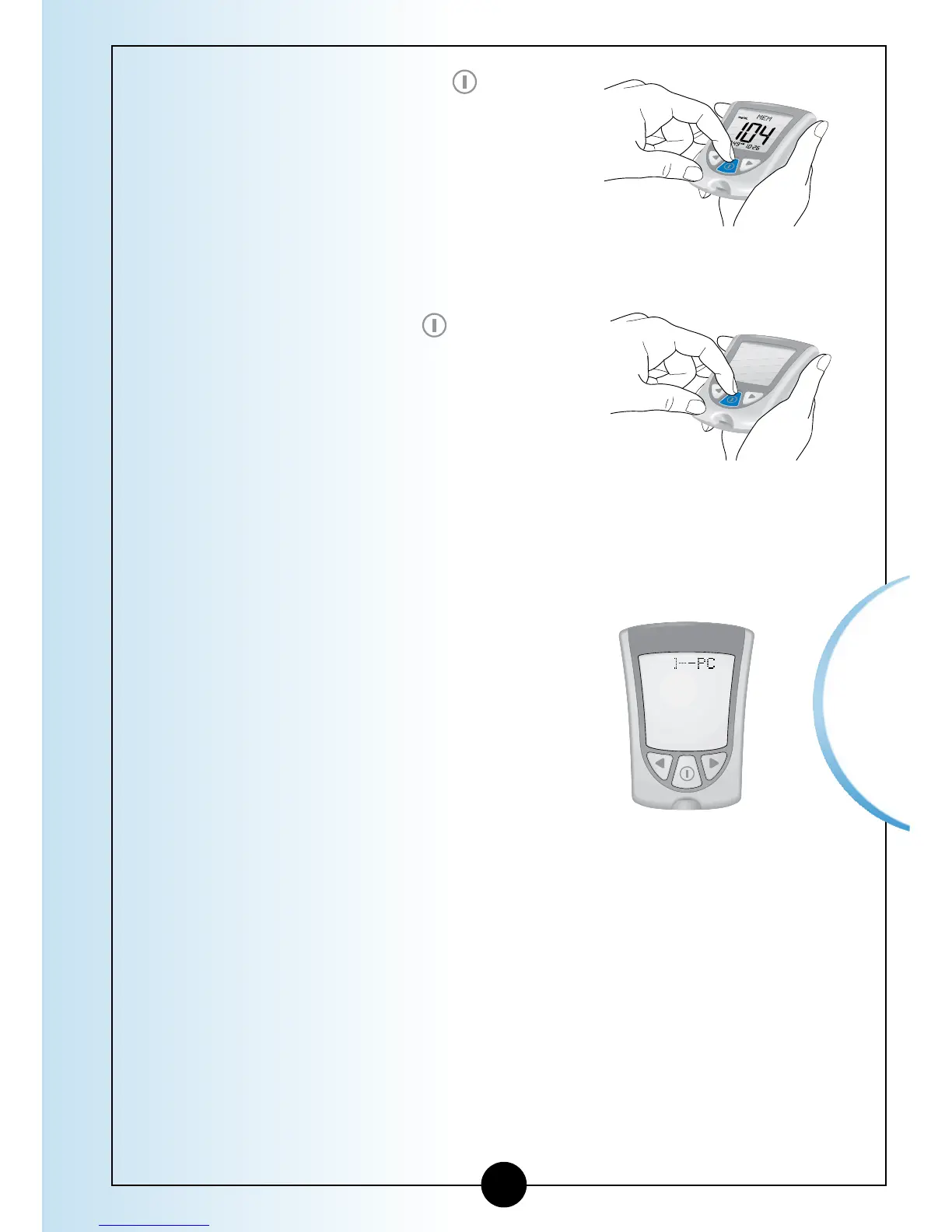
Press and Release the
button
at any time to return to Memory.
5
Press and Hold the button to
turn off your monitor. Otherwise,
the monitor turns off after 30
seconds.
Transferring Your Results to a Computer
Download of test results to a
computer requires a compatible
data management system.
For more information, please go to
our website or call Customer Care.
▼
46














 To Next Page