Caring for
Your Monitor
56
5
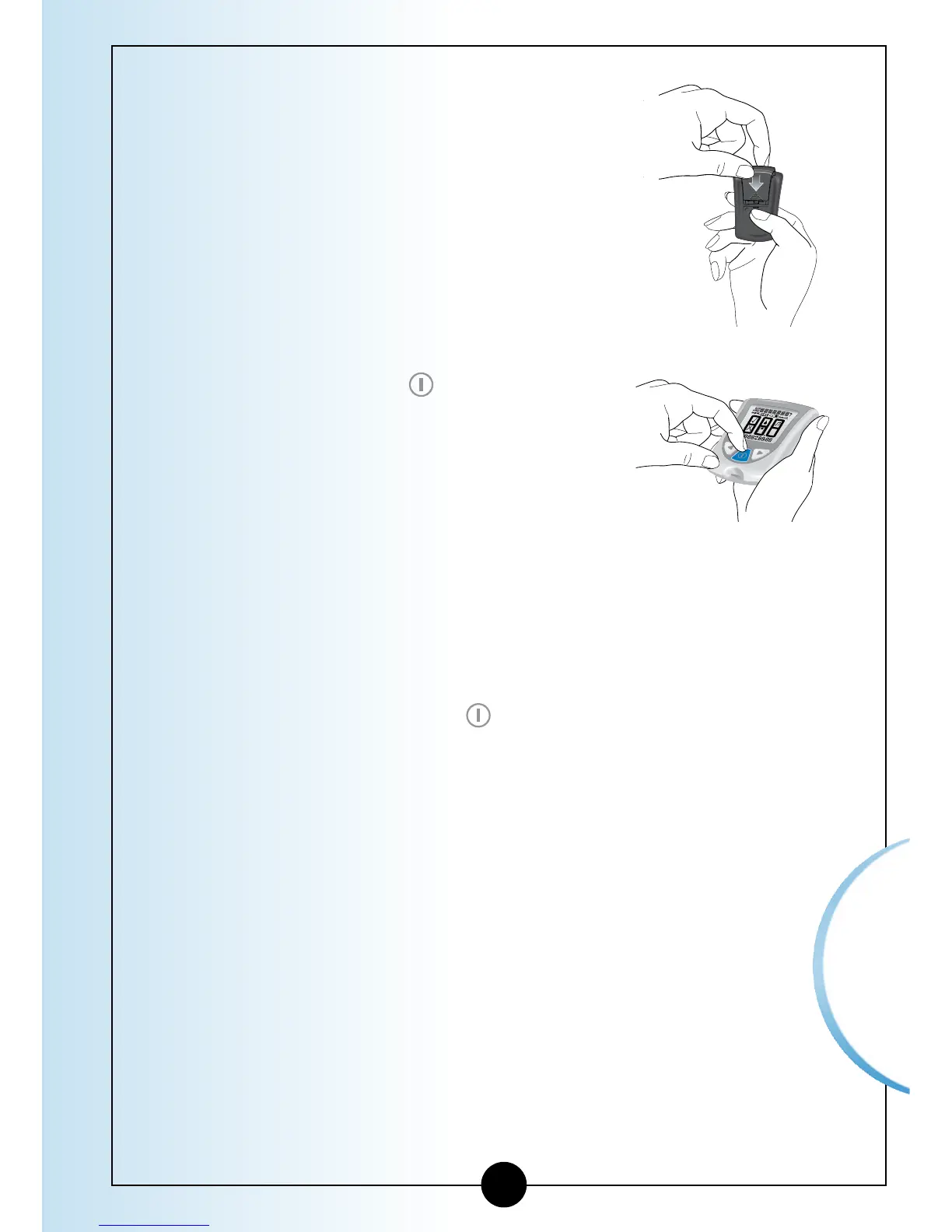
Place the notches on the battery
cover into the appropriate molded
areas.
6
Gently push the battery cover in and
down until you hear a click.
7
Press and Hold the button to turn
your monitor on. If your monitor
does not turn on, review the battery
installation steps and reinstall the
battery.
8
Check the date and time on your
monitor. You may automatically be
prompted to reset the time and date
when you first press the button to
turn your monitor on. (See Chapter 2,
Setting Up Your System).
9
Be sure to discard the old battery
in compliance with your local
government’s regulations.














 To Next Page