Micro Tracker Reference Guide FW 1.7 V1.1
The complete request content is shown below.
Writing parameter value with Write Command
Before sending another command, the Client application should wait for the reception of the NOTIFICATION
(containing the write status). Such a message is displayed below.
Writing parameter response from Notification
Invalid Parameter ID or value
Example:
To set the parameter having the identifier 0x05 with the value 0x01, the write command (WRITE_CMD)
0x010500000001 should be sent.
A NOTIFICATION will be received in response, with 0x00 if the write operation is a success.
4.3.6.3 Read parameters
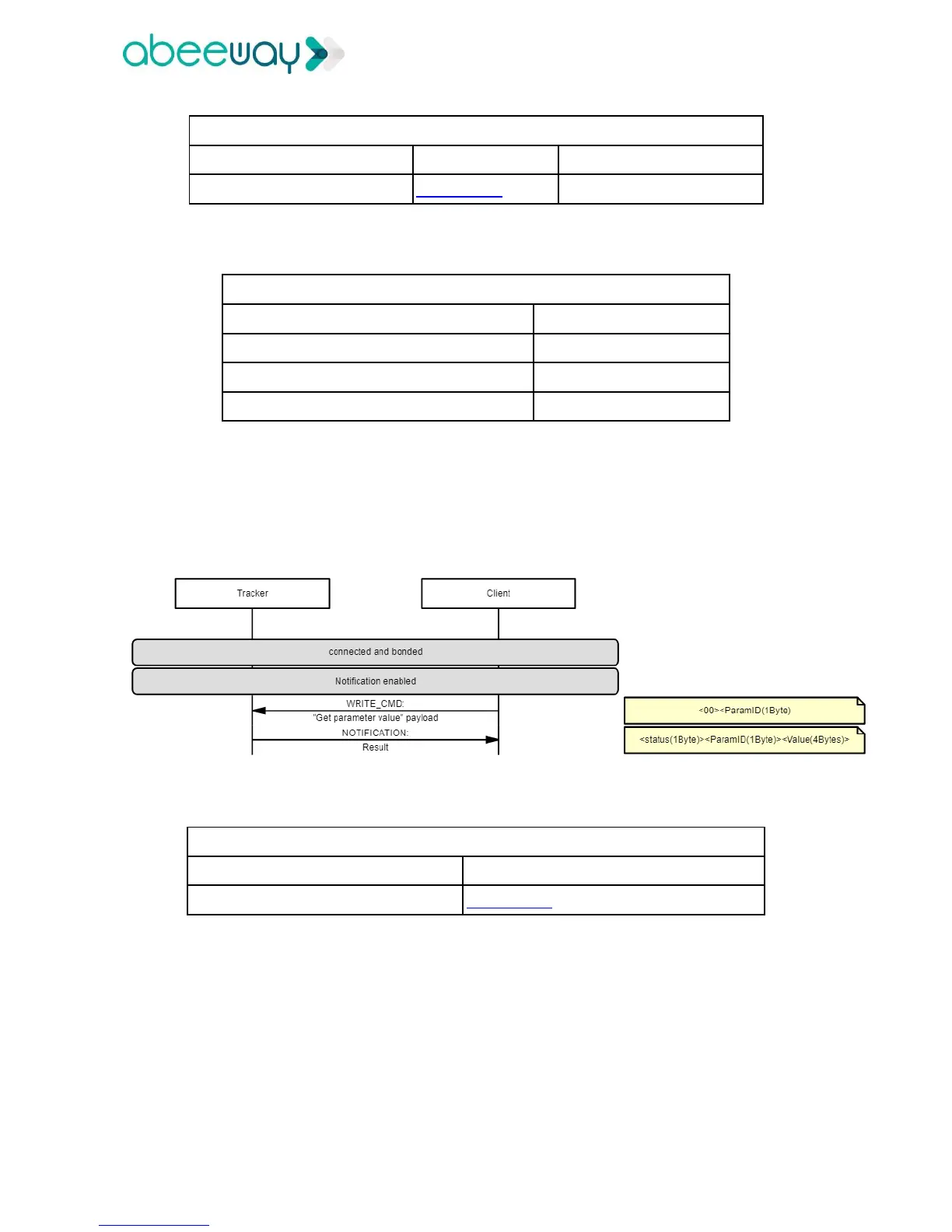
Once the notification has been enabled, the Client application can read a parameter value by sending a write
command (WRITE_CMD) containing the parameter identifier to be read.
Reading parameter value with Write Command
Read Command (always 0x00)
The response is contained within the following NOTIFICATION message.
Remember that the Client application should wait for this NOTIFICATION message before sending another
command.



 To Next Page