3-2 IP35/IP35-E
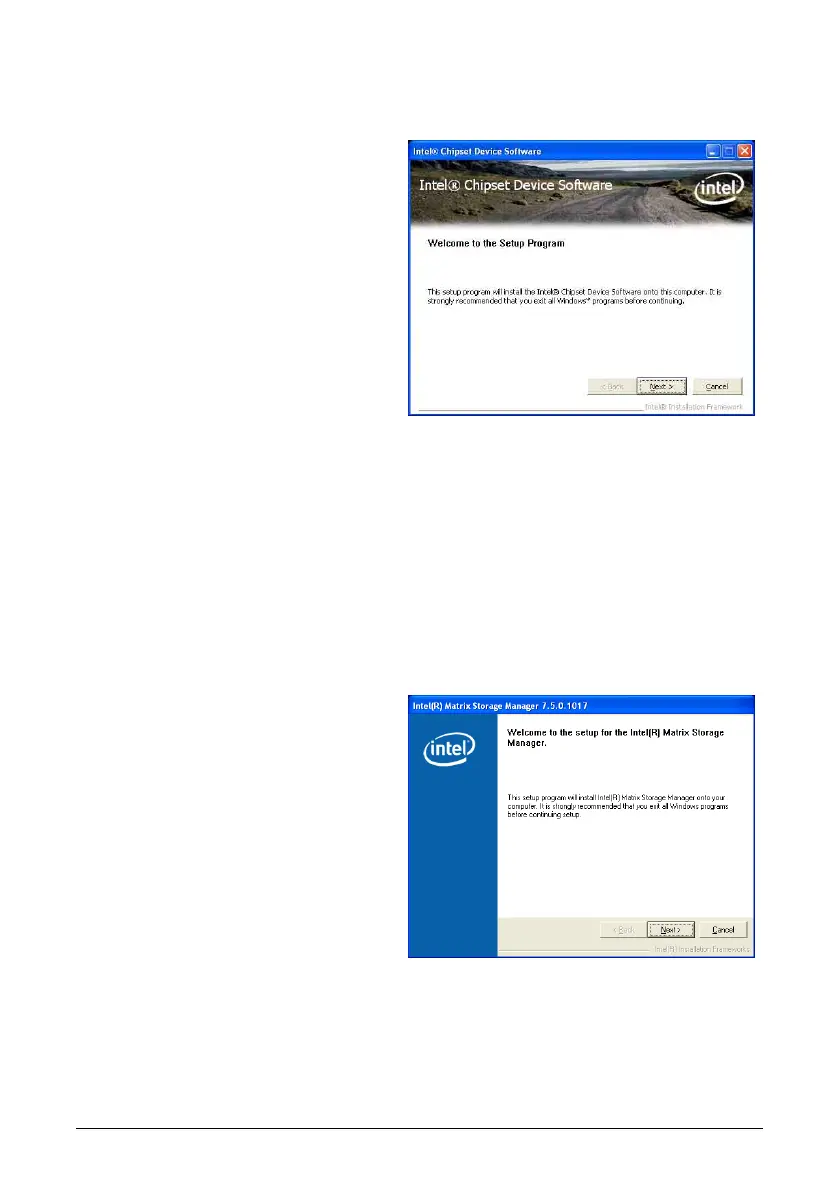
3.2 Intel Chipset Software Installation Utility
To install this program:
1. Click on the [Drivers] tab in the
installation menu screen.
2. Click the [Intel Chipset Software
Installation Utility] item. The
installation screen appears.
3. Follow the prompts on the screen to
complete installation.
3.3 Intel Matrix Storage Manager
This driver provides functionality for the on-chip SATA Controller.
※ This driver installation is necessary for connectors “SATA1~SATA6” only when
after having enabled the RAID function in the BIOS setup menu.
The path to enable the RAID function in the BIOS setup menu is: Integrated
PeripheralsOnChip IDE DeviceSATA ModeSelect “RAID”.
※ Both SATA3 and SATA4 connectors are available for IP35 only.
To install this program:
1. Click on the [Drivers] tab in the
installation menu screen.
2. Click the [Intel Matrix Storage
Technology Driver] item. The
installation screen appears.
3. Follow the prompts on the screen to
complete installation.



 To Next Page