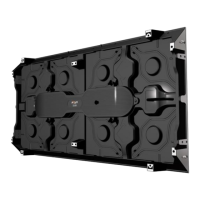
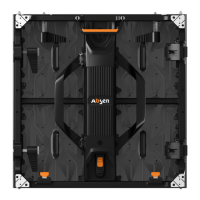
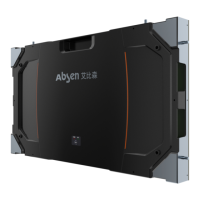
- 12 - New HC Series User Manual
3. Product Installation
Installation type Supports mounting or steel structure.
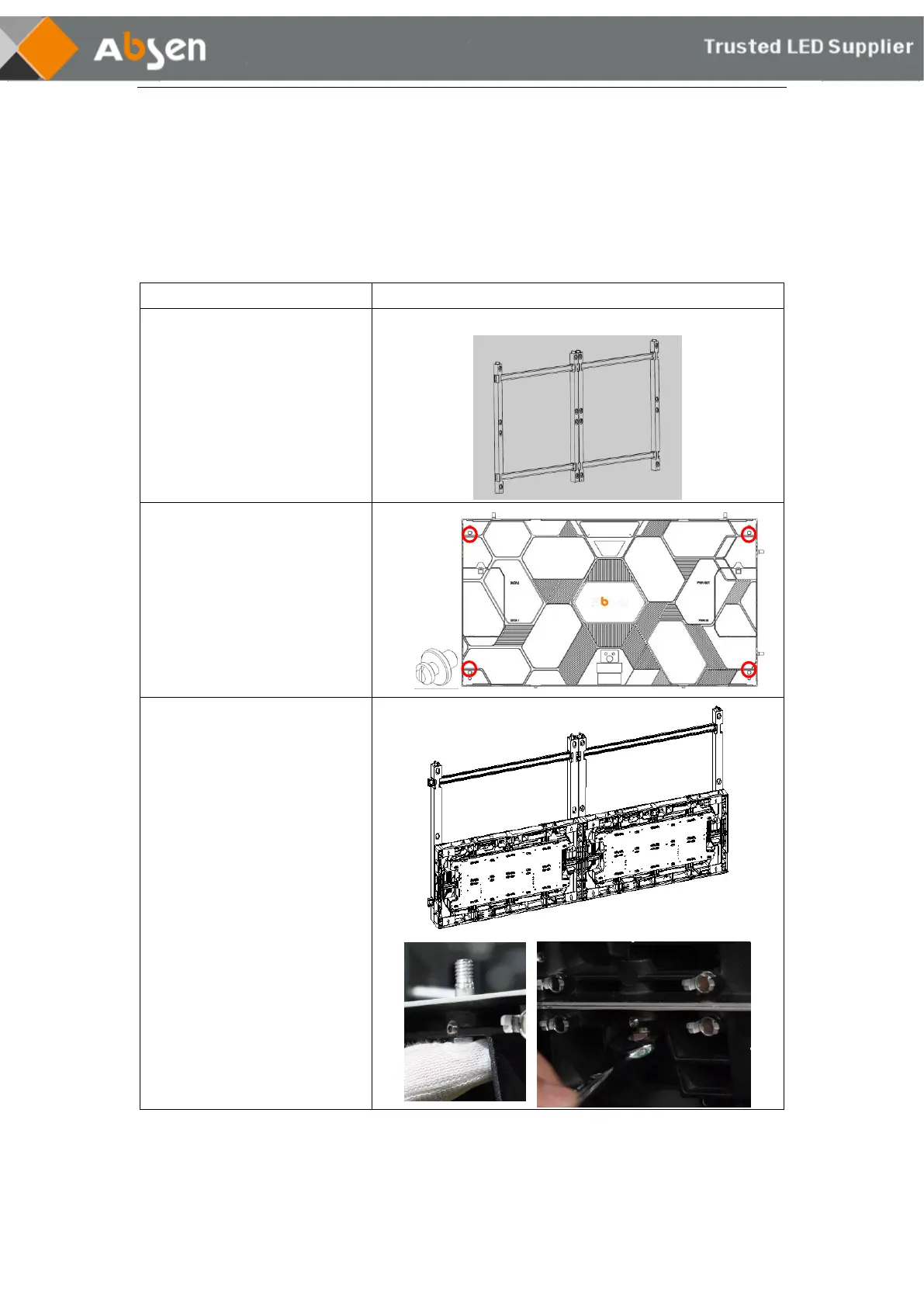
3.1 Mounting Frame Installation
Step 1:
Use M6 tapping screws or M6
expansion screws to fix the
hanging plate on the flat wall.
Take the 1×2 double frame as an example
Step 2:
Install the screws in the
mounting holes on the back of
the cabinet.
Install 4 screws per cabinet.
Step 3:
Install the cabinet (without
module) on the frame: install it
layer by layer from bottom to
top.
Note: The left and right sides
and the upper and lower sides of
the cabinet are fixed with
locking screws.


 To Next Page
 Loading...