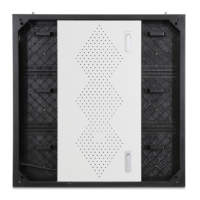
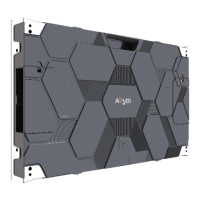
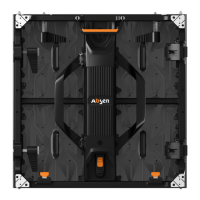
Cabinet installation is completed with sub-frame
- 14 -
N Series User Manual
Leading LED Applications
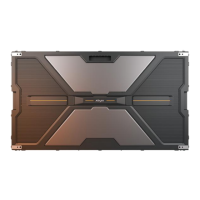
M10 Expansion
screws
Wall
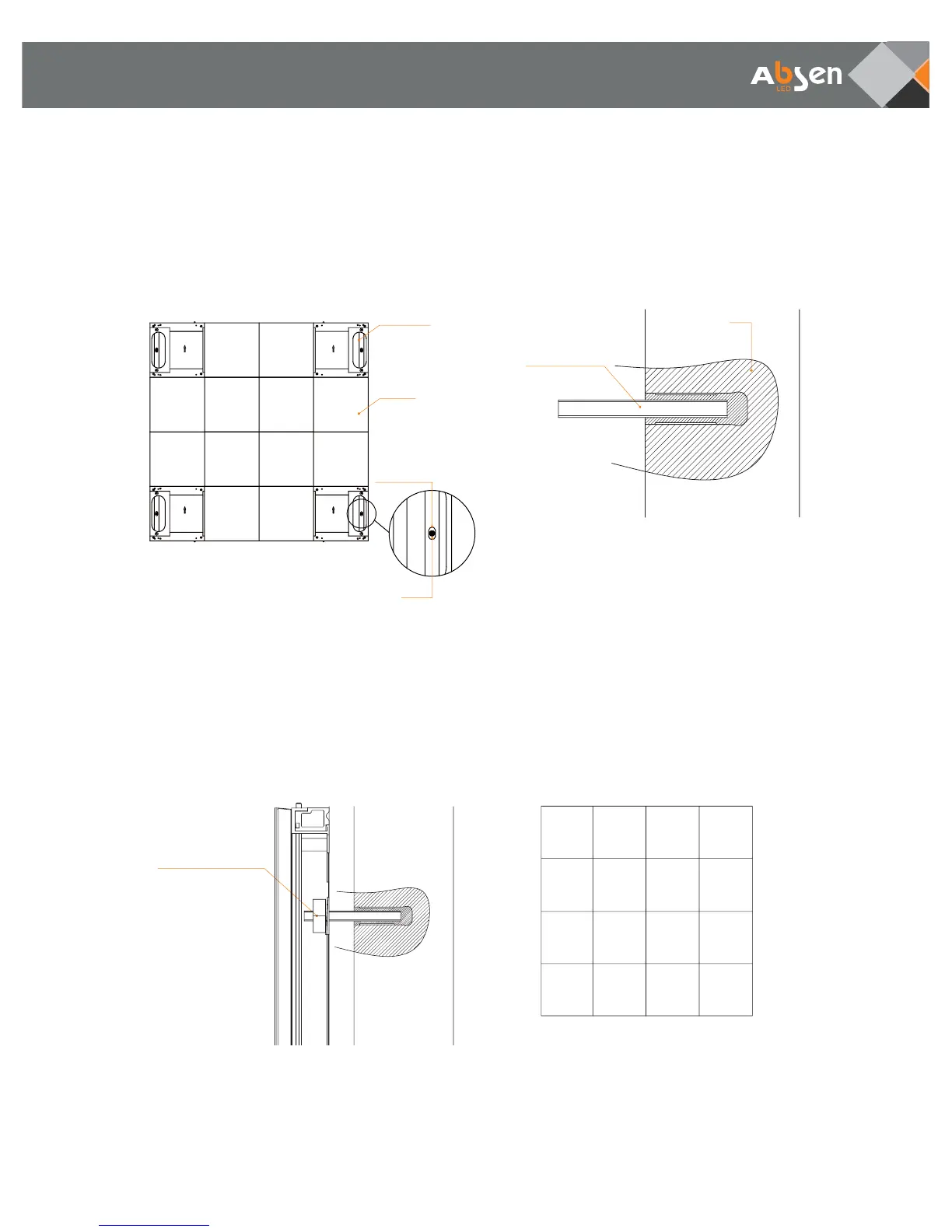
Step 2:
Take a properly spliced cabinet, remove modules
from four corners, mark installation positions on the
wall according to the mounting holes on the
sub-frame.
Step 3:
According to the installation positions marked on
the wall, install M10 expansion screws.
Sub-frame
Module
Installation
hole
Mark
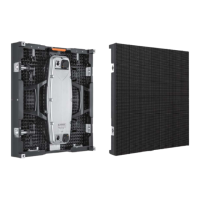
Step 5:
After wiring is completed, insert modules back at
the four empty corners. Repeat the same proce-
dures to install the next spliced cabinet.
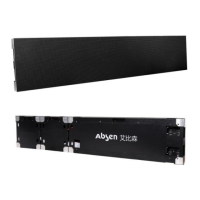
Step 4:
Install the cabinet: Mount cabinets onto the wall
corresponding to the M10 expansion screw positions,
and then lock M10 nut (flat cushion + spring washers)
M10 nut (flat cushion
+ spring washers)


 To Next Page