23
6.4 Connecting the video cable
To connect the video signal of the camera with a monitor or recorder, use a coaxial cable of the
type RG59 with BNC-Connector (male) at the “VIDEO-OUT” connector.
The cable length up to the next device should not rise 100 meters.
6.5 Camera adjustment
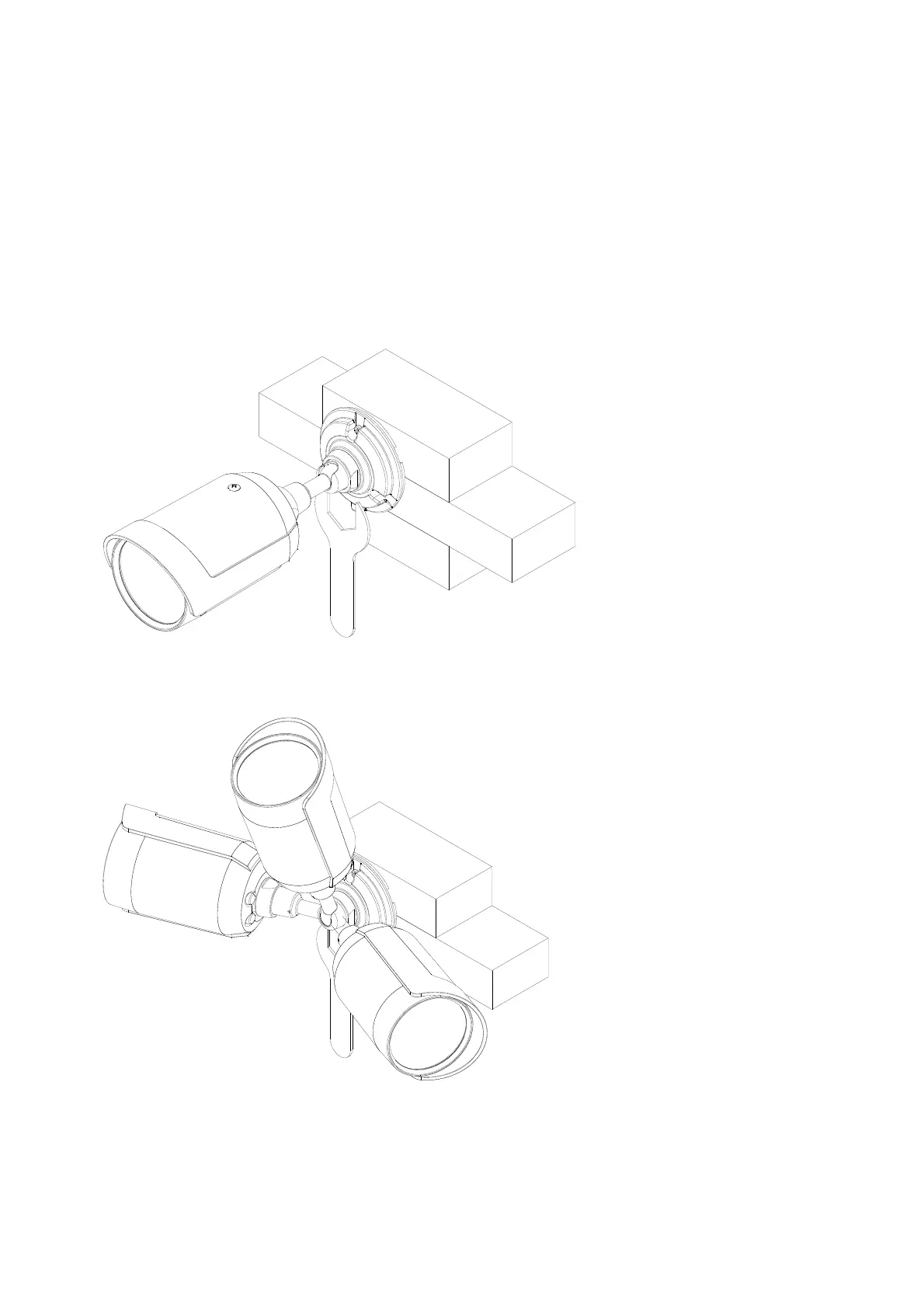
To adjust the viewing angle of the camera please loosen the counter nut at the base plate of the
bracket by using a suitable tool or wrench. To do this please rotate the counter nut anti-clockwise.
The adjustment now can be performed in three axis direction.
After adjustment please fix the counter nut back.



 To Next Page