24
6.5 Adjustment of zoom ratio
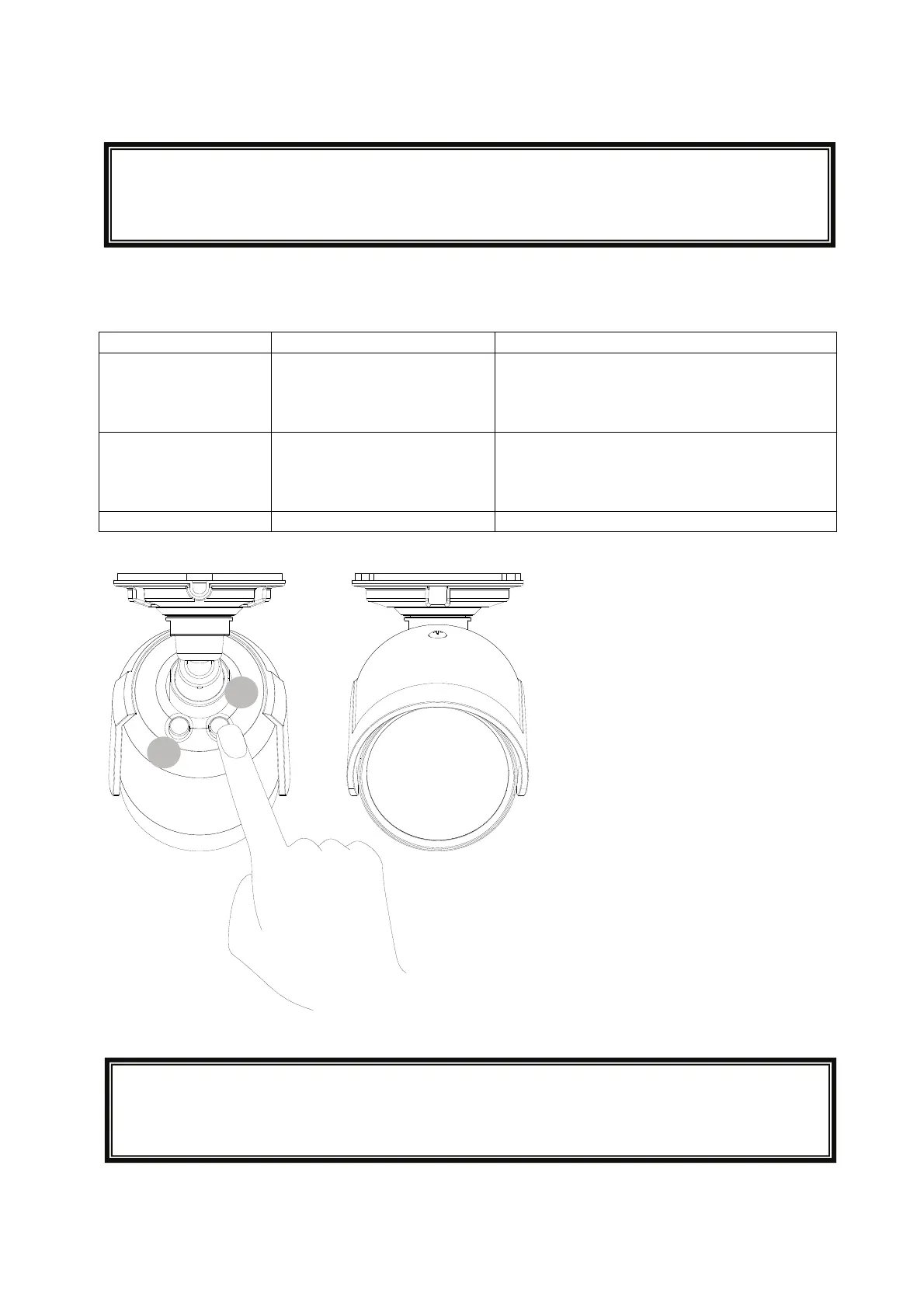
The zoom ratio will be adjusted using the two buttons on the camera back side.
Function description:
Key Duration Function
Left (7) Longer than 2 seconds
Shorter than 1 second
Zoom ratio plus 1x (0x, 1x, 2x, 3x, 4x)
Stepwise zoom plus
Right (8) Longer than 2 seconds
Shorter than 1 second
Zoom ratio minus 1x (4x, 3x, 2x, 1x, 0x)
Stepwise zoom minus
Left + Right (7+8) Longer than 3 seconds Set zoom ratio to 1x (default)
In case the buttons 7 or 8 won‘t be pushed, the key lock will be automatically
activated after 15 minutes.
To deactivate the key lock, please push the button 7 or 8 for 10 seconds.
8
7
In case the buttons 7 or 8 won‘t be pushed, the key lock will be automatically
activated after 15 minutes.
To deactivate the key lock, please push the button 7 or 8 for 10 seconds.



 To Next Page