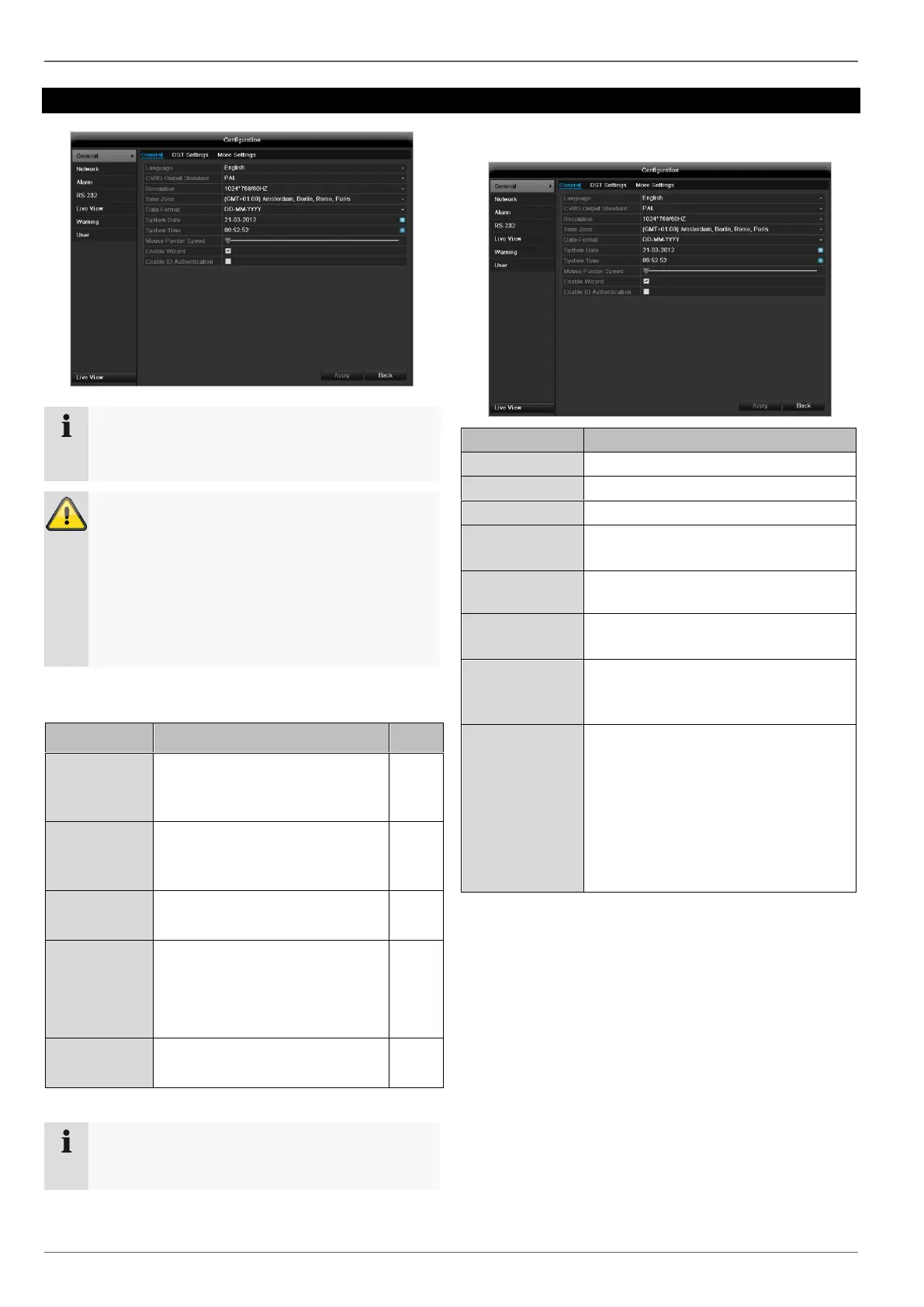
Configuration
83
Configuration
Note
The “Configuration” menu is used to manage all
device settings.
Warning
Ensure that the date and time are set correctly.
IMPORTANT:
Subsequent changes to the settings can lead
to data loss!
Ensure a data backup has been made in good
time beforehand.
Overview
Language, video, time, date,
mouse pointer, password, time
zones and other settings
Required network settings
(manual IP, DHCP, PPPOE,
DDNS etc.)
Display settings and assign-
ment of the event output
Behaviour of the device in ex-
ceptional cases
(HDD full, network disconnect-
ed etc.)
Adding and changing users,
assigning authorisation rights
Note
Pay attention to the instructions in the correspond-
ing sections.
General
Resolution on the monitor
GMT (Greenwich Mean Time)
MM-DD-YYYY, DD-MM-YYYY,
YYYY-MM-DD
Set on the scroll bar (left =
low speed; right = high speed)
Box ticked:
Wizard will appear after restart of the
device.
Enable ID
Authentification
Box not ticked:
In order to enter a menu no password
has to be entered. At access by net-
work the password has to be entered.
Box ticked:
Password must be entered in order to
use the menu.



 To Next Page