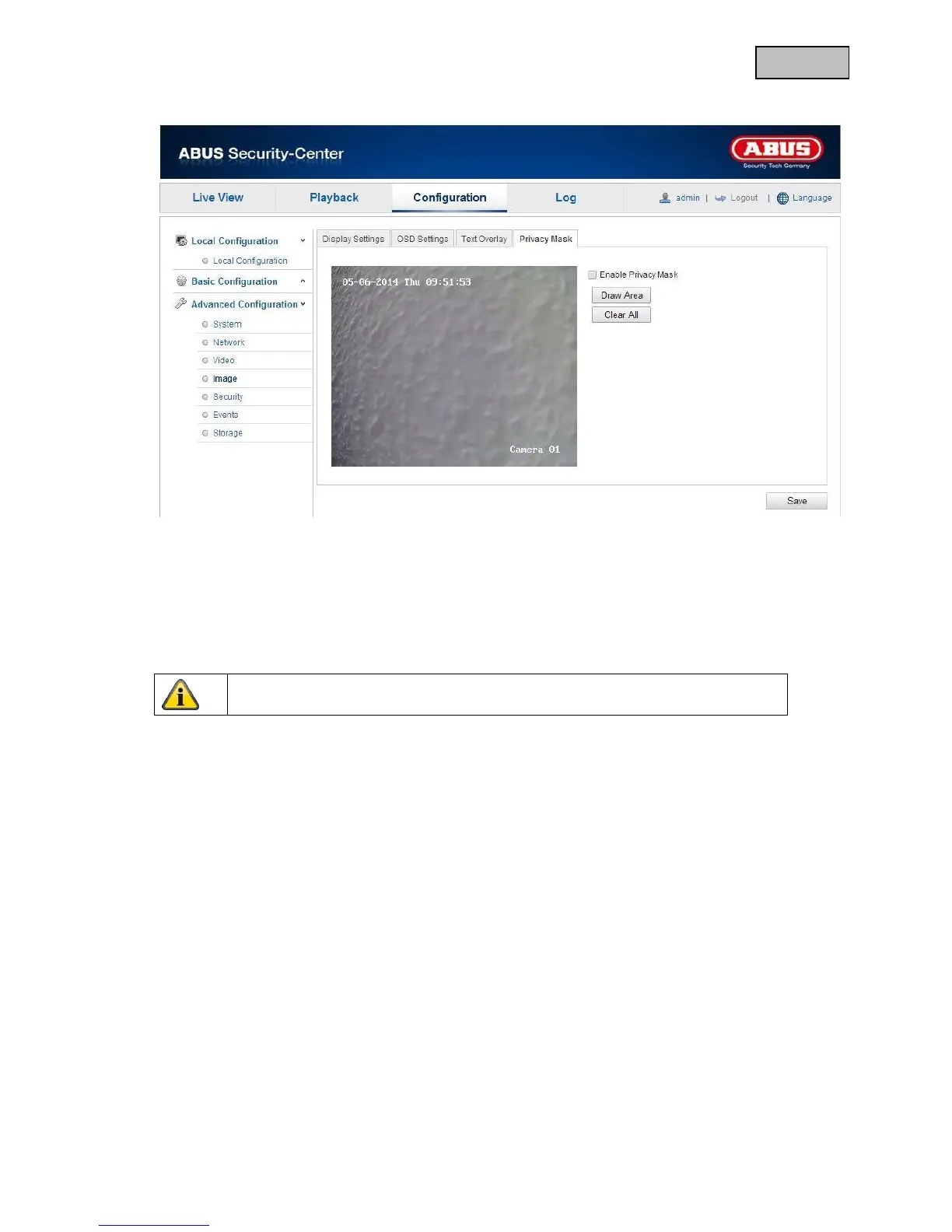
12.3.4.4 Privacy Mask
You can use privacy masks to hide certain areas in the live view to prevent that recording or viewing these
areas in the live view is possible. A maximum of 4 rectangular privacy masks can be set up on the video
image.
To set up a privacy mask, proceed as follows: Select “Enable Privacy Mask” checkbox. To add a privacy
mask, click “Draw Area”. You can now mark an area on the camera image using your mouse. You can
then mark 3 additional areas. By clicking on “Delete All”, you can delete all configured privacy masks.


 To Next Page
 Loading...











