12. Configuration
12.1 Local configuration
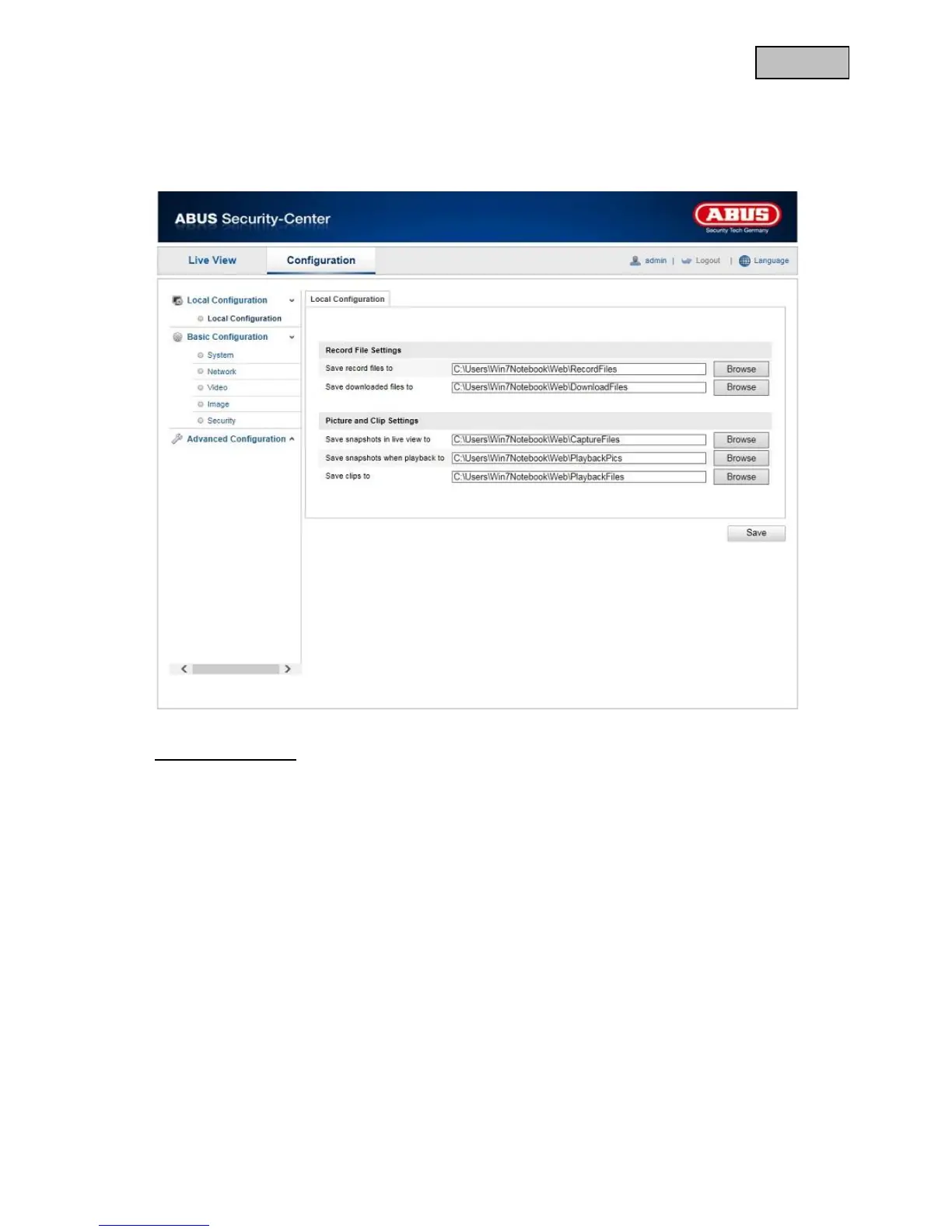
Under the “Local Configuration” menu item, you can make settings for the live view, file paths of the
recordings and snapshots.
Record File Settings
You can define the recording path and the path for downloaded files here. To apply the changes, click
“Save”.
Save record files to
You can determine the file path that is to be used to manual recordings here.
The default path is C:\\<User>\<Computer_Name>\Web\RecordFiles.
Save downloaded files to
You can store the file path for downloaded videos here.
The following path is set by default: C:\\<User>\<Computer_Name>\Web\DownloadFiles


 To Next Page
 Loading...











