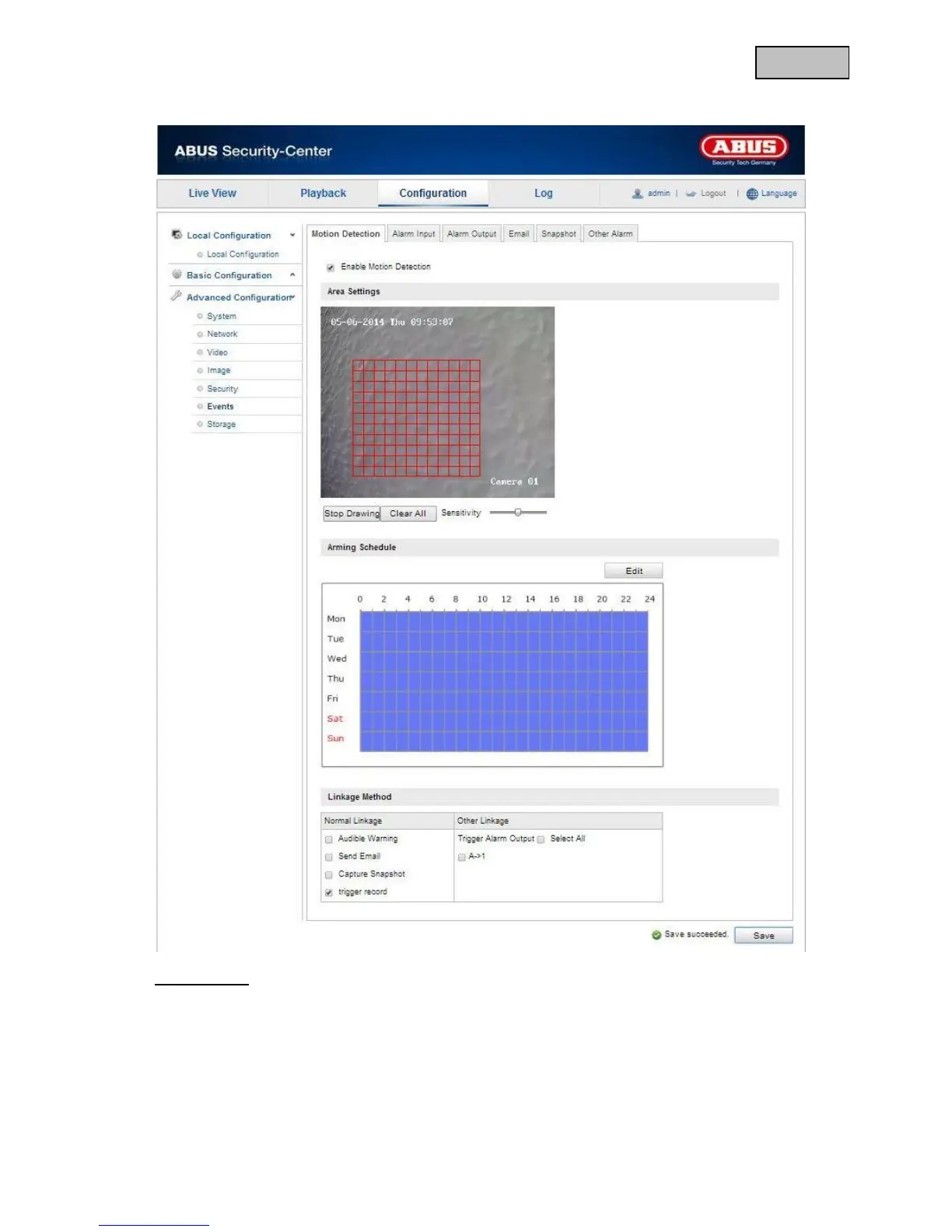
12.3.6.1 Motion Detection
Area Settings
Activate motion detection by clicking the “Enable Motion Detection” checkbox.
By clicking on “Enable Dynamic Motion Analysis”, movements are recorded in the preview image and the
live view (dynamic recording according to motion).
To select an area, click on the “Draw Area” button. The entire area is selected by default. To discard this
selection, click on “Clear All”.


 To Next Page
 Loading...











