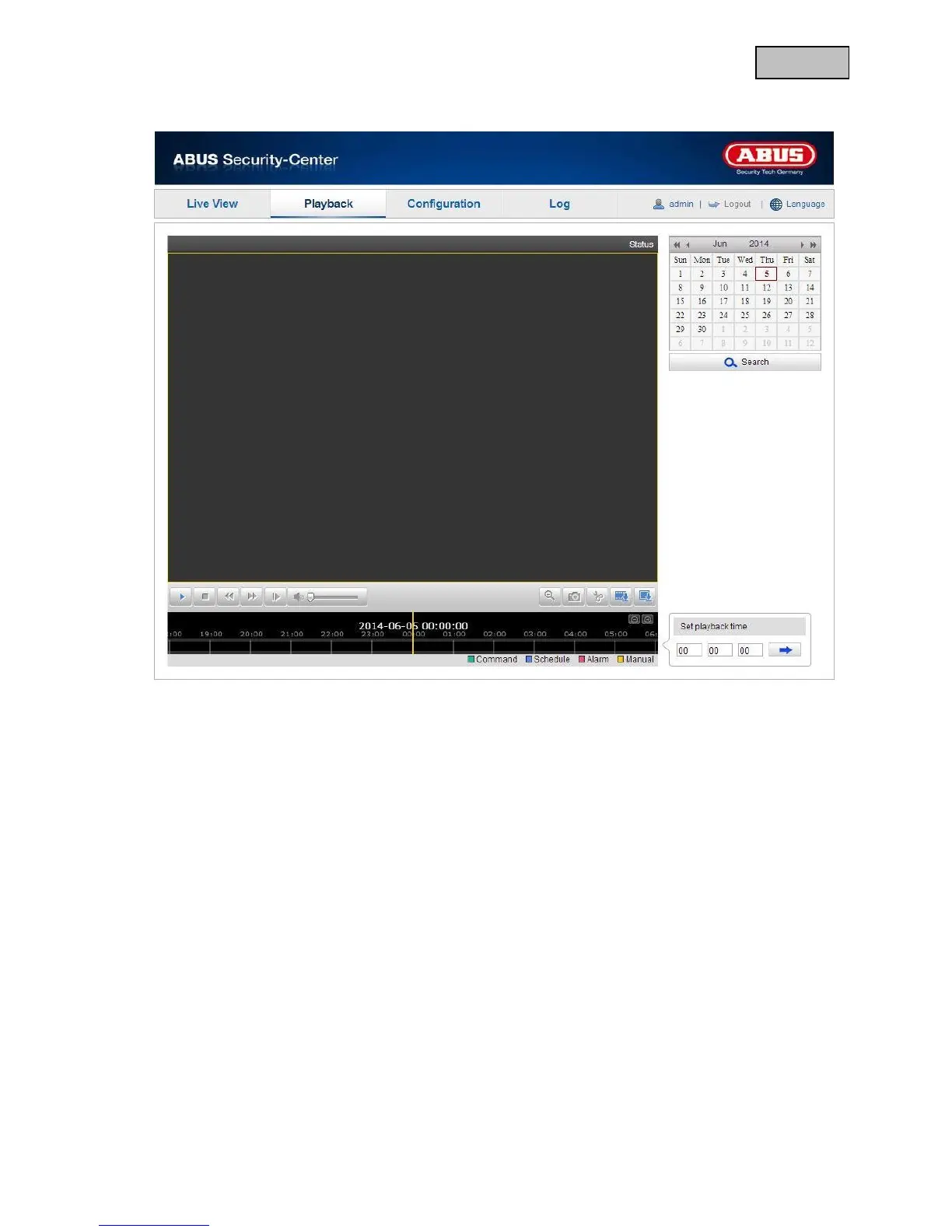
11. Playback
In playback menu, you can reproduce the recorded data on the micro SD card. Select the required day in
the calendar and click on “Search”.
On the time scale, the recordings are shown for the selected day. The coloured marking shows the event
of the recording.
At the playback time, you can set the time for the required recording.


 To Next Page
 Loading...











