Quality
Select the quality for the saved pictures here.
Interval
Set the interval between saving two pictures here.
Number of images
Set the number of images here which should be saved for one event.
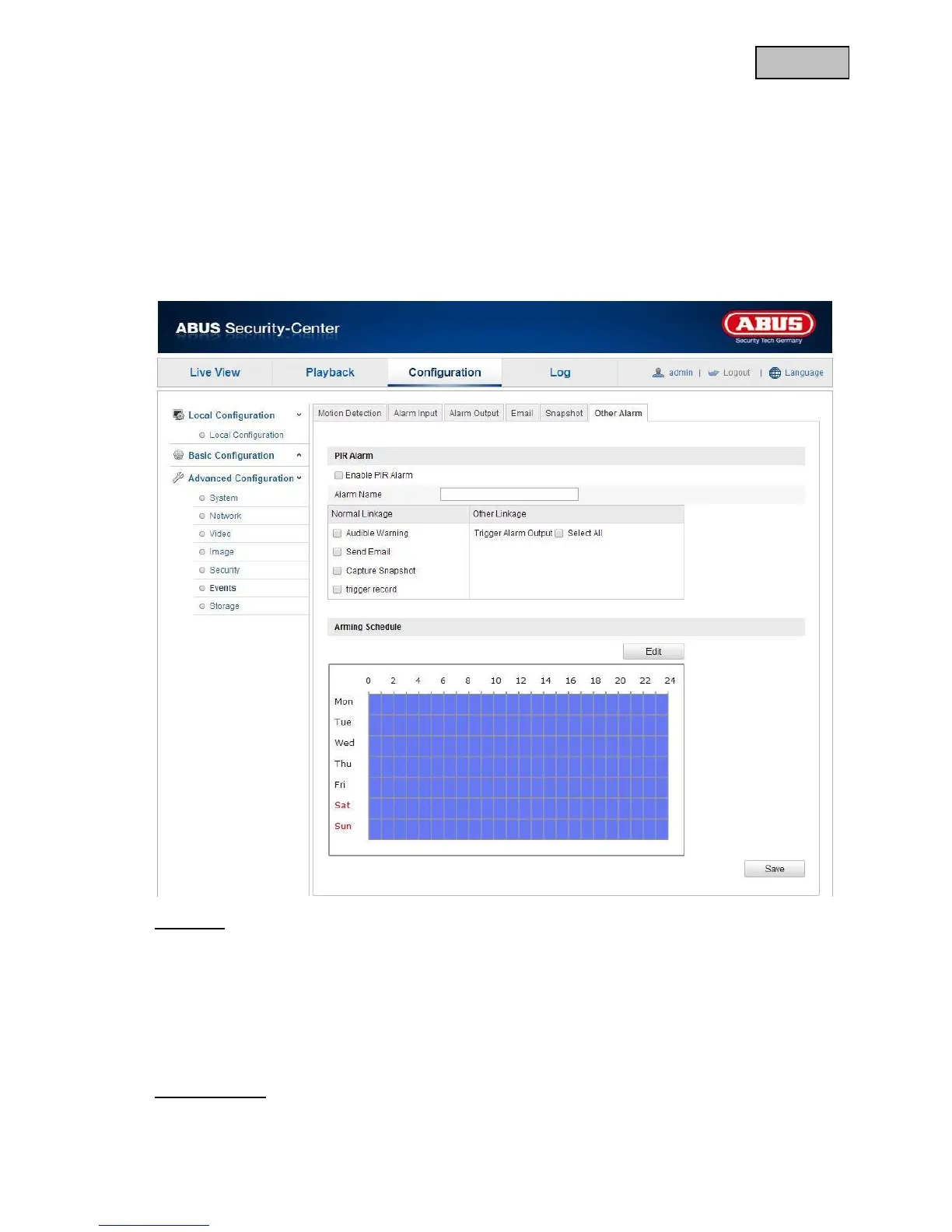
12.3.6.6 Other alarms
PIR Alarm
Activating the PIR Alarm
You can activate the PIR sensor so that you can configure an event-controlled action.
Alarm Name
You can specify a name for the alarm input here. Do not use the alarm input number or any special
characters.
Linkage Method
Make the setting here for which action an alarm should be performed.


 To Next Page
 Loading...











