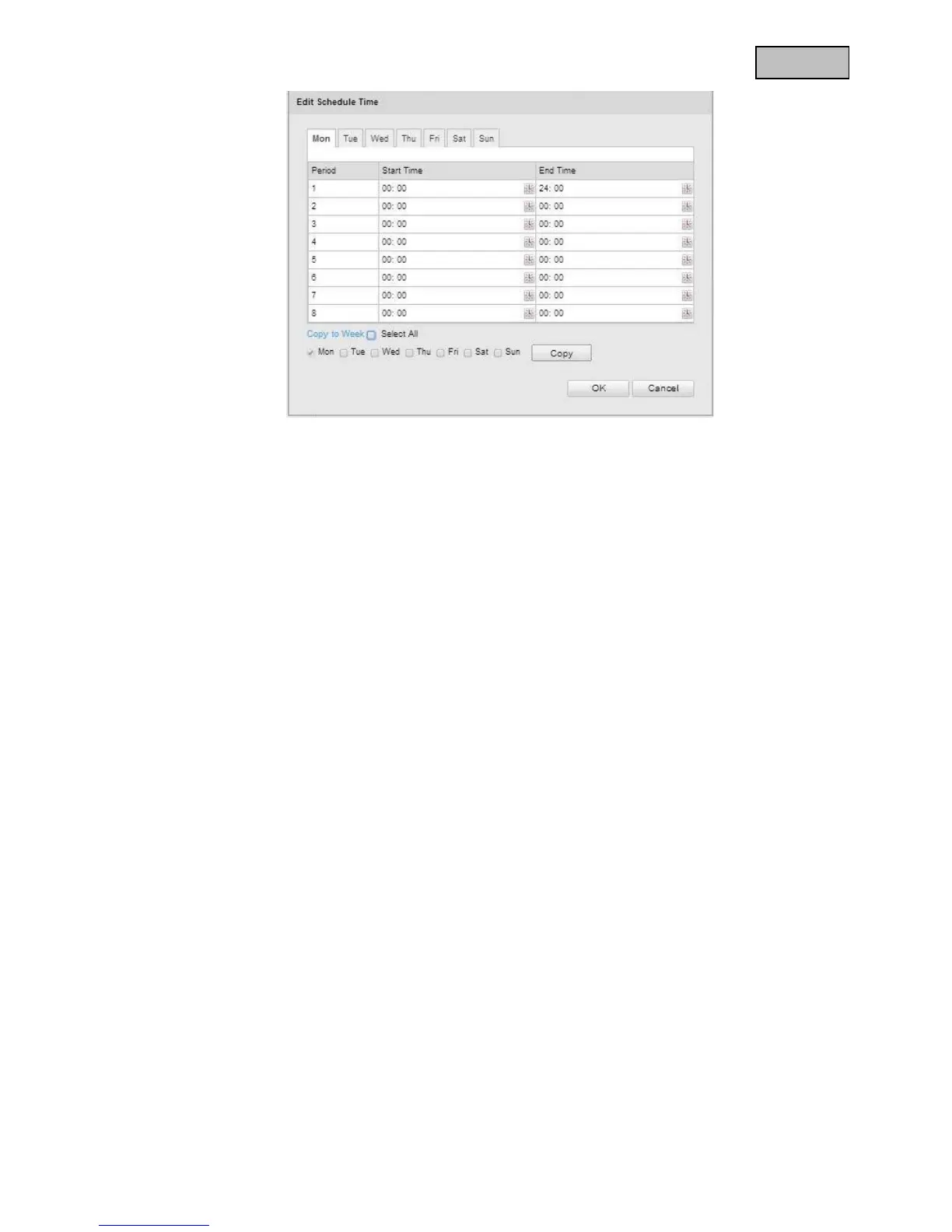
Now select a week day for the alarm output. To store particular time periods, enter a start and end time.
To activate the alarm input all day, select 00:00 as the start time and 24:00 as the end time.
To apply the settings for all week days, click the “Select All” checkbox. To copy the settings to certain other
week days, select the week day and click on “Copy”.
To apply the changes, click “OK” and to discard them click on “Cancel”.


 To Next Page
 Loading...











