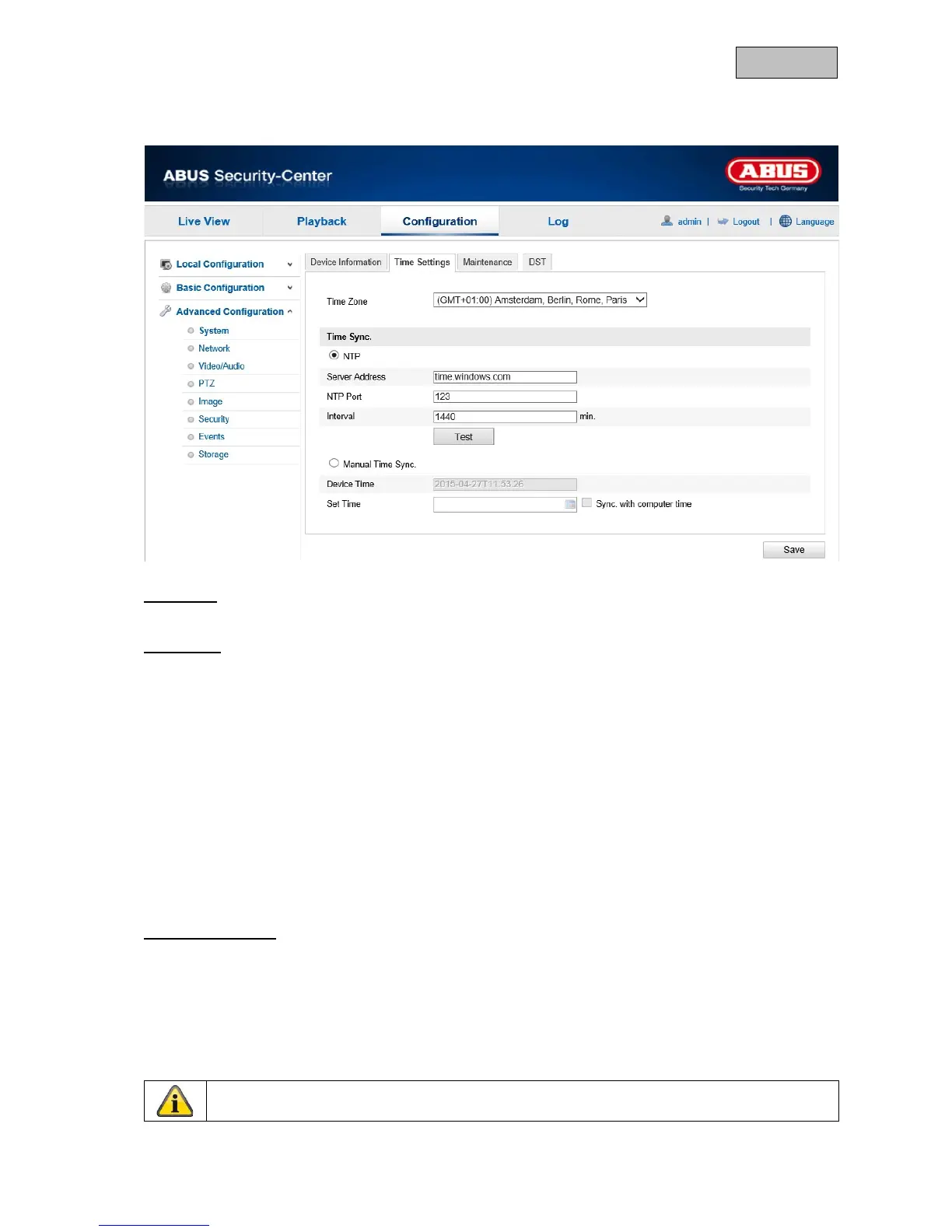
12.3.1.2. Time Settings
Time Zone
Time zone selection (GMT).
Time Sync.
NTP
Using the Network Time Protocol (NTP), it is possible to synchronise the time of the camera with a
time server.
Enable NTP to use this function.
Server Address
IP server address of the NTP server.
NTP Port
Network port number of the NTP service (default: port 123)
Interval
The interval for synchronising the time is entered here in minutes.
Click on "Test" to start a test run.
Manual Time Sync.
Device Time
Computer device time display.
Set Time
Display of the current time using the time zone setting.
Click on ""Sync. with computer time" to adopt the device time on the computer.


 To Next Page
 Loading...












