71
9.2 Live image display
You can access the full-screen view by double-clicking here.
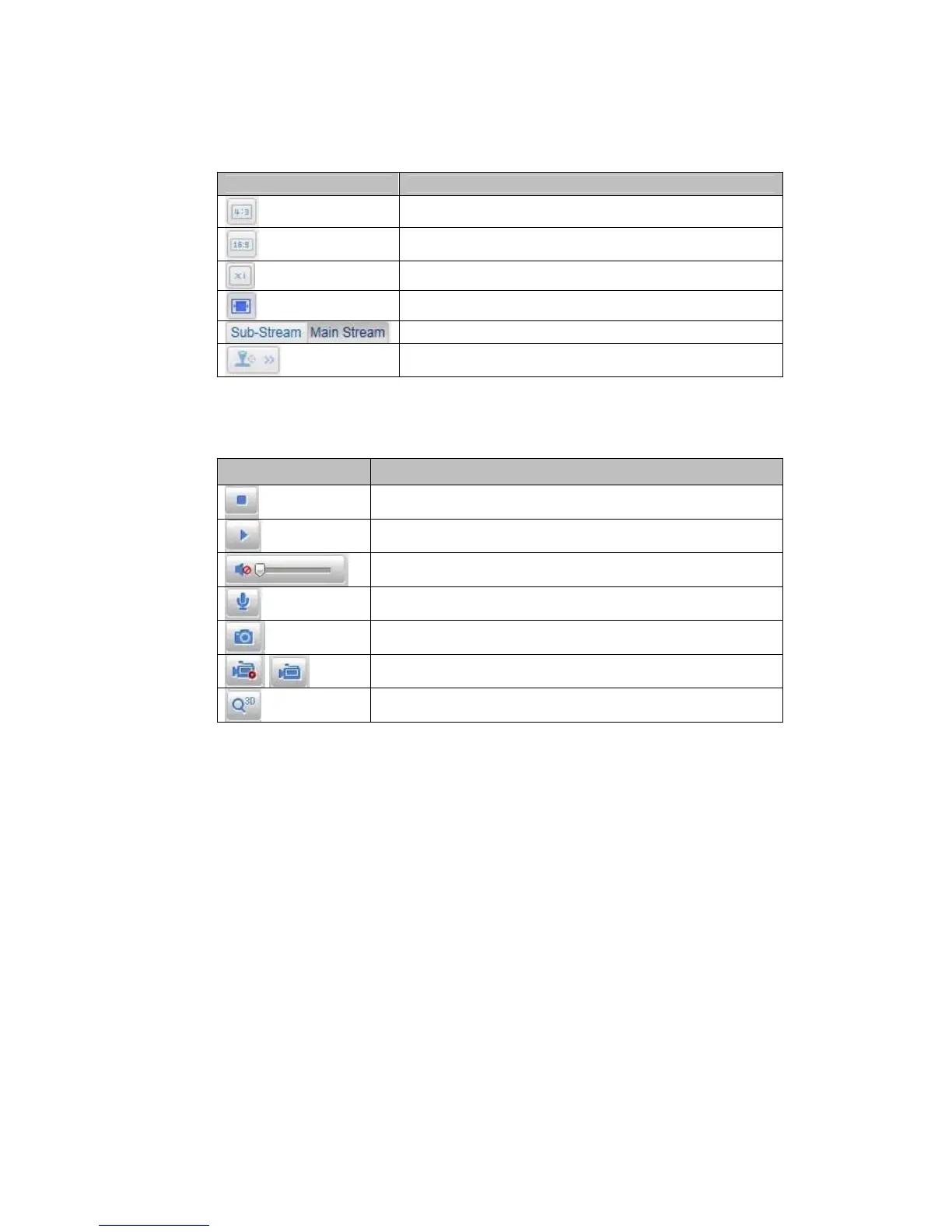
Button Description
Activate 4:3 view
Activate 16:9 view
Display original size
Adjust view to browser automatically
Selection of the streaming type for the live cast
Displaying/hiding the camera control
9.3 Audio / video control
Button
Description
Deactivate live cast
Activate live cast
Deactivate / activate audio, adjust volume
Microphone on / off
Instant image (snapshot)
Start / stop manual recording
Start / stop 3D zoom



 To Next Page