107
Copy to Alarm
This function allows you to copy the settings of one alarm input to other alarm inputs.
To apply the settings for all alarm inputs, click the “Select All” checkbox. To copy the settings to single
alarm inputs, select the alarm input and click on “Copy”.
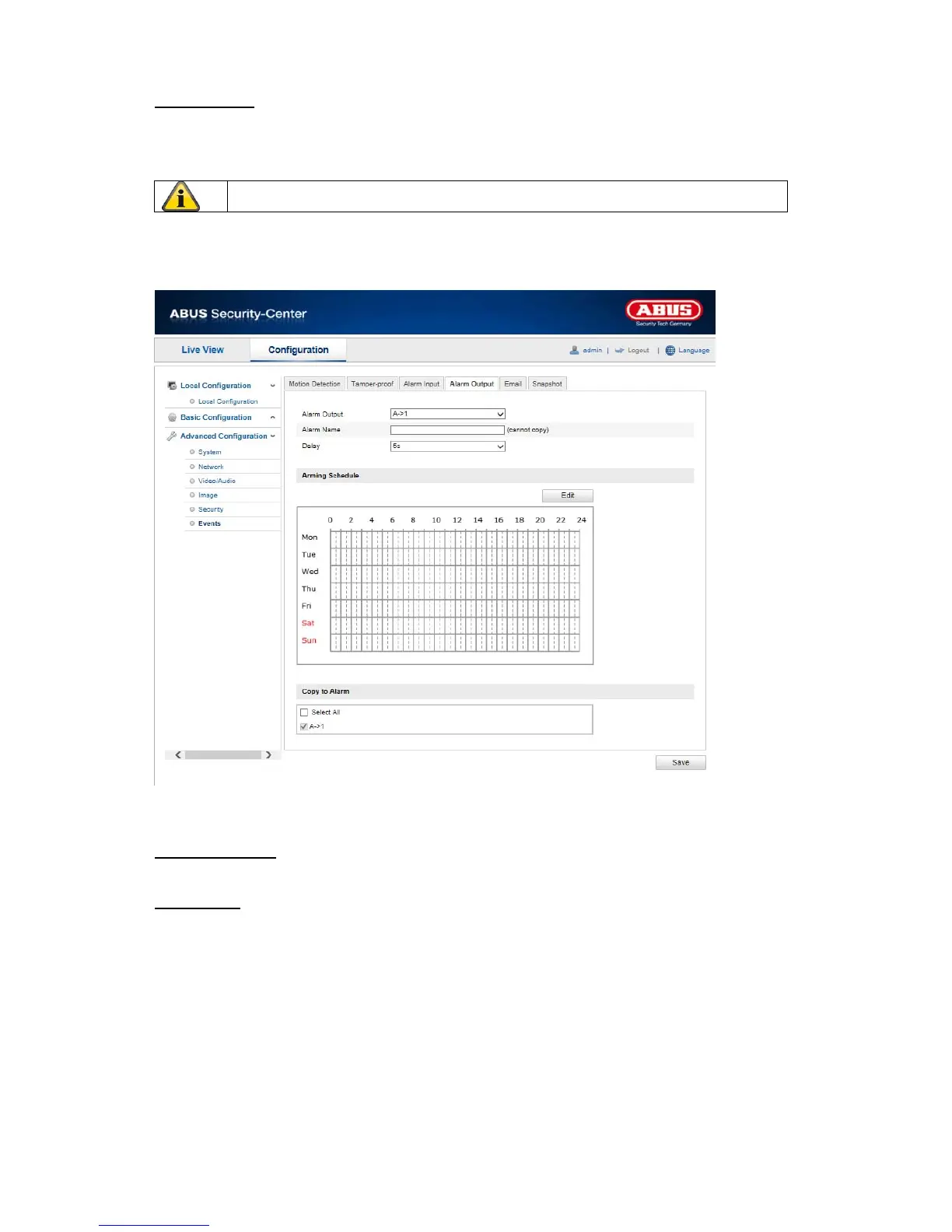
10.3.7.4 Alarm Output
You can configure the two alarm outputs here.
Alarm Output No.
Select the alarm output here that you wish to configure.
Alarm Name
You can specify a device name for the alarm output here. Please do not use the alarm output number or
any special characters.
Apply the settings ma
de with “Save”.



 To Next Page