90
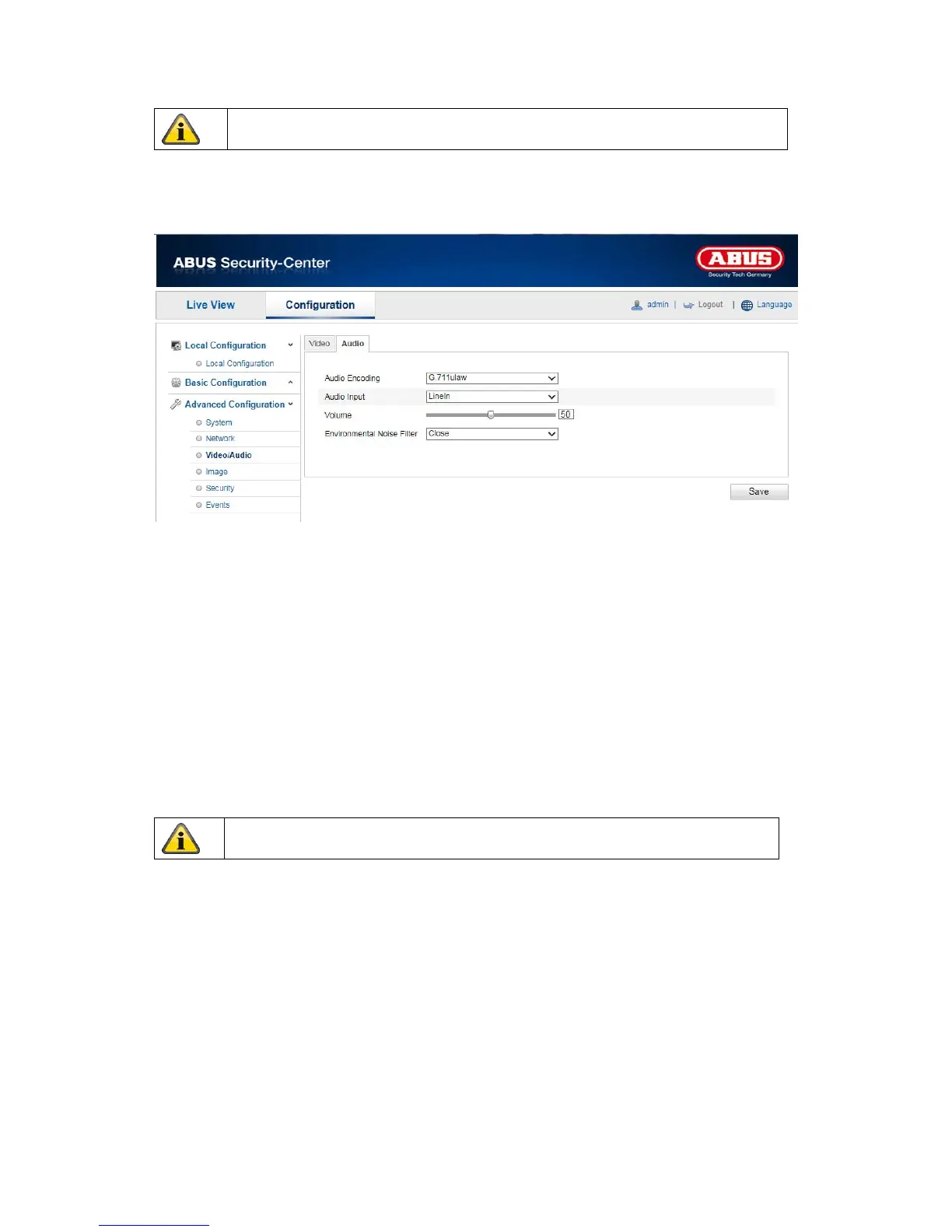
10.3.3.2 Audio
Audio coding
Select the encoding for audio transmission here.
You can choose between “G.711ulaw”, “G.711alaw” and “G.726”.
Audio input
MicIn: The settings for the audio input on the back of the camera are customised to a microphone
(unamplified source).
LineIn: The settings for the audio input on the back of the camera are customised to a line signal (active
amplified source).
Volume
Adjusting the input signal.
Noise filter
Activating or deactivating the noise filter for background noise
Apply the settings made with “Save”.
Apply the settings made with “Save”.



 To Next Page