72
10. Configuration
10.1 Local configuration
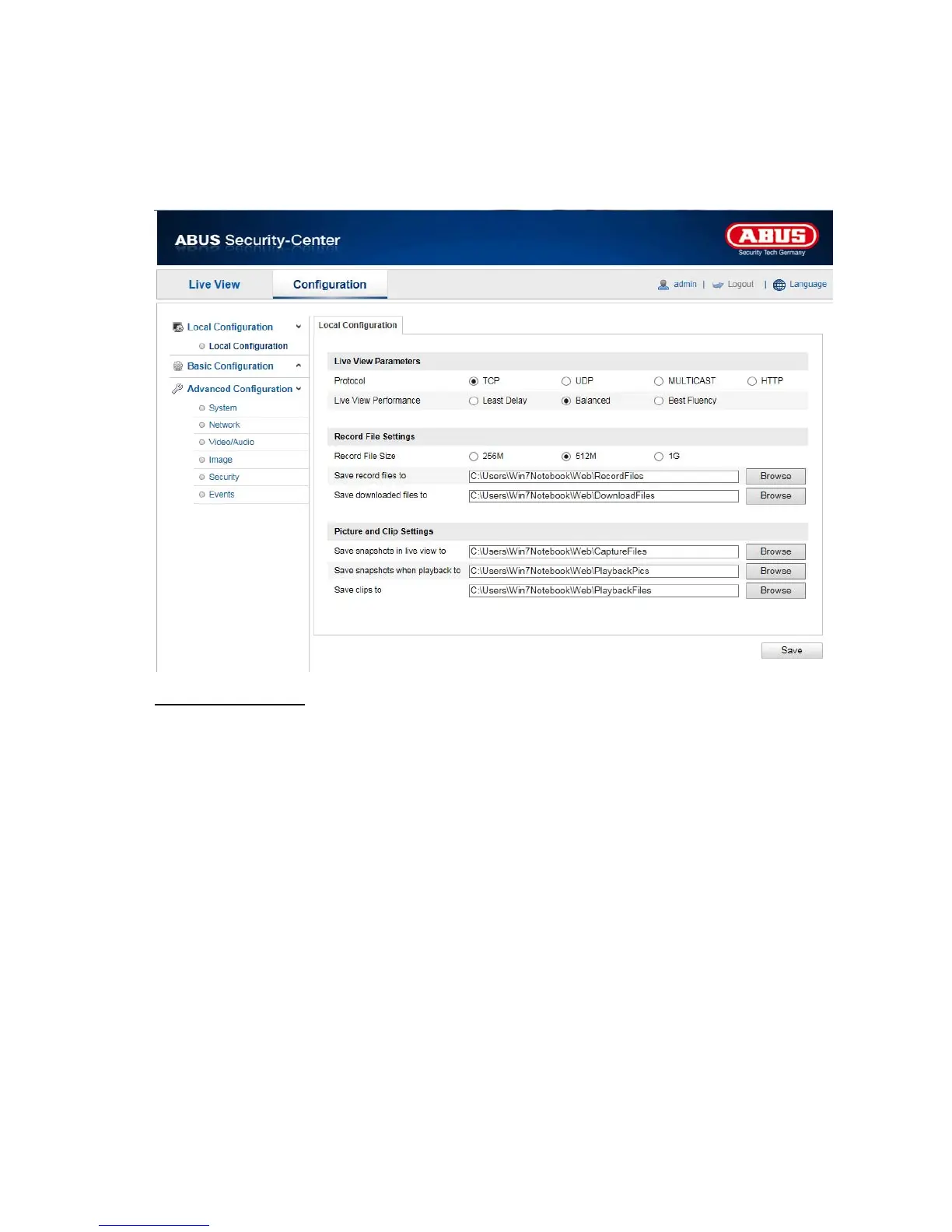
Under the “Local Configuration” menu item, you can make settings for the live view, file paths of the
recordings and snapshots.
L
ive View Parameters
Here you ca
n set the protocol type and the live view performance of the camera.
Protocol
TCP: Complete provision of streaming data and high video quality, however this affects real-time
transmission
UDP: Real-time audio and video transmission
HTTP: Provides the same quality as TCP, however special ports are not configured under the
network settings.
Live View Performance
You can set the performance level for the live view here.



 To Next Page