105
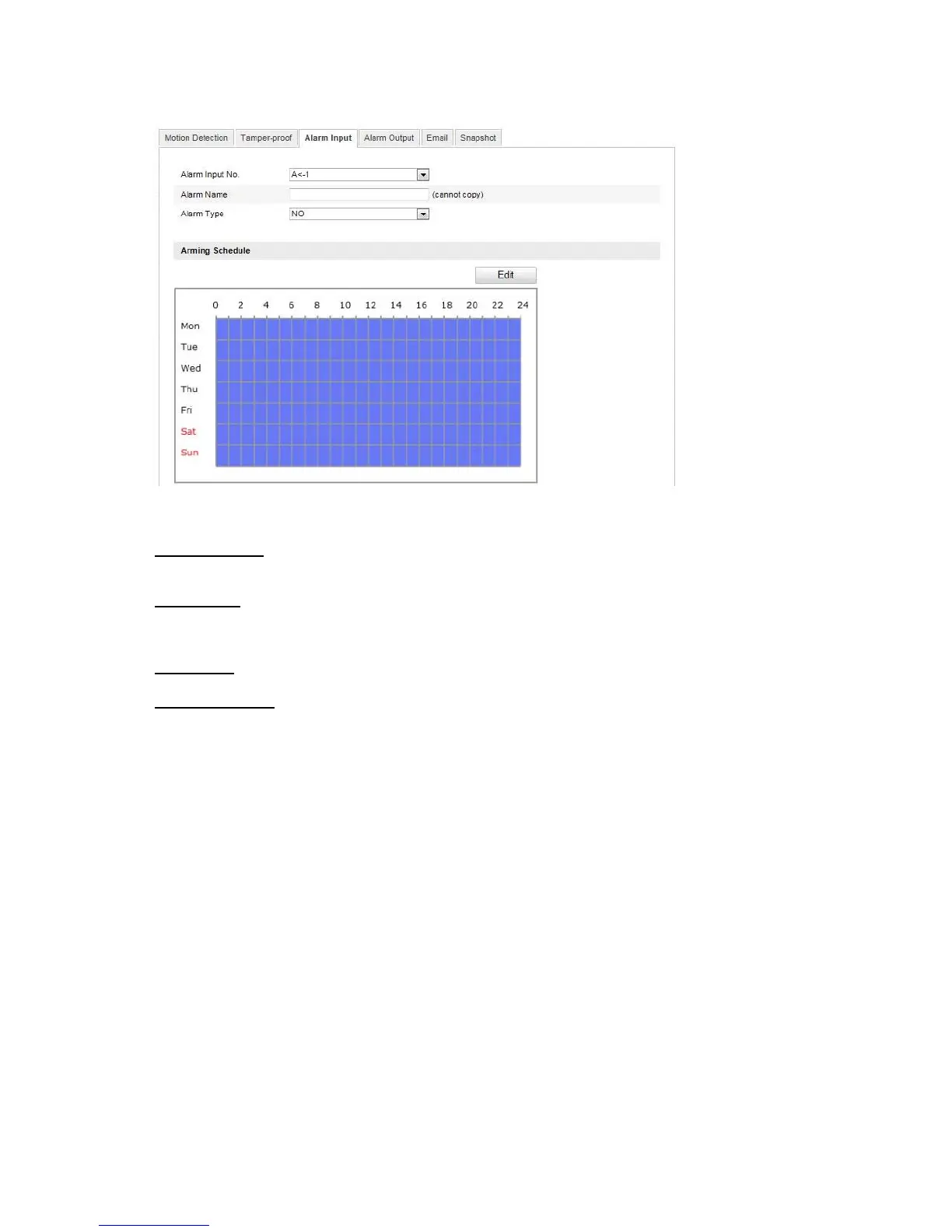
10.3.7.3 Alarm Input
You can
configure the alarm inputs of the Speed Dome with this menu item.
Alarm Input No.
Select the alarm input here that you wish to configure.
Alarm Name
You can specify a device name for the alarm input here. Please do not use the alarm input number or any
special characters.
Alarm Type
Select the alarm type here. You can choose between “NO” (normally open) or “NC” (normally closed).
Arming Schedule
To save a schedule for the alarm input, click on “Edit”.
A new window appears. Specify here on which days of the week and at which times the alarm input should
be active.



 To Next Page