104
No
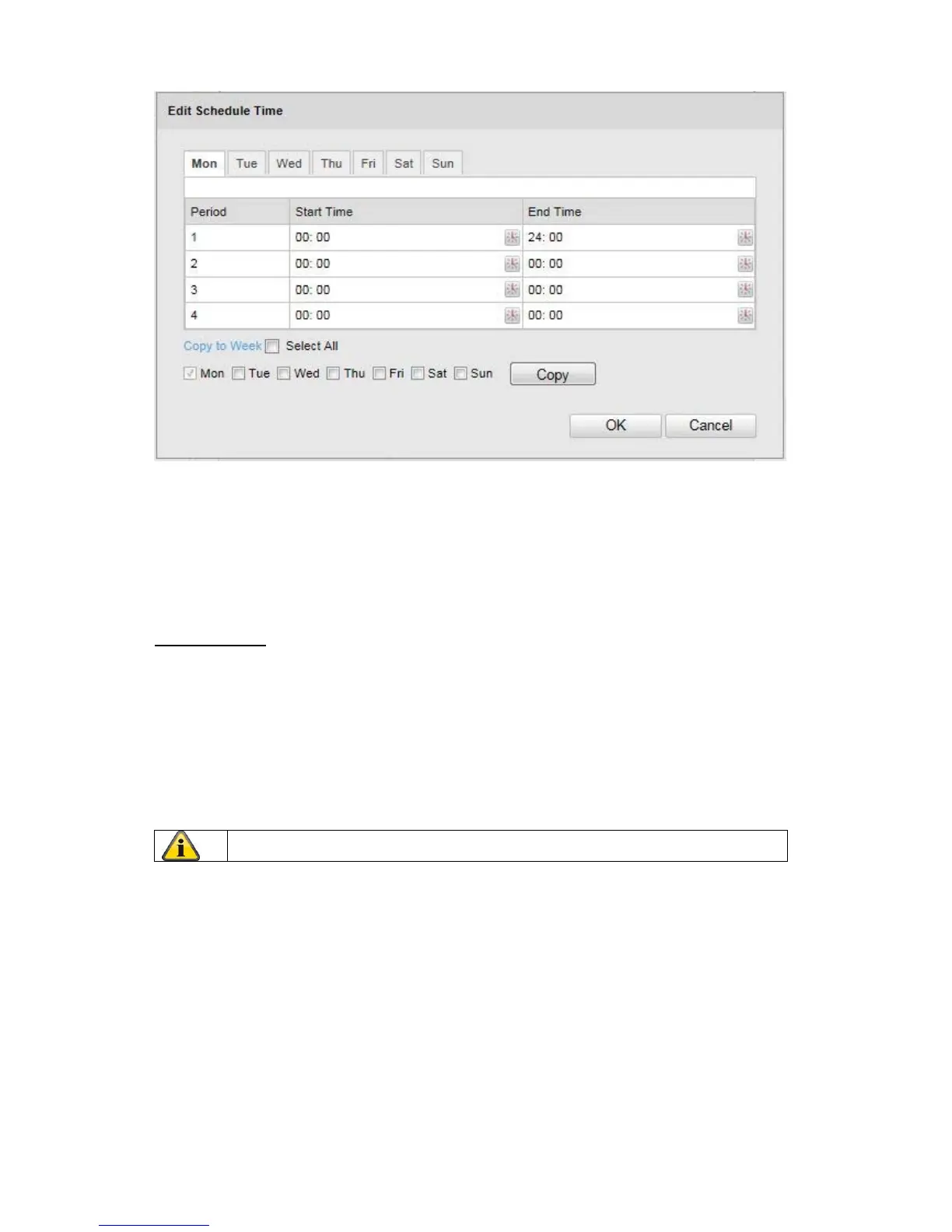
w select a week day for the sabotage alarm. To store particular time periods, enter a start and end time.
To set up an all-day sabotage alarm, select 00:00 as the start time and 24:00 as the end time.
To activate the sabotage alarm for all week days, click the “Select A
ll” checkbox. To copy the sabotage
alarm to other week days, select the week day and click on “Copy”.
To apply the changes, click “OK” and to discard them click on “Cancel”.
Linkage Me
thod
Make the setting here for which action the sabotage alarm should be performed.
Normal Linkage
Send Email: You receive an e-mail as notification, act
ivate the checkbox for this to be performed.
Other Linkage
You can switch on the alarm output for when tampering is detected.
To switch on
alarm output 1, select “A->1”.
Apply the settings ma
de with “Save”.



 To Next Page