84
Enable DDNS
Activates or deactivates the DDNS function.
DDNS Type
Select the DDNS type. You can choose between “DynDNS” and “ABUS DDNS”.
Server Address
Select a DDNS service provider. You must have registered access to this DDNS service provider (e.g.
www.dyndns.org).
If you select “ABUS DDNS” as the DDNS type the server address is stored automatically.
Domains
Enter your registered domain name (host service) here (e.g. myIPcamera.dyndns.org).
Port
Store the port for port forwarding here.
User Name
User ID of your DDNS account
Password
Password of your DDNS account
Confirm
You need to confirm your password here.
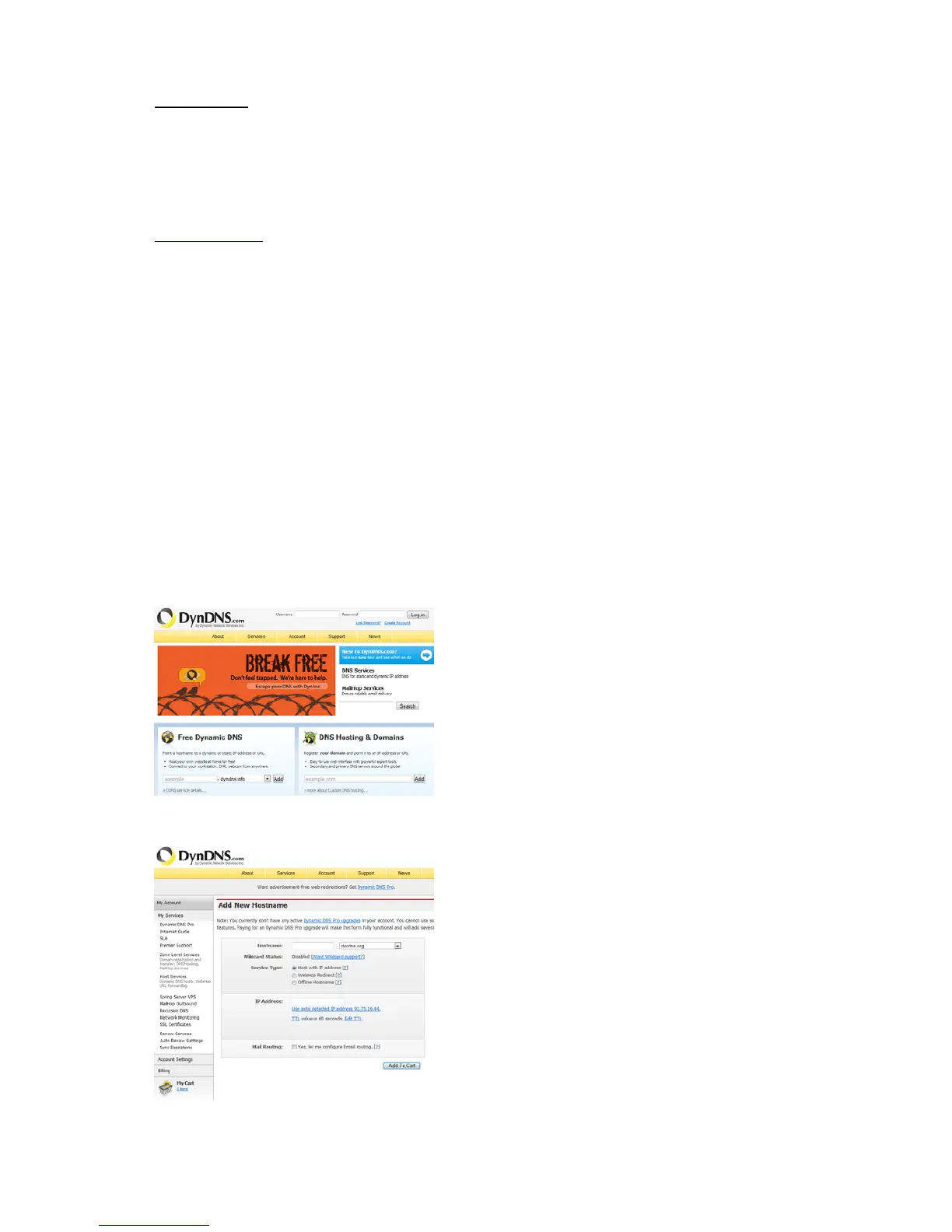
Setting up a DDNS account
Set up a new
account as follows under DynDNS.org:
Store your a
ccount information:
Note do
wn your user data and enter this into the configuration of the network camera.



 To Next Page