68
CONTROLLER 69
POWERING AND SETUP
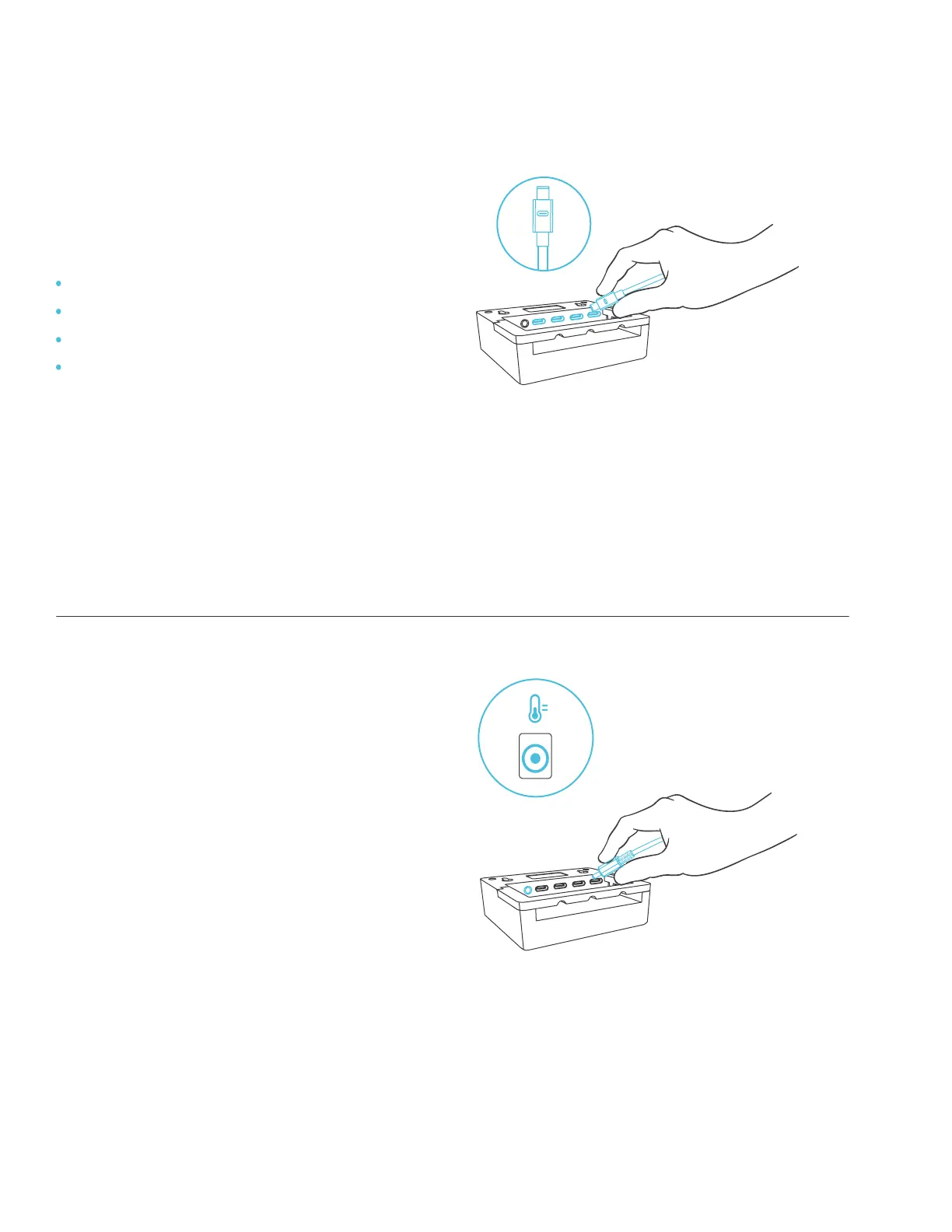
STEP 1
Plug your devices’ UIS connectors into the
following numbered ports:
STEP 2
Plug the sensor probe into the controller’s
3.5mm jack. Set the probe near your
plants in your grow tent for the most
accurate reading.
Port 1 – Inline Fan
Port 2 – Grow Light
Port 3 – Clip Fan
Port 4 – Clip Fan (model AC-PKB44 only).


 To Next Page