91
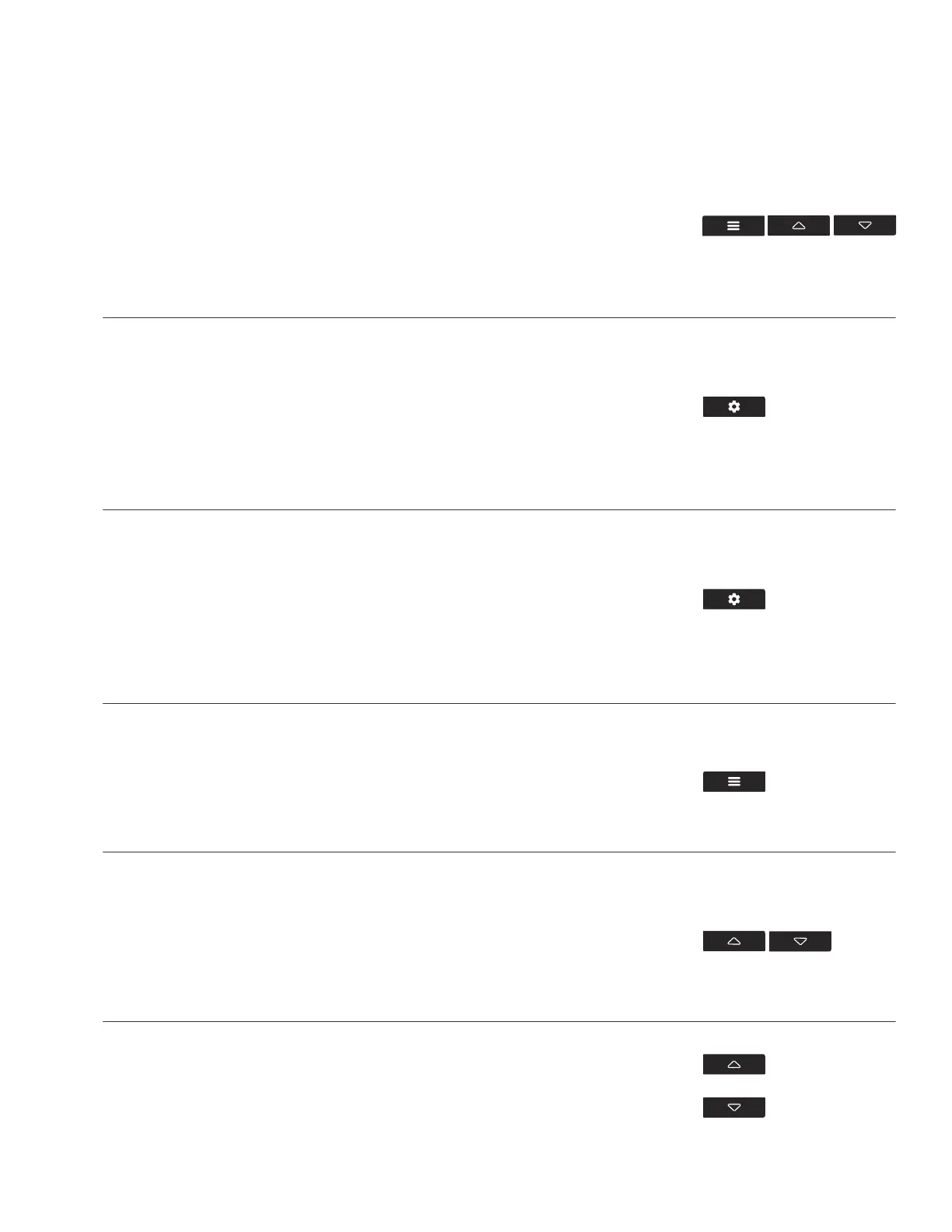
JUMP TO OFF MODE
Holding the mode button for 3 seconds while in any mode
or setting will automatically jump to OFF Mode. This
function is disabled if the controller is locked.
FACTORY RESET
Holding the mode, up, and down buttons together for 5
seconds will reset your controller and restore factory
settings. This clears all user parameters in each controller
mode and setting.
CONTROLLER LOCK
Holding the setting button will lock the controller in
your current mode. While your controller is locked, no
parameters may be adjusted, nor will you be able to
switch modes. Holding the setting button again will unlock
the controller.
HOLD +
HIDE SCREEN
Lock the controller so no settings can be adjusted. See
above. Then press the setting button to turn the display off.
Pressing it again will turn the display back on. Programs
will still run in the background while the LCD screen is off.
PRESS +
RESET TO OFF/DEFAULT
Holding the up and down buttons together for 2 seconds
will reset the value of your current mode or controller
setting to OFF/Default. Pressing either the up or down
button will return to the previous value.
HOLD +
HOLD +
AUTO INCREASING OR DECREASING
Holding the up or down button will increase or decrease
the user setting automatically until you release them.
HOLD +
HOLD +
HOLD +
CONTROLLER 69
OTHER SETTINGS


 To Next Page