Accent 800/800-D Getting Started 6
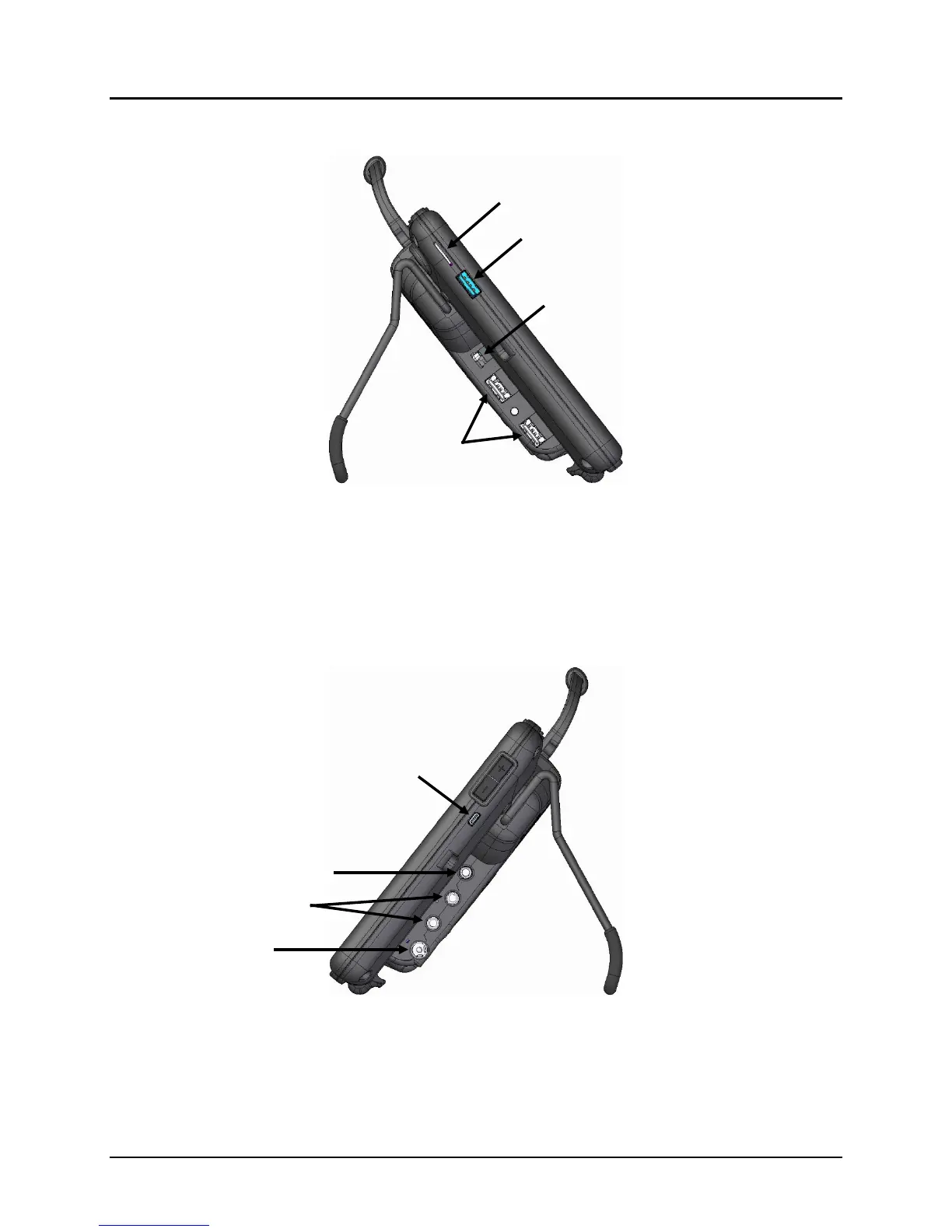
Left Side View
1
The USB 3.0 port supports USB 3.0, USB 2.0, and USB 1.0 accessories.
2
Functional only with purchase of the Integrated Feature Pack. The external access mini port allows you to connect to an
external device if you have the integrated feature pack.
3
The USB 2.0 ports support USB 2.0 and USB 1.0 accessories.
Right Side View
1
The HDMI port allows you to connect a secondary screen to the device for visually challenged communicators.
2
If you use a switch or switches for access to your device, plug them into switch jacks A and B. To use a joystick, you
will need a Y-adapter. If you have a joystick plugged in and it does not respond normally, reverse the way it is plugged
in (plug switch A into jack B, switch B into jack A).
Mini Port
2



 To Next Page