Accent 800/800-D Getting Started 9
Removing or Reattaching the Handle
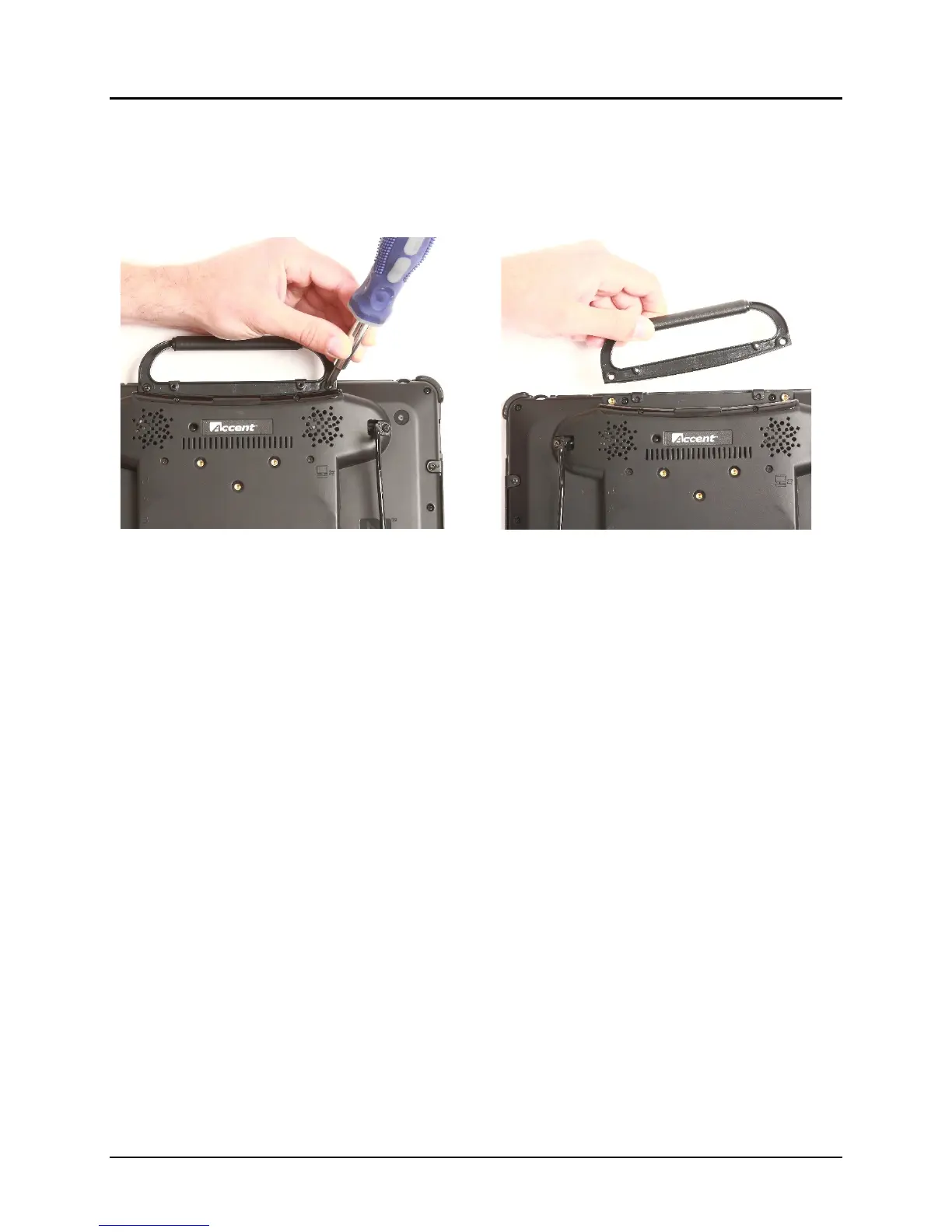
To Remove the Handle from the Device
1. Remove the two screws that hold it in place.
2. Pull the handle away from the device.
3. If you are not going to mount a NuPoint module, it is important to attach the port cover to protect
the Mini USB Connector. See “To Reattach the Handle” below.
To Reattach the Handle
Remove the port cover, line up the holes in the handle with the holes on the back of the device, and
insert the two screws.



 To Next Page