Accent 800/800-D Getting Started 7
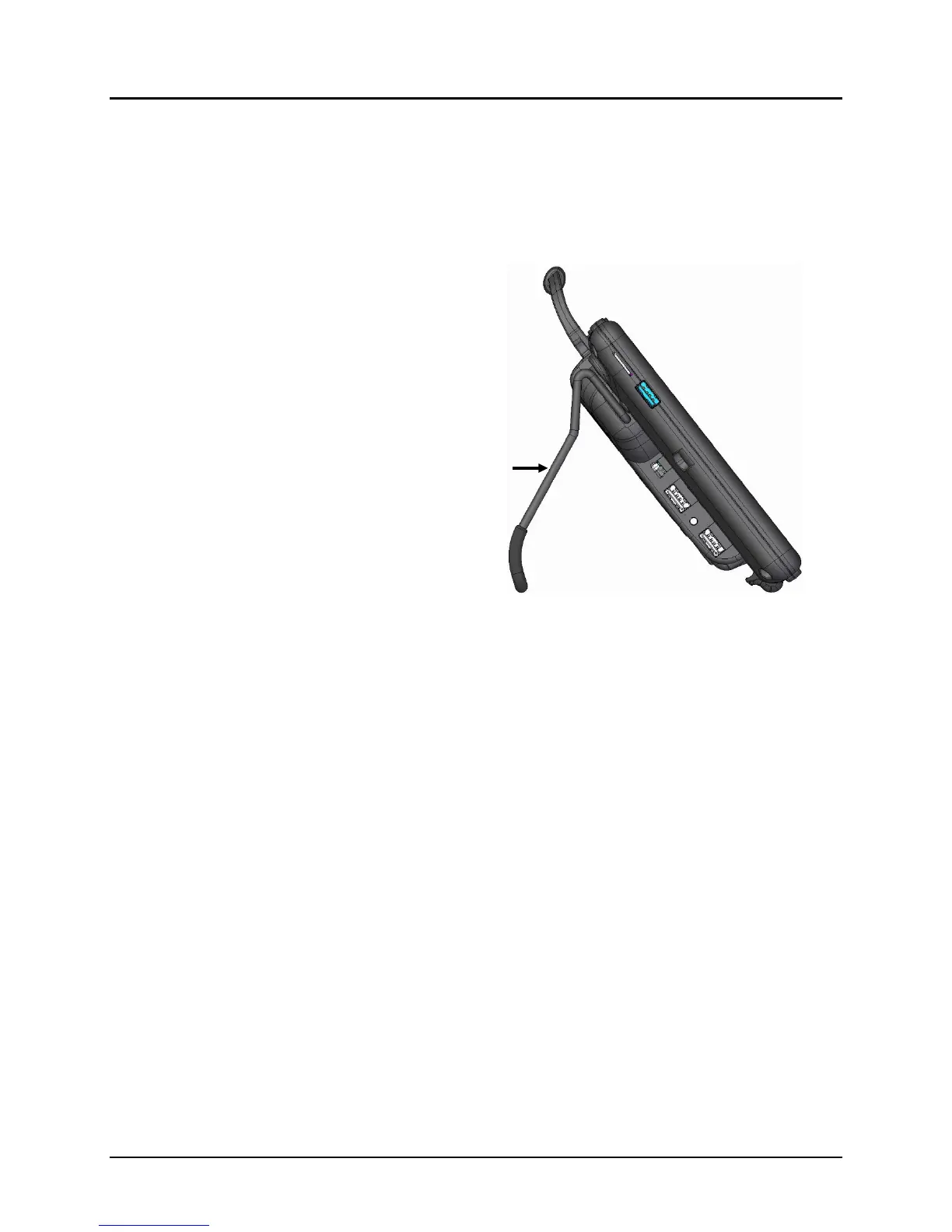
Opening the Wire Stand
The stand in the latched position provides a slight angle for viewing the screen when the device is
sitting on a flat surface.
When the user needs an additional angle, extend the legs of the stand away from the back of the
device by doing the following:
1. Place the device face-down on a flat surface.
2. Rotate the stand away from the back of the
device.
3. The legs will latch into place in the holders at
the top of each leg.
latched in place



 To Next Page