EasyManua.ls Logo

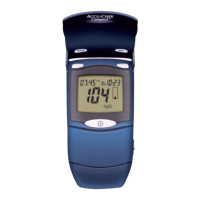
Accu-Chek Compact - Getting Started

Accu-Chek Compact
56 pages
Print Icon
To Next Page IconTo Next Page
To Previous Page IconTo Previous Page
Loading...
7
ystem
Battery Cover
Slide cover to
unlock, open, and
replace batteries.
View Window
Displays the
number of strips
remaining.
Test Strip – Touch drop
of blood or control
solution here at the
black notch on the front
end of the test strip.
Test Drum – Bar code
on label is read by the
meter so coding is not
necessary.
Drum Vial – Label
shows acceptable
ranges for glucose
control solutions
and use-by date.
Infrared (IR) Interface
Window – Used to
transfer data from the
meter to a computer.
Top
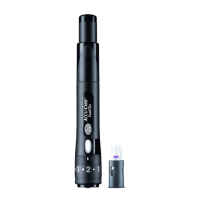
Lancet Device
Clear Cap
(for alternative site
testing)
Protective Cover
Ejector
Plunger
Release Button
Cap with Comfort Dial
Depth Selection
Lancet
*Items may be sold separately.
361_26758_Manual_AC_Compact.qxp 6/27/05 11:35 AM Page 7

Other manuals for Accu-Chek Compact

Related product manuals