EasyManua.ls Logo

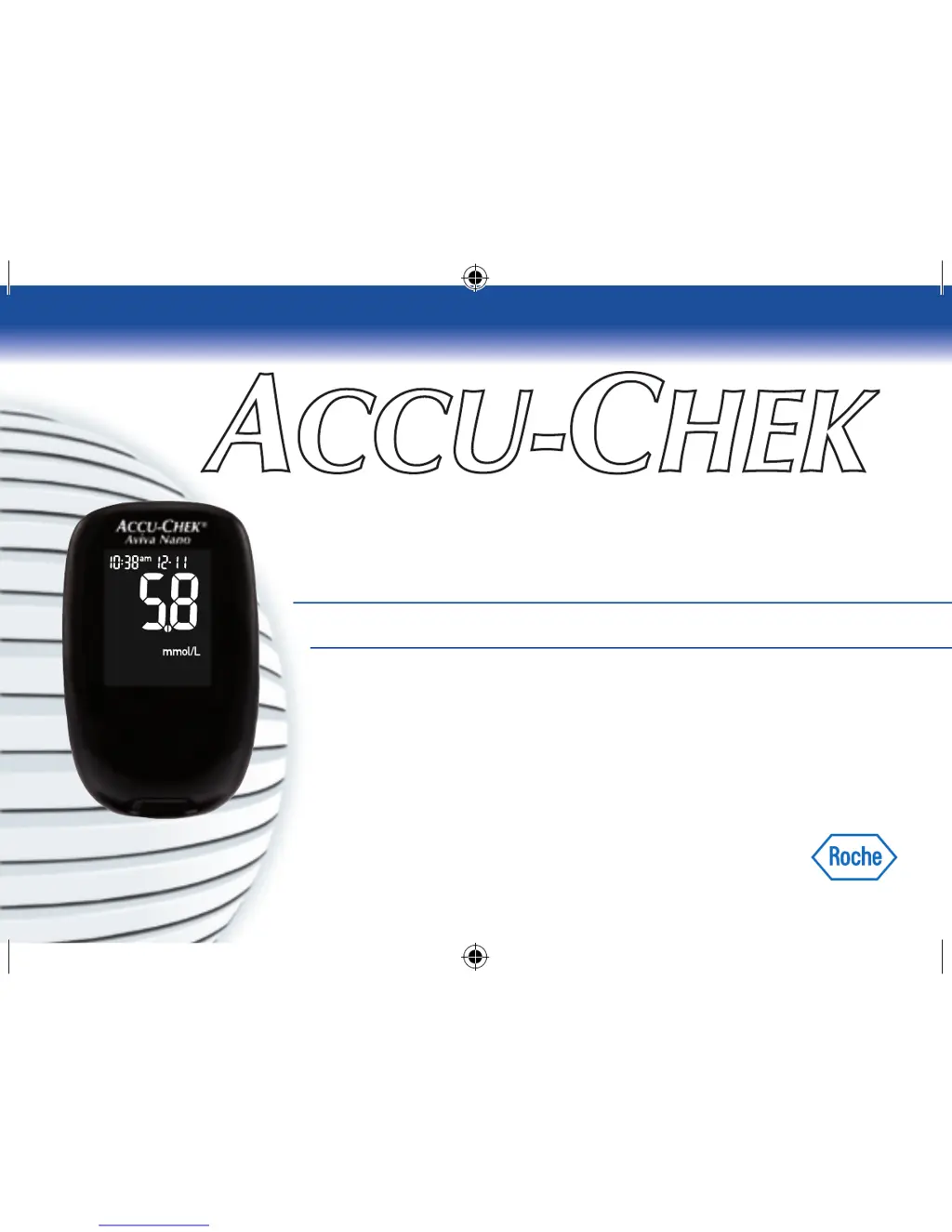
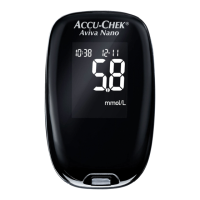
Accu-Chek Aviva Nano - User Manual

Accu-Chek Aviva Nano
85 pages
Print Icon
To Next Page IconTo Next Page
Loading...
BLOOD GLUCOSE METER / GLYCOMÈTRE
User’s Manual
Manuel de l’utilisateur
ACCU-CHEK
®
Aviva Nano
This le may not print
or view at 100%.
Die lines and color
breaks do not print.
Spot Colors:
PMS 287
PMS 5445
Process Colors 4/c:
Cyan
Magenta
Yellow
Black
43604_NanoAv_12hr_Cov.indd 1 11/24/08 11:06:50 AM

Other manuals for Accu-Chek Aviva Nano

Questions and Answers

  • J
    jennifer13Jul 28, 2025
    Why does my blood glucose result not match how I feel with Accu-Chek Aviva Nano Blood Glucose Meter?
    • K
      Kayla LeeJul 28, 2025
      If your blood glucose result from the Accu-Chek Blood Glucose Meter doesn't align with how you feel, several factors could be at play. First, check the expiry date of your test strips and discard them if they're expired. Ensure the cap on the test strip container is tightly closed; if you suspect they were uncapped for a while, replace them. Repeat the test with a new test strip if the strip was out of the container for an extended period or wasn't stored properly in a cool, dry place. Also, ensure that the code number on the meter display matches the one on the test strip container; if they don't, insert the correct code chip. If the code numbers match, repeat the test with a new test strip and perform a control test.

Summary

Understanding Your New System

The Accu-Chek Aviva Nano Meter

Describes the components and functions of the Accu-Chek Aviva Nano meter.

Coding the Meter

Instructions for inserting and changing the code chip for accurate readings.

Using the Accu-Chek Aviva Nano System

General guidance on operating the meter and handling test strips.

Testing Your Blood Glucose

Performing a Blood Glucose Test

Step-by-step guide for conducting a blood glucose test.

Marking Test Results and Setting the Post-Meal Reminder

Tagging results and setting reminders for post-meal testing.

Alternate Site Testing (AST)

Procedures for testing blood glucose from sites other than the fingertip.

Unusual Blood Glucose Results Troubleshooting

Steps for when test results don't match how you feel.

Meter Memory, Setup, and Data Transfer

Meter Memory and Viewing Test Results

Storing, accessing, and interpreting test results.

Meter Setup Configuration

Customizing time, date, beeper, reminders, alarms, and hypo indicator.

Transferring Data Directly to a Computer or PDA

Connecting the meter for data download and analysis.

Control Testing and Troubleshooting

Performing Control Tests

Rationale and procedures for control testing.

Understanding Out-of-Range Control Test Results

Interpreting and troubleshooting control test results.

Meter Maintenance and Cleaning

Procedures for changing batteries and cleaning the meter.

Troubleshooting Error Messages

Identifying and resolving common meter errors.

Technical Information and Safety

Product Limitations and Specifications

Technical details, operating conditions, and constraints.

Electromagnetic Compatibility

Meter's compliance with EMC standards.

Product Safety Information

Important safety warnings.

Disposing of Your Used Meter

Instructions for proper meter disposal.

Explanation of Symbols

Meanings of meter symbols.

Guarantee and Additional Supplies

Warranty information and available accessories.

Information for Healthcare Professionals

Specific guidance for medical professionals.

Accu-Chek Aviva Nano Specifications

General IconGeneral
Blood Sample Size0.6 µL
Test Time5 seconds
Battery LifeApproximately 1000 tests
Dimensions69 x 43 x 20 mm
DisplayLCD
Measuring Range10-600 mg/dL
Battery1 x 3V CR2032 lithium battery
Storage Conditions-25°C to 70°C
Memory500 test results
WeightApprox. 40 g (with battery)

Related product manuals