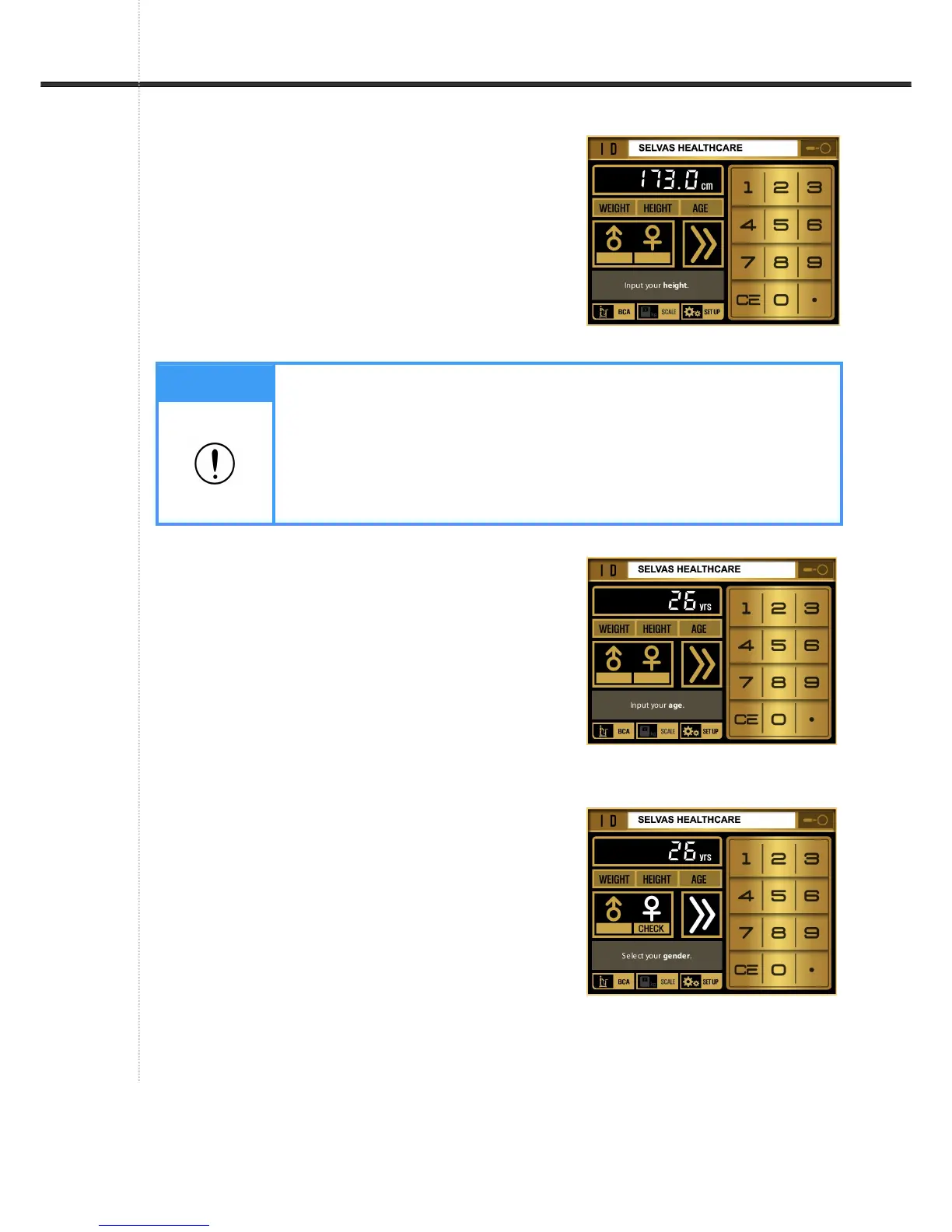
Input③ Height
- The following message and voice guidance appears
as follows. "Input your Height"
- The user enters height on the touch panel.
- ' • ' button on touch panel for decimal point numbers.
④ Input Age
- The message appears as follows.
'Input your Age.' Voice guidance also announces this
message.
- Input your age and confirm it.
⑤ Select gender
- The LCD screen changes as shown in the picture with
a chime bell.
- When the user hears the voice guidance "Select Male
or Female", select the gender.
Note
If want to re-input height, the first written value is first removed.
ex) when 154 is input, 154 cm appears on LCD.
ex) when 1594 is input, 594 cm appears.
To input decimal number, touch ‘• ‘button ahead of decimal number.
ex) to input 160.8, input 1 6 0 • 8, but if wanting to adjust to 160.4 ,
input only • 4 .


 To Next Page