Installation & Operation Manual - Model AVC5000
Contents of this Manual are Subject to Change Without Notification G
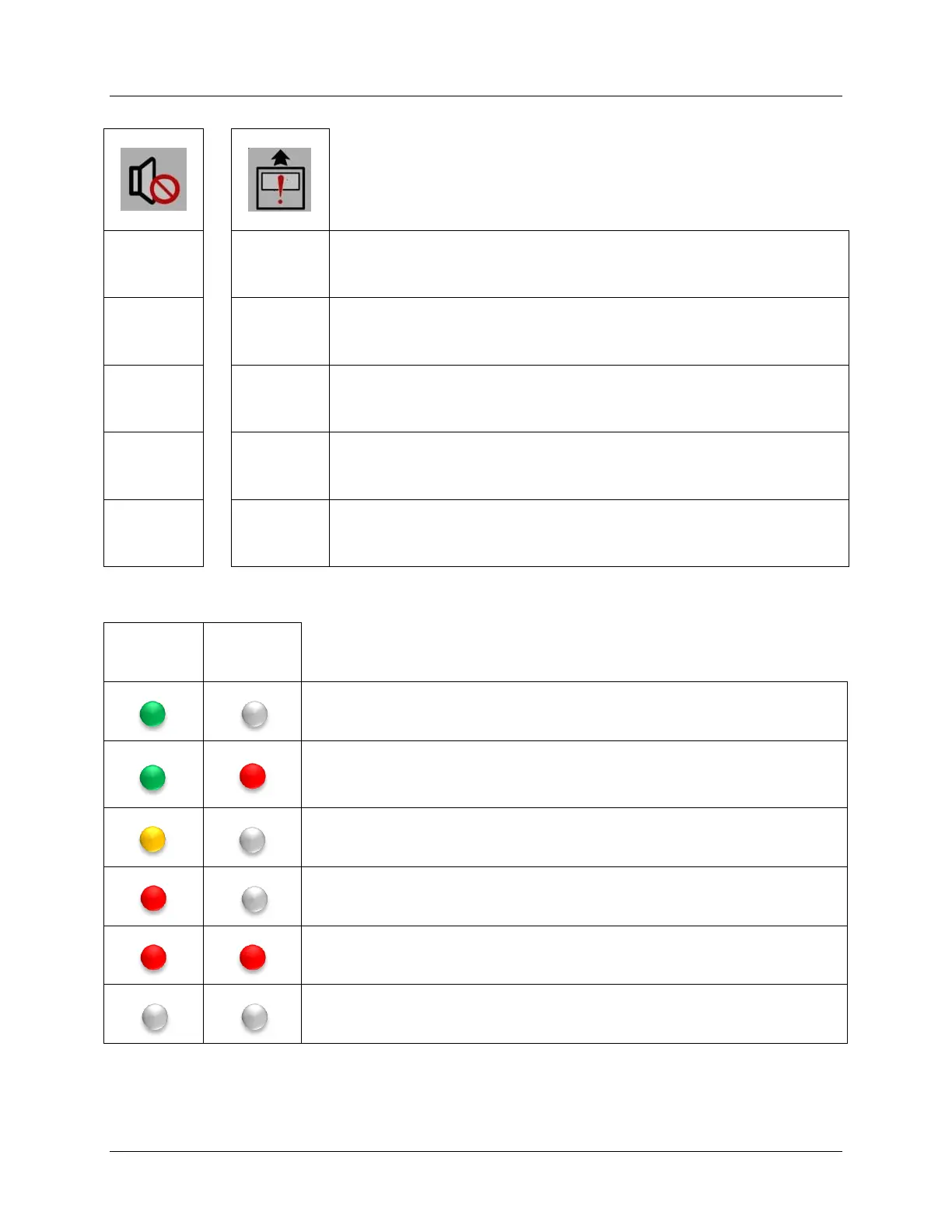
Display Button Functions
Momentary
Press &
Release
When alarm condition exists; pressing will silence the audible alarm horn,
pressing again will return audible alarm horn.
Momentary
Press &
Release
Activates Purge Mode, pressing again deactivates Purge Mode. Valid for Fume
Hood Mode Only
The LCD will sequentially display the following information; AVC Rev. x.x.x.x,
AFC Rev. x.x.x.x, DevObjID xxx, MAC Addr xxx, Serial # xxxxxx and Hibernat?
The LCD will sequentially display the following information; Mode: xxxxxx,
Present Setpoint xxxxx, Measured Volume xxxx, and Actuator Feedback
Position xxxx.
Press when
LCD =
Hibernat
Alarm
Status LED
Indicator
Purge
Status LED
Indicator
System operation is normal with no active alarms. Purge is inactive.
System operation is normal with no active alarms. Purge is active. Note; Purge can
initiated locally using the Purge button, however it can also be activated via BACnet
command or by using manual override function in Insight.
Sash is closed and controller is maintaining airflow at the minimum volume limit
Active alarm condition. Check display for alarm message. Purge is inactive.
Active alarm condition. Check display for alarm message. Purge is active. Note;
Purge can initiated locally using the Purge button, however it can also be activated
via BACnet command or by using manual override function in Insight.
Hibernate Mode is active. Hood is not in use.



 To Previous Page