Installation & Operation Manual - Model AVC5000
Contents of this Manual are Subject to Change Without Notification F
APPENDIX E: AFC5000 OPERATION
The AFC5000 is provided with a prefabricated plenum-rated cable available in lengths of; 25’,
50’, 75’ or 100’, for connecting directly to the AVC5000 control module. The AFC5000 does not
require configuration. All configuration is provided using the AVC Insight Configuration
Software. For detailed installation instructions reference the AFC5000 Submittal Drawing and
Quick Start Manual.
Model Code
AFC5000-xxx
000 = no cable
025 = 25’ cable
050 = 50’ cable
075 = 75’ cable
100 = 100’ cable
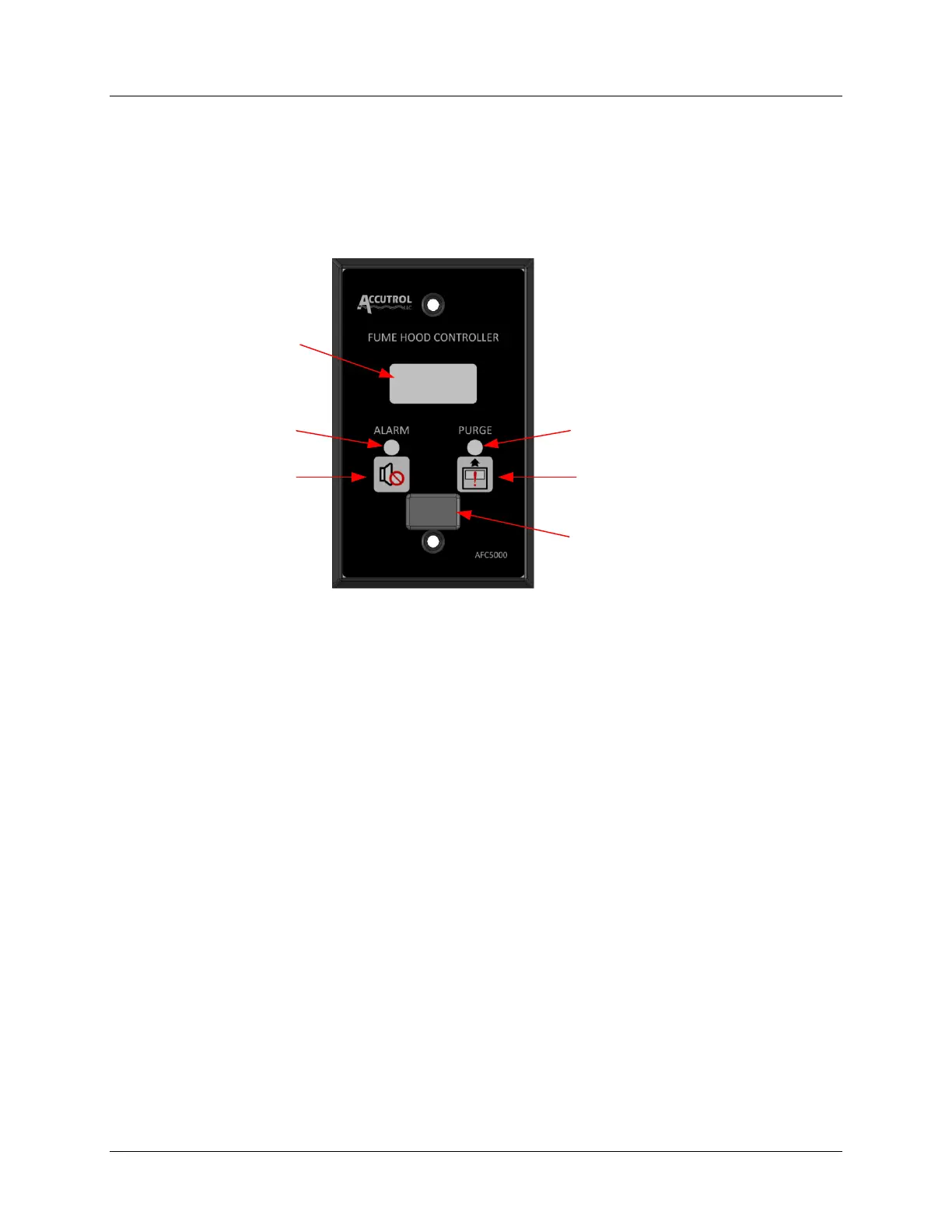
LCD Display
Type: Character Liquid Crystal Display, 2 Lines x 8 Characters with White LED Backlight
Line 1: Indicates Face Velocity or Airflow Volume, Depending on Operating Mode
Line 2: Provides Alarm Messages and Programmable Messages to Indicate Operating State
Note: LED backlight turns off during Hibernate Mode
Configuration Port
USB Type Mini Protected by Removable Rubber Plug
Provided for connecting PC with AVC Insight Configuration Software only



 To Next Page