Basic function setting
1. Limit setting Opening & closing force dynamically self-learning
2. Matching the receiver and transmitter
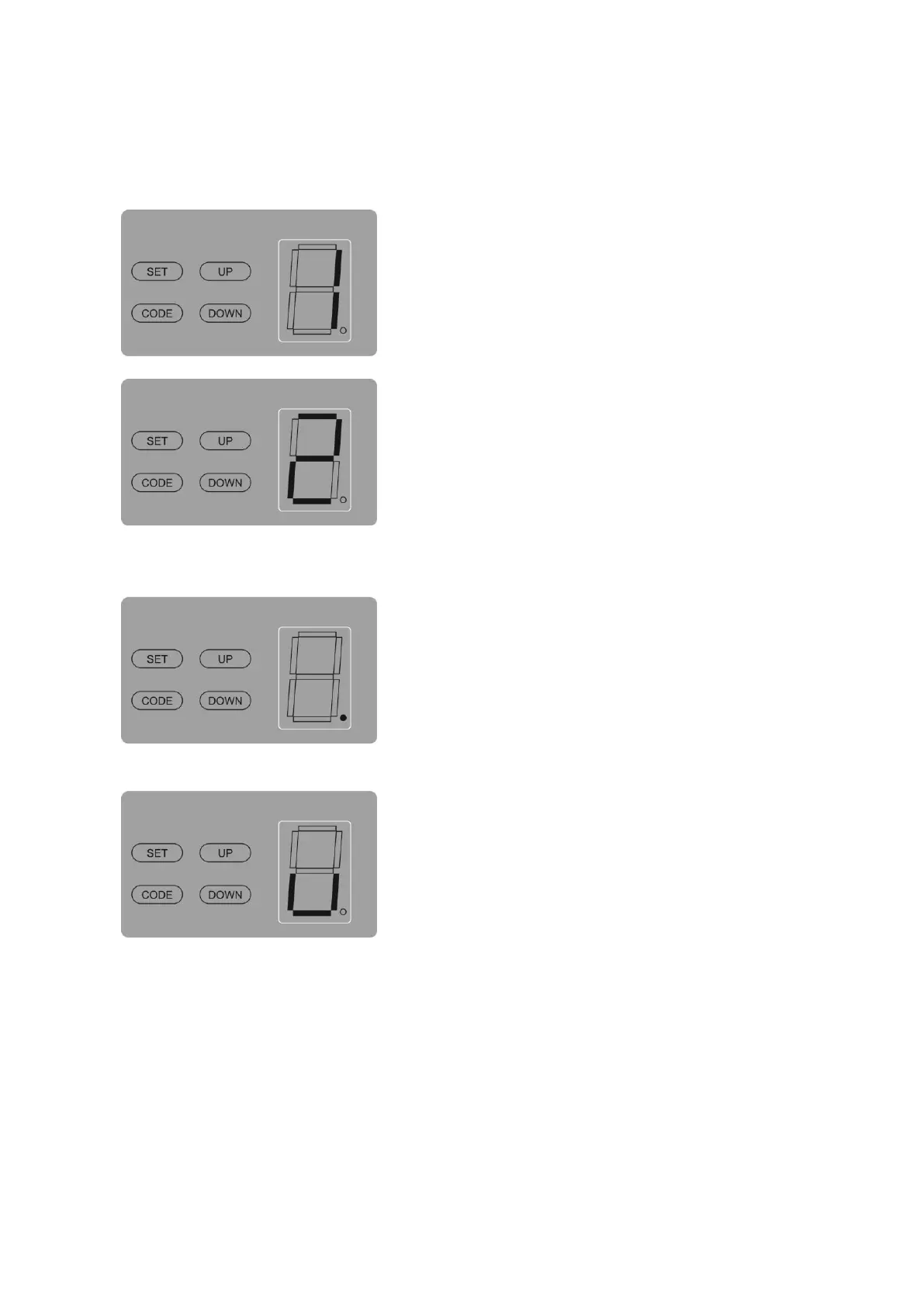
Fig. A
Fig. B
Press „SET‟ button and hold on until the LED displays
figure „1‟, then adjust the up limit by pressing „up‟ button.
Fine-tuning „UP‟ or „DOWN‟ button to determine the final
up limit position then press „SET‟ button the display turn
into „2‟ automatically. Adjust the down limit by pressing
„down‟ button. Fine-tuning „UP‟ or „down‟ button to
determine the final down limit position then press „SET‟
button. The opener will operate a cycle automatically to
remember the limit positions and the opening & closing
force.
Press „CODE‟ button and hold on until the LED dot
flashes. (Fig.A) Then press any button on the transmitter,
the dot will be off; press the button again the dot will fast
flash then LED displays „u‟ (Fig.B). After that the
transmitter will be available. It will be able to control the
open, close, stop of the garage door driver.
Press „CODE‟ button more than 8 seconds (the LED dot
flashes) until the LED displays „C‟, all the stored codes
will be deleted.



 To Next Page